 G-Nitro
So I ended up taking a picture of my PC setup and surrounding area for a Bluesky post, but might as well share it here since I spent some time organizing the area for the picture. LOL
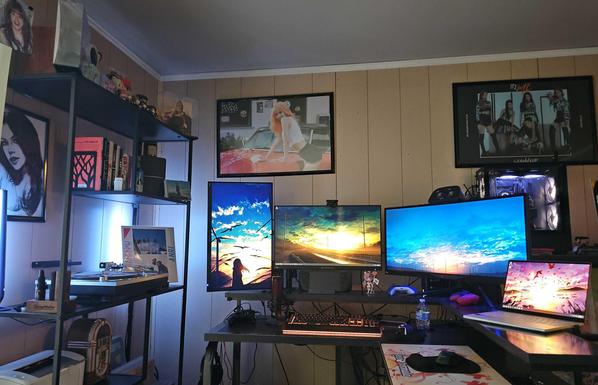
So I ended up taking a picture of my PC setup and surrounding area for a Bluesky post, but might as well share it here since I spent some time organizing the area for the picture. LOL
Is there a way to get the actual #desktopPicture being shown right now on #macos
-[NSWorkspace desktopImageURLForScreen:]
seems to only give the folder if you have it set to show a random picture from a folder, with no indication which image the user is seeing right now.
 Uli Kusterer (Not a kitteh)
 Marsxyz 🇧🇪