The processed recordings of the three
#CompArch B0B35LSP lectures I presented have been updated/reprocessed. I have spent considerable time fixing the blur, which makes the
#QtRvSim #RISCV simulation sequences especially less readable. There have been more problems, mainly in the professional
#BlackMagic setup at our university. Even after some reports and related fixes, there seems to be at least one frame missing in every 4k recordings, so there is no match between the number of frames, recording time, and frame rate. This results in the detection of the file as a variable frame rate one by
#kdenlive and even other tools (i.e. commercial on colleague’s MacOS). This results in transcoding to proper 25fps during import. There is an option to choose that as lossless, but when I already have 50GB from the original 1.5-hour recording, then I cannot imagine what the size would be. So there is degradation, and when the project is FullHD, and I want to expand one quarter of the original
https://youtu.be/pqW9_1t5Y5U 4k video, which is holding my presentation monitor and projector output to the whole FullHD screen, then it leads to practical half resolution. Even though I have spent time with full 4k processing, then final scale down to FullHD loads to interpolation and blur, even for the nearest pixel select option. I have solved the problem by extracting the top-right quarter of the input using ffmpeg with high-quality encoding, then I have imported this new screen file, added it to the timeline after the already edited lecture, and then done precise manual replacement/switch of both audio and video chains in the “*.kdenlive” file to place this extracted screen to all already edited chunks in the correct playlist. I have then even replaced the converted 25 fps sources with the problematic original ones and re-run rendering, with confirmation of a VBR warning about possible skew between audio and video. Quite a lot of time was spent on incorrect output from a professional and probably very expensive setup. I have never had such problems with
#opensource #obsstudio when using my old Intel HD graphics-based laptop (I have objected to signing the NVIDIA NDA at the university and do not want to use their HW if at least a little possible) to capture and process FullHD 50 Hz and sometimes even 4k 25 Hz videos from abandoned 4k
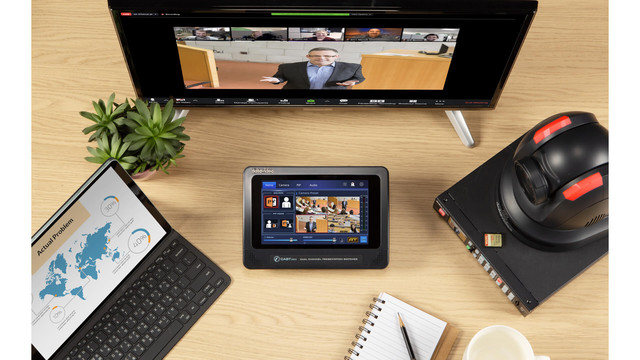
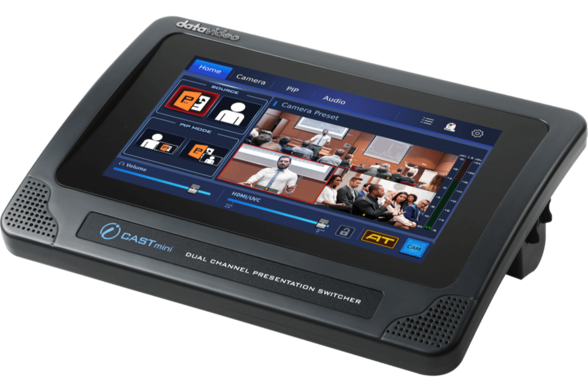
#DataVideo camera with uncompressed stream over HDMI and USB CamLink. I would expect that if the expensive HW producers provide full resources on how to update, correct, enhance, and replace SW and firmware in their products to the community, then it would save a lot of time for everybody.
 Pavel Pisa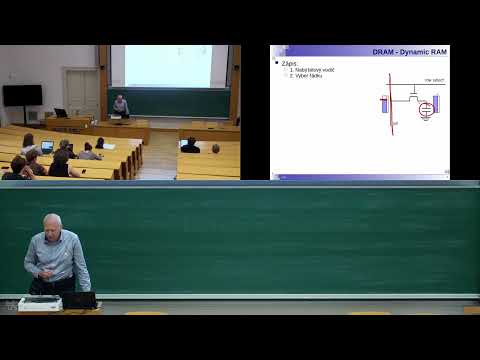
 COREMICRO