Aptivi
Samsung releases One UI 8.5 for the Galaxy A07 5G entry-level phone
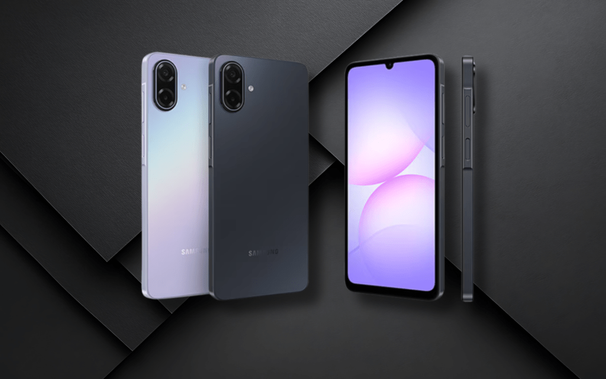
While the expansion of One UI 8.5 to many devices is still ongoing, we have seen more Galaxy A devices getting this update that provides you with many awesome features and a redesigned interface. The entry-level phone, the Galaxy A07 5G, received the One UI 8.5 update across different countries.
If your country is one of the following:
Then, you can download the One UI 8.5 update on your Galaxy A07 5G. The following firmware information is available, as spotted by Mohammed Khatri:
- SM-A076B: A076BXXU3BZE3
To update your Galaxy to One UI 8.5, follow these steps:
Make sure that you’re connected to a stable and fast Wi-Fi network to avoid high mobile data fees. Never interrupt the update in any way, or problems could occur later. Make sure that you apply all available updates once you update your phone for maximum stability. An update might take 5 to 10 minutes to apply, depending on the device and the type of the update being applied.
If you’re seeing “Your software is up to date,” this means that the update hasn’t reached your device yet. Keep checking for updates, as Samsung rolls it out gradually to all devices from country to country.
#A07 #A075G #Android #GalaxyA07 #GalaxyA075G #news #oneUi #OneUI85 #Samsung #SamsungGalaxyA07 #SamsungGalaxyA075G #smartphone #Tech #Technology #update