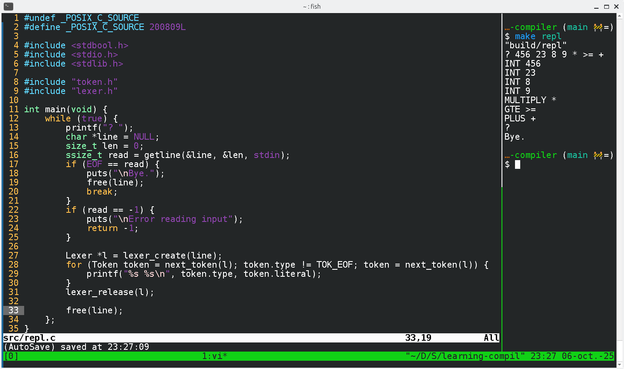
Still exploring this language thing. I am now trying to learn the basic usual stuff in C, instead of the quick & dirty awk pseudo compiler I did last time.
I only have a lexer for number and operator tokens for now, but: I have a REPL :)

| Articles | https://sroccaserra.fr |
| Code | https://git.sr.ht/~sroccaserra/ |
| Code | https://codeberg.org/sroccaserra/ |
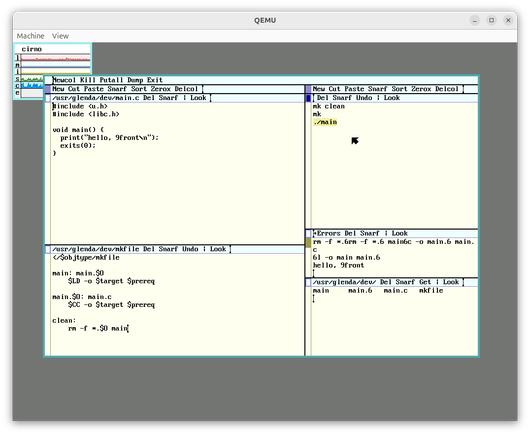
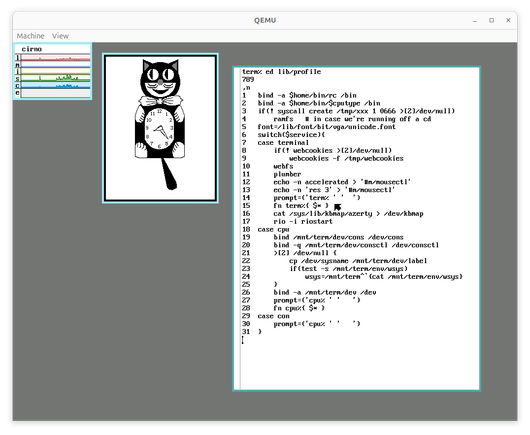
Having learned ed (the standard editor) a few months ago was very useful today to get started in plan9, to persist a few important configurations like keyboard mapping.
It avoided me the unnecessary stress of having to learn a new strange editor like sam and acme at the same time as learning how to setup a new OS.
Ed really is the standard editor!
Now the basic setup is done, I have 9front ready to go & I can take the time to learn sam & acme in a working environment.
Still exploring this language thing. I am now trying to learn the basic usual stuff in C, instead of the quick & dirty awk pseudo compiler I did last time.
I only have a lexer for number and operator tokens for now, but: I have a REPL :)
I wrote an "assembler" and an "interpreter" for a "language" that can only add two 8 bit values :)
Two lines of awk and 30 lines of C, all fits in this post's image.
Chances are good that I will soon end this silliness, but it is easy and fun so far :D

Well, basic keywords & comments highlights was so easy that I added it for the HTML version:
5 files changed, 14 insertions(+), 3 deletions(-)
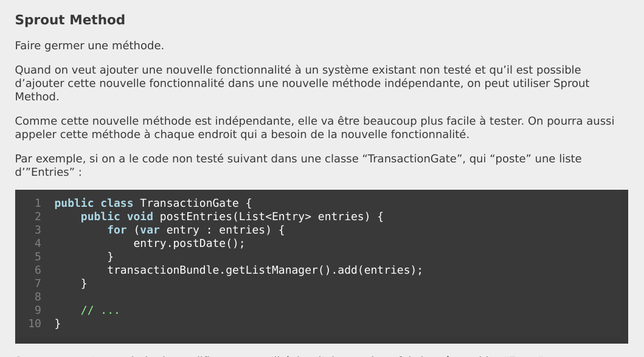
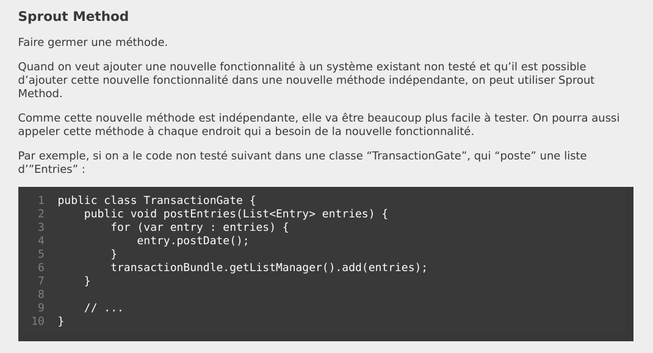
I extended my simple static site generator: I can now display CSS line numbers for the code snippets in the HTML version, and regular text numbers for the gemtext version.
This is very useful for me, because I want to depend on as few things as possible, so code syntax highlights is not an option for the moment.
Also, both are generated from the same source, so sometimes some constraints of gemtext apply to HTML and I'm experimenting with exactly that as a (humble) writer.
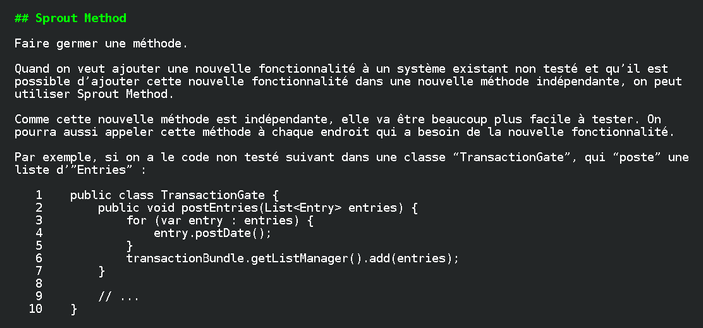
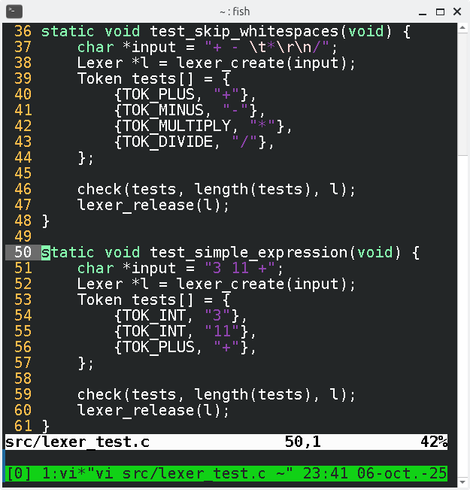
Example of displaying fragments of files in the shell to make visible connections, and using ed (the standard text editor) to quickly copy a line of a file to another:
