| Blog | geofcrowl.com/blog |
| Air Lookout | airlookout.com |
| Simple Pacer | simplepacer.com |
| Blog | geofcrowl.com/blog |
| Air Lookout | airlookout.com |
| Simple Pacer | simplepacer.com |
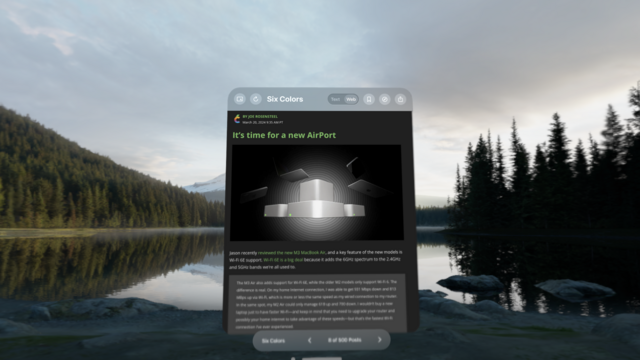
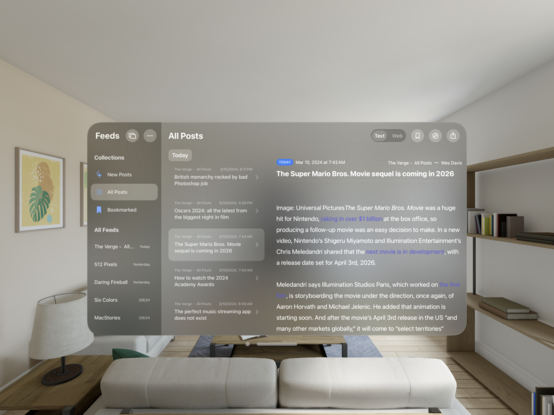
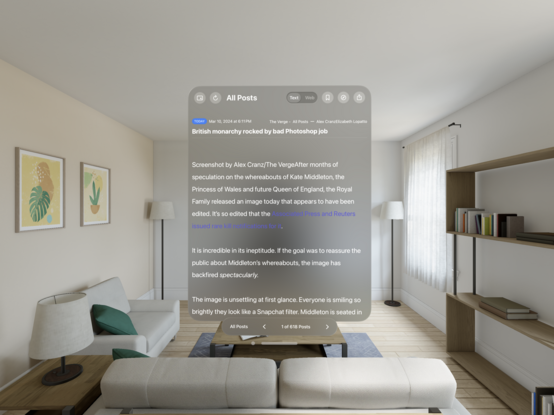
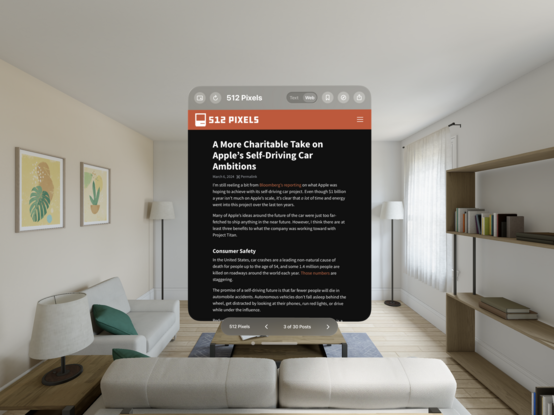
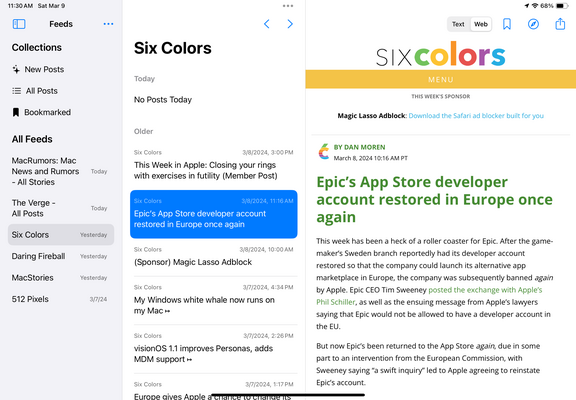
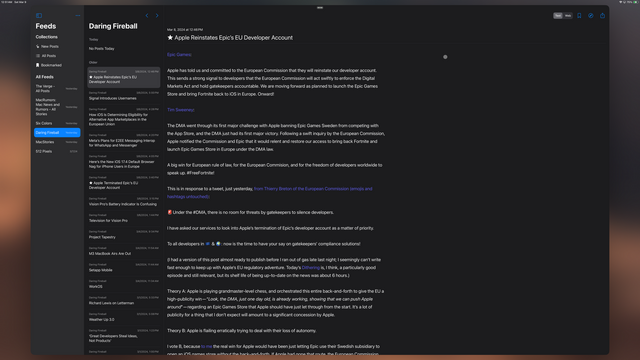
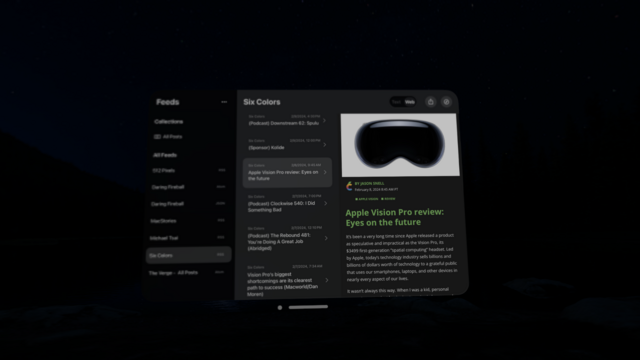
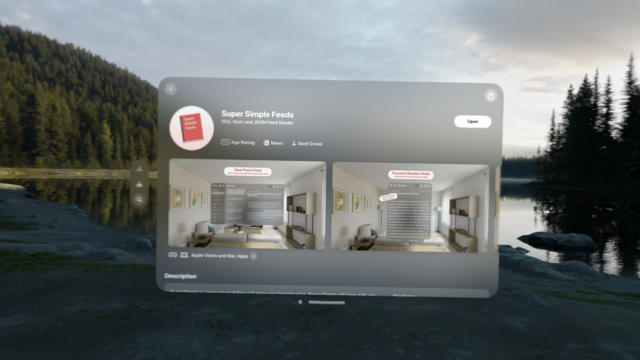
My new app, Super Simple Feeds, a stress free RSS/ATOM/JSON feed reader, for visionOS and macOS is now available!
https://apps.apple.com/us/app/super-simple-feeds/id6477749439
Super Simple is a new way to follow and enjoy your favorite sites. Super Simple will work with any site that publishes a valid RSS, ATOM or JSON feed. # New Posts Feed Catch the latest posts from your favorite sites. # Reader Mode Distraction free and tuned for reading. Move between posts quickly…
I’m pretty new to CloudKit, but my iOS and visionOS builds all automatically switched over to using the production CloudKit database when uploaded to TestFlight… except for my mac build.
Have others ran into this before? I can manually force a local mac build to use the production database and it works… but damn that seems prone to error when uploading a Mac App Store build.
I've been working on an RSS feed reader because I have very specific opinions about how an app like this should be. It's also a great excuse to work on a visionOS app.
I've opened up 100 spots for people to try it on TestFlight before it is released on the App Store. Check it out and let me know what you think!
I've spent a ton of time taking screenshots on the Apple Vision Pro this past week and have a lot of tips to share on how to get the best possible screenshots that are crisp, clear, and not all tilted.
Here's how to do it on @macstories: https://www.macstories.net/stories/the-best-way-to-take-screenshots-on-apple-vision-pro/
Taking good-looking screenshots on the Apple Vision Pro isn’t easy, but it’s not impossible either. I’ve already spent many hours taking screenshots on the device, and I thought I’d share my experience and some practical tips for getting the best screenshots possible. Although I’ve only had the Apple Vision Pro for a week, I’ve already