Overcast

@overcastfm
19.5K Followers
0 Following
206 Posts
A powerful, simple iPhone podcast app.
Websitehttps://overcast.fm/
App Storehttps://apps.apple.com/us/app/overcast/id888422857
Official Subreddithttps://www.reddit.com/r/overcast/

Overcast for iOS 26 is now available!

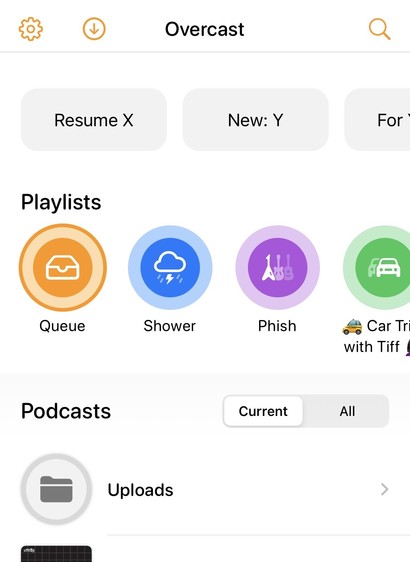
- Adopted iOS 26's native toolbar buttons everywhere

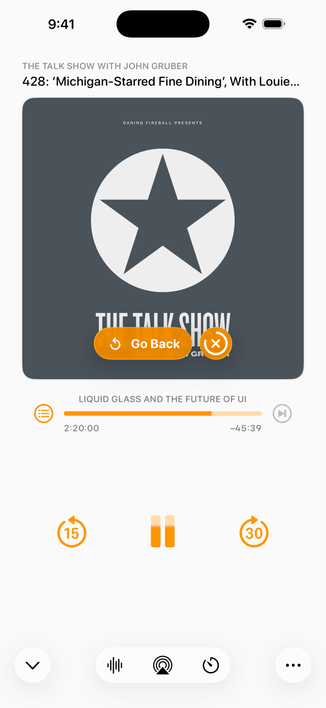
- Simplified miniplayer to fit iOS 26 style and allow faster access to the playback screen as a giant touch target. (If you want the seek buttons back, switch to Classic under Customize Home Screen!)

- Playback speeds are now offered in 0.1 increments from 0.5–3.0

- Lots of little fixes

Get it now in the App Store! (Works on iOS 18, too.)

https://apps.apple.com/us/app/overcast/id888422857

New for Overcast Premium:

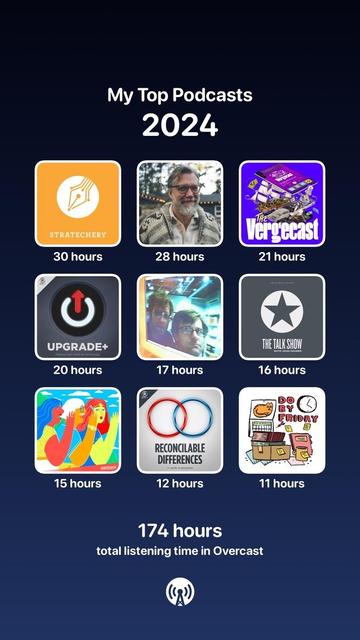
Listening Stats: See your top podcasts of the year and share these fun images!

48-hour History & Undo: Accidentally seek too far, leave your phone playing, or delete the wrong episode, podcast, or playlist? Just undo!

And after 8 years, I'm finally raising the price to $15/year (previously $10). I try to provide a HUGE surplus of value over time, far greater than what I charge, so when I eventually ask for more, it’s a no-brainer. I hope I’ve achieved that for you. 🧡

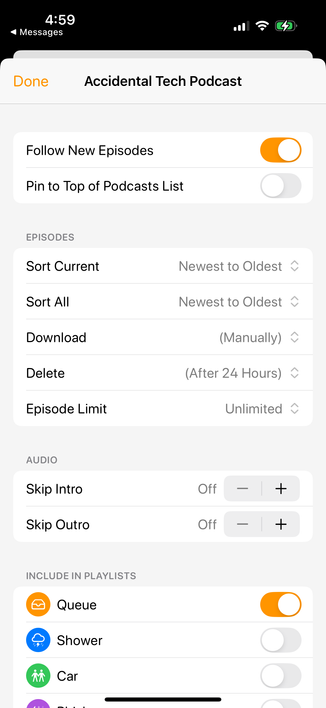
The new "Include in Playlists" feature on Podcast Settings screens has been one of the most-requested Overcast features of all time. (Really!)

It's a huge time-saver when following a new podcast if you maintain separate playlists for different sets of podcasts.

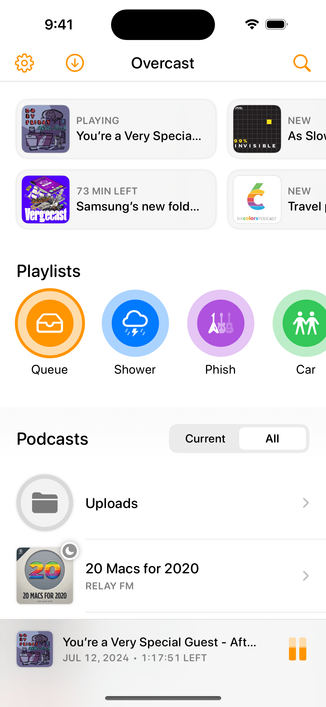
See the bottom of this screenshot:

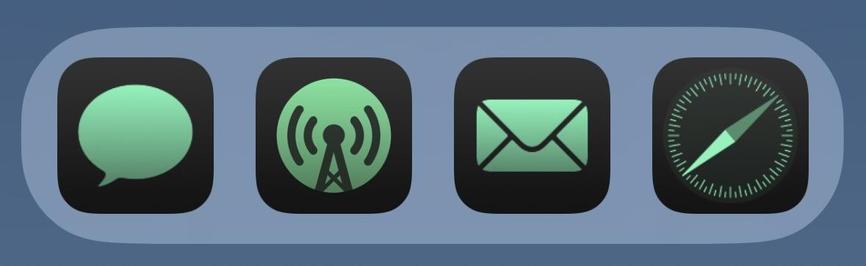
And the iOS 18 icons fit right in. 😎
Sooooo convenient to swipe to download…

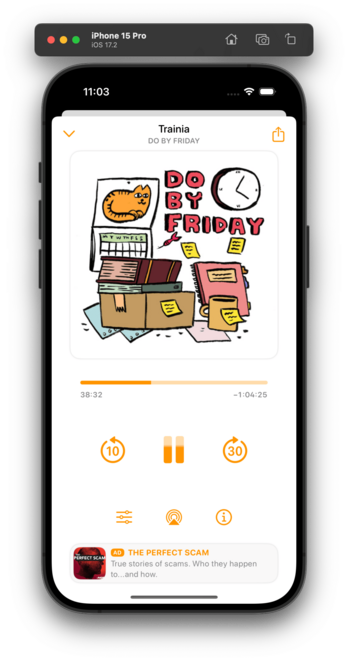
My 2024.9 update is out, and swiping is back on the now-playing screen!

Swipe between the artwork page and the new chapters/info combo page. It fits WAY more info on screen than the old app, and it feels so good!

Also:
- Swipe left to download an episode
- New iOS 18 dark and color-tinted icons
- Download All Episodes option in playlist menu
- Fixed Episode Limit enforcement

In today's update (2024.8.1):

- Manage Storage
- Bug fixes, including 24-hour-auto-delete mode
- Seek back/forward buttons on the miniplayer

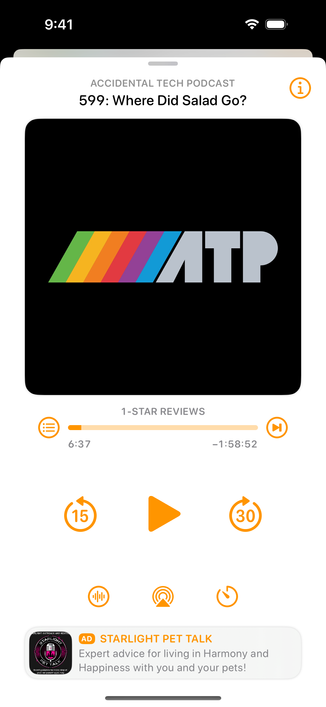
And by popular demand, the third button on the bottom of now-playing is now the Sleep Timer! (Sleep-timer custom intervals are also better now.)

The "i" button is now in the upper-right. (Tapping the artwork also still brings up info mode.)

I hear your feedback and am experimenting with other options for mode-switching the playback screen. Stay tuned.

Tomorrow.

If you were on the TestFlight beta, it has now expired — please switch to the App Store version.

The big rewrite is making good progress! But it's not ready yet.

Still have some missing features and placeholder UIs. But there are fewer of them with every passing week…

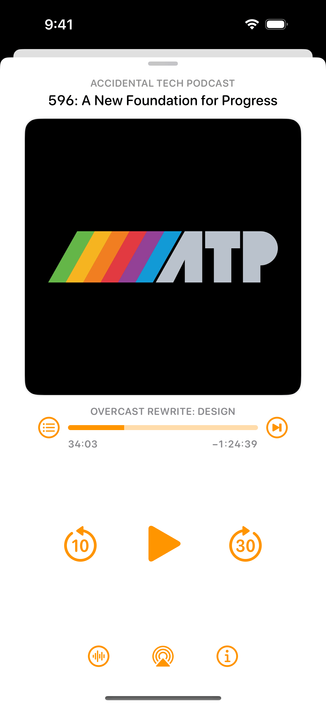
This isn't the final design or layout. Half of the buttons don't work. There's still SO much to do.

But the rewrite hit a huge milestone last week: I'm now able to use it myself to listen to my podcasts.

And it's finally starting to feel like home.