Human Interface Guidelines for Games on Apple Platforms -
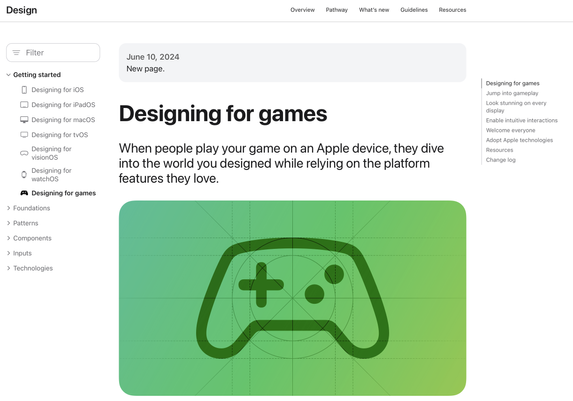
https://developer.apple.com/design/human-interface-guidelines/designing-for-games. This is an awesome new starting point for our recommended best-practices in user-experience. Don't miss the associated talk,
https://developer.apple.com/videos/play/wwdc2024/10085/
Designing for games | Apple Developer Documentation
When people play your game on an Apple device, they dive into the world you designed while relying on the platform features they love.
Wired Xbox Controllers - speaking of low-latency game input, one of the most-requested features for Xbox fans is here - use your Xbox controller on macOS, iOS, and iPadOS with a wire. (Hey, how was that any different from other wired controllers? Xbox uses a custom fast USB protocol called GIP instead of the USB-HID standard. But now you don’t have to care.)
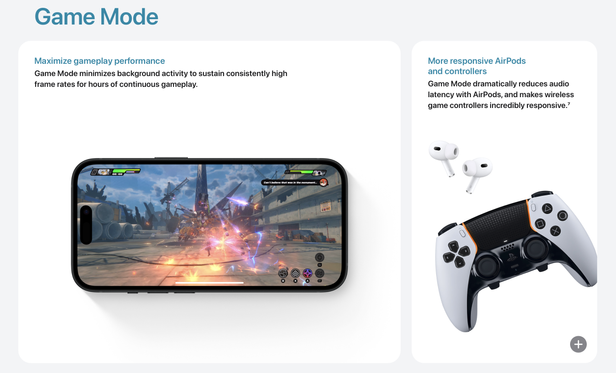
Game Mode on iOS - maximizes gameplay performance by minimizing background activity, while dramatically reducing input and audio latency.
https://www.macrumors.com/2024/06/13/ios-18-game-mode-faster-iphone/
iOS 18's New Game Mode Makes iPhones Faster and More Responsive
With iOS 18, Apple is adding Game Mode to iPhone. A similar Game Mode was added to macOS Sonoma last year, and the same performance-enhancing...
Game Porting Toolkit 2 -
https://developer.apple.com/games/game-porting-toolkit/ with improvements to instruction and graphics API emulation (hello, ray tracing!), more games run, and they run faster and with more accuracy. This year even more tools and dedicated sample code based on your feedback about what makes writing and porting high-end games easier.

Game Porting Toolkit - Games - Apple Developer
The Game Porting Toolkit makes it easier than ever to bring games to the unified gaming platform across Mac, iPad, and iPhone.
ohai, long time no see!
a small thread of gaming updates that I’m excited for you to try out in the iOS 18 beta and macOS Sequoia beta happening now...
based on feedback (thanks!), in latest Sonoma betas... if HUD blocks your view, toggle it on/off with SHIFT+F9 (might be SHIFT+FN+F9 on your keyboard), change alignment with SHIFT+F7, and toggle logging on/off with SHIFT+F8
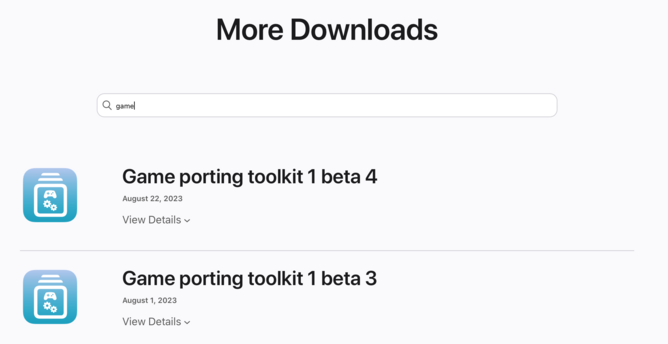
Ohai! GPTk 1 beta 4 is now live if you're up for late night GPTk'ing.
https://developer.apple.com/download/all/?q=game