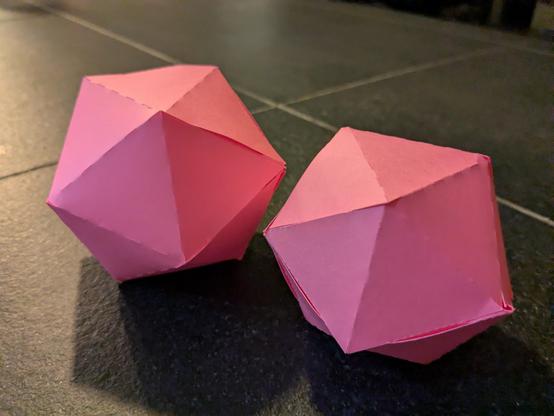
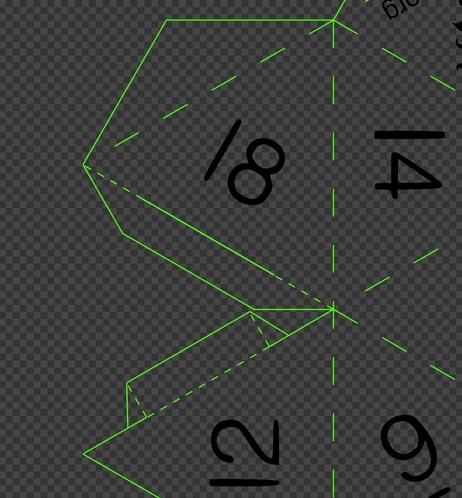
D20 nets: A lot of copy/pasting of tabs and slots. Inkscape was a HUGE help getting everything aligned right.
And it looks like it's all working! Can surely be made even easier to assemble, but even now they hold together nicely with zero glue!

Author of Head First Ruby and Head First Go. Web developer. Wannabe game developer.
Portrait by https://dribbble.com/drawsgood
| Primary Language | Ruby |
| Max HP | 247 |
| Homepage | https://jay.mcgavren.com/ |
D20 nets: A lot of copy/pasting of tabs and slots. Inkscape was a HUGE help getting everything aligned right.
And it looks like it's all working! Can surely be made even easier to assemble, but even now they hold together nicely with zero glue!
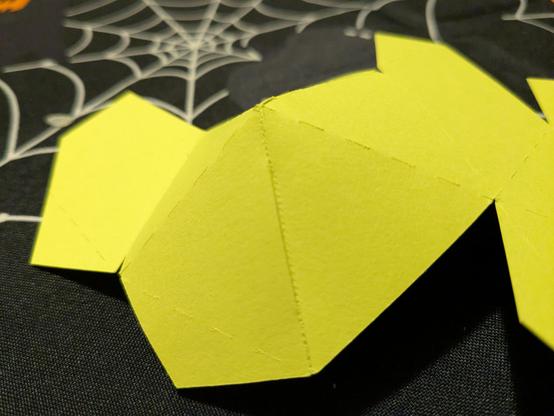
On the second prototype of my tab-and-slot design for assembling cardstock icosahedrons. This is showing real promise! The join is incredibly smooth. No glue needed!
Unfortunately it's also a pain to assemble. I couldn't get the hooks on the tab to catch. I know a fix, just need to implement...
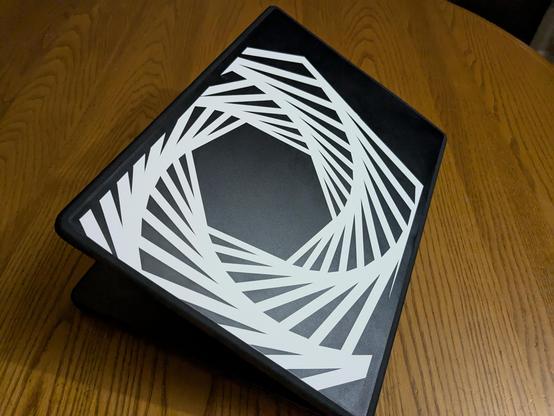
My new laptop case. Sticker vinyl cut at home with my second-hand Silhouette Portrait 3.
I didn't feel like waiting for my transfer tape order to come in, so I used a medium-grip cutting mat to do the transfer instead. Worked fine!
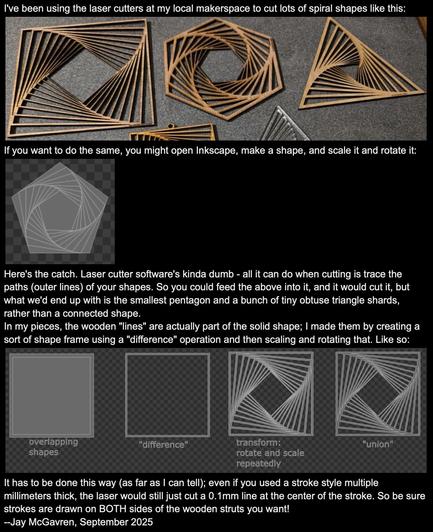
Shouldn't have gotten my hopes up. #ChatGPT just royally trolled me. 🤣
Me: "I want to cut stencils of bats and pumpkins out of plywood on a laser cutter. They should be nested to save material. How can I do this?"
It offers to make an SVG file FOR me. 🎉 It goes through several iterations, asking for more and more details, and I'm thinking, "Wow, it's really going to do all the work!"
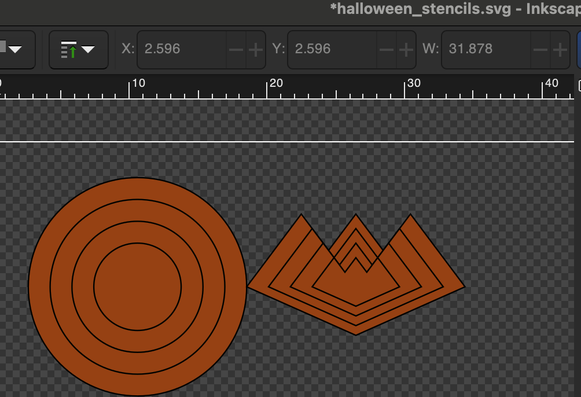
Then it gives me a download of my "pumpkin" and "bat" stencils... 🤣
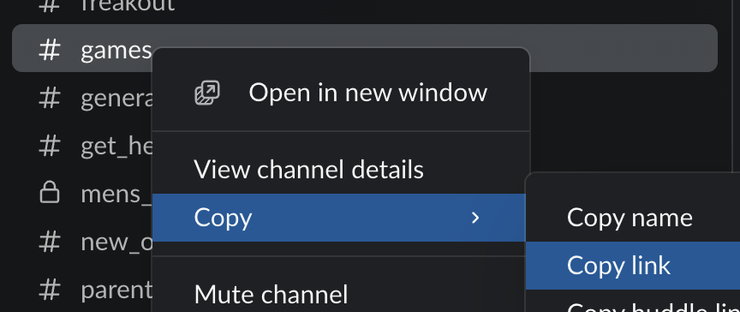
When you paste the link to your browser, Slack . app will probably open. You'll need to switch back to your browser to find the "Open this link in your browser" link.
You COULD just use the URL that Slack . app copies to the clipboard, but that will open a new browser tab each time. Editing it to a 'slack://' URL avoids that.

#MacOS #Slack: open a specific channel from a terminal/script
$ open 'slack://channel?id=CHANNELID&team=TEAMID'
To get CHANNELID and TEAMID:
- Right-click channel in Slack app
- "Copy"->"Copy Link"
- Paste link to browser
- Click "Open this link in your browser"
- Get IDs from address bar
In the URL 'https://app.slack.com/client/T12345678/C87654321', the channel ID would be C87654321 and the team ID would be T12345678.
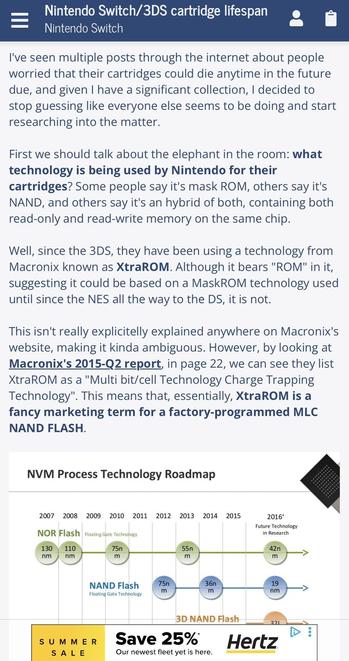
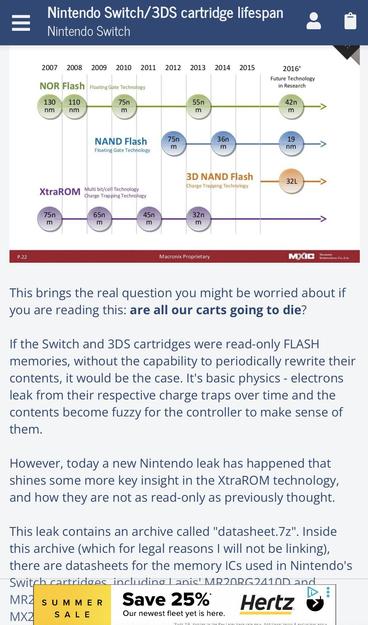
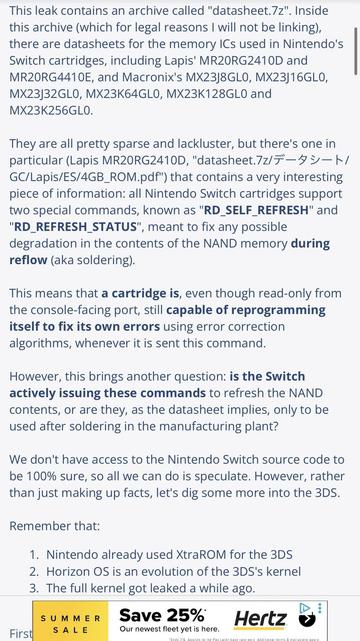
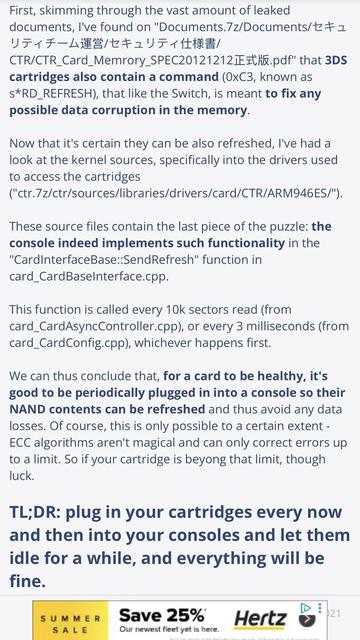
"Friendly reminder that you should probably plug in your card-based games every 5-10 years, if you want them to keep working. This includes 3DS, Vita, Switch 1&2, e.g."
Via "DoesItPlay1" on X (which I won't link to because the site is owned by a Nazi).