1 Followers
26 Following
15 Posts
Digital Identity and Authentication Architect, CISSP, CISA
TestBedhttps://hisgarden.dev
Twitterhttps://twitter.com/hisgarden
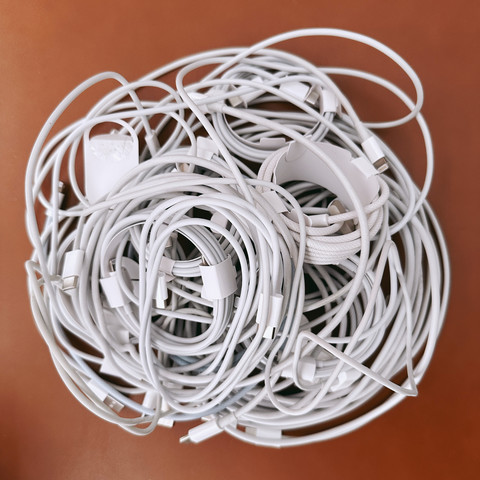
If you're left with piles of Lightning cables after tomorrow, consider donating those you don't need to a nearby shelter - they're a hotly sought-after item for people there. 🔌
@vbfox @hisgarden passkeys availability update: if you are using any password manager like 1password or dashlane, give them a try as they support passkeys on any web browser/mobile OS they could install. It does not require you to have iCloud at all. Bitwarden’s passkey support is also coming.
@hayo If you got 30 minutes, check out this Passkeys 101 by Dean Sale @ Amazon, https://www.youtube.com/watch?v=vjlfn2XDNI0
Authenticate Virtual Summit: Passkeys 101 & Intro to the Papers

Passkeys 101 & Intro to the PapersSpeaker: Dean Saxe, AWS

YouTube

@rmondello The much-anticipated news has finally arrived for Google accounts, and I've started converting some of mine. Here are my initial thoughts:

The Good: Converting frequently used accounts is a breeze.

The Bad: For infrequently used accounts, the account recovery process (usually through SMS or Email OTP) is necessary before conversion. However, after recovering the account, there's no direct option to use a passkey. Instead, a password must be created first, and only then can a passkey be obtained.

The Ugly: If an account was set up with Google Authenticator a long time ago and it's no longer active on my device, converting to a passkey becomes impossible.

@vbfox No you don’t need to rely on iCloud Keychain or iPhone. Just try to sign in using Chrome browser or Brave on your Mac and it will create passkey that only work on that device. See this note for more details on Mac browser support: https://passkeys.dev/docs/reference/macos/#browser-behavior
macOS

Resources for passkeys in Apple macOS

passkeys.dev
@malwaretech @briankrebs :A more effective solution to combat phishing attacks and reduce the dependence on one-time passwords (OTP) is to implement passkeys that are rolling out by major devices and browsers and password managers. Passkeys use secure hardware and biometric authentication on the device to unlock it, providing a robust two-factor authentication (2FA) system. By adopting passkeys, the risk of falling prey to phishing attacks can be significantly minimized.