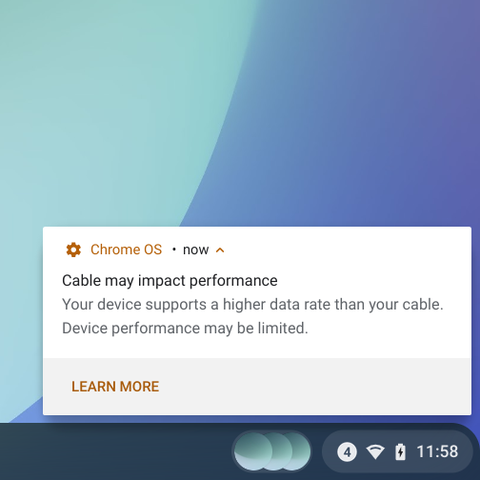
We also detect conditions where the device is functional, but limited in speed because of the choice of cable (ie, cable's only 20 Gbps rated while the device is rated for 40 Gbps).
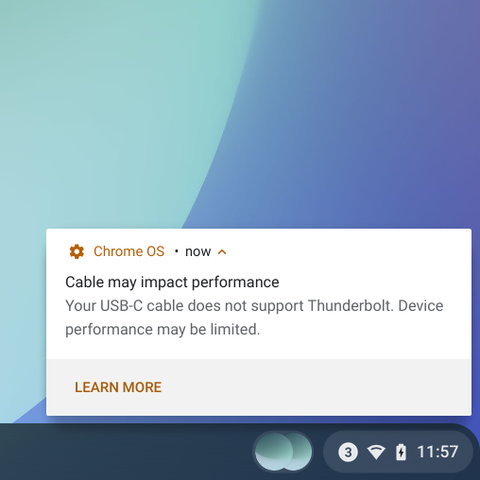
Our USB4 Chromebooks also support Thunderbolt 3 peripherals, and just like USB4, the speed and capability of the cable matters. Once again, we've built a notification to warn the user when a combination of cable and device don't mix.
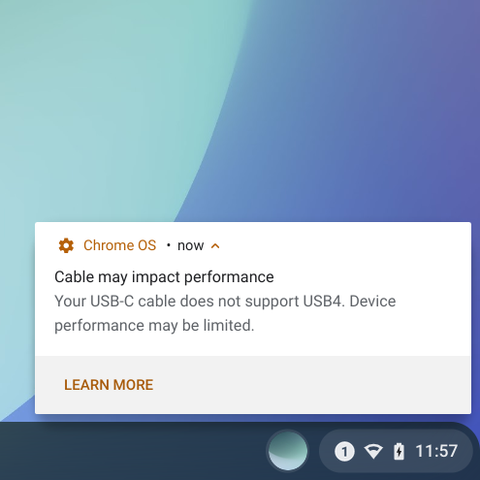
Many of our latest Chromebooks support USB4. USB4 is an advanced mode where the speed and limitations of the cable also matters, and we've built notifications to help the user when connecting to USB4 devices with a cable that can't support the new mode.
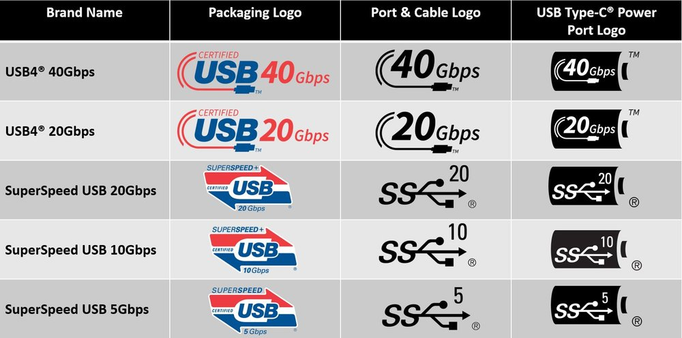
Good quality cables certified by USB-IF may have these official logos. These help distinguish cables visually. Logos are only half the solution though: How is a user supposed to know which logo to look for to support DisplayPort?
Coming to Chrome OS M102: Newer Chromebooks (11th Gen Intel or newer) will notify you if the USB-C cable you're using with a dock or a monitor does not support DisplayPort!