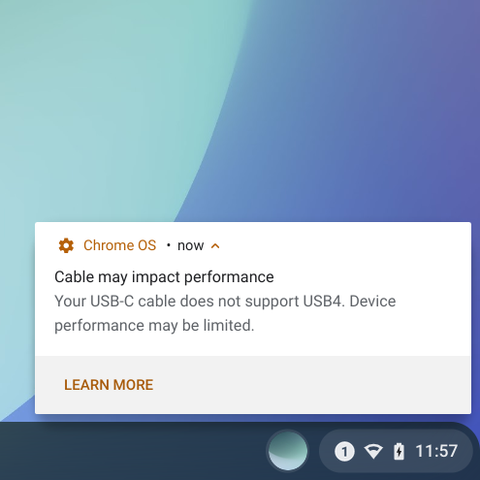
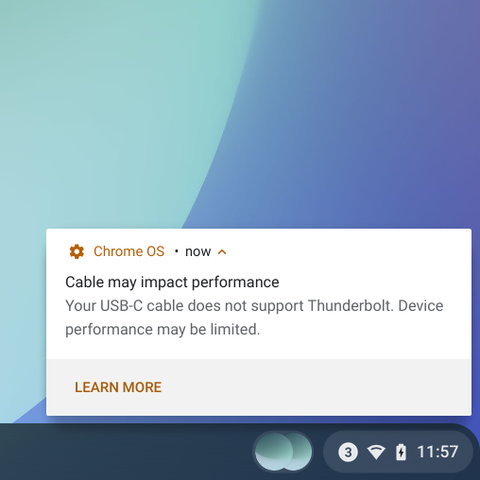
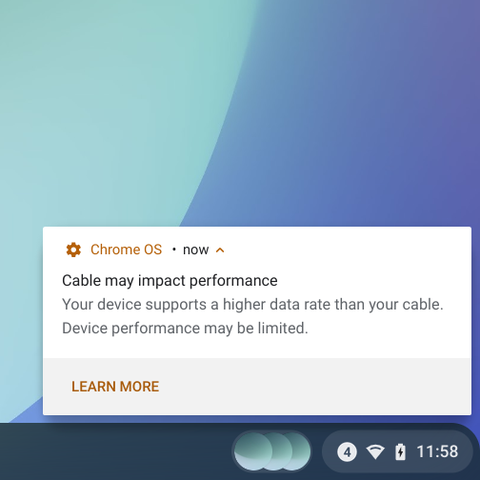
Coming to Chrome OS M102: Newer Chromebooks (11th Gen Intel or newer) will notify you if the USB-C cable you're using with a dock or a monitor does not support DisplayPort!
It probably has happened to even the most tech-savvy of us: Grab a USB-C cable we have around to connect our computer's USB-C to the dock's or monitor, but the display does not work. Turns out, it's the wrong cable; a USB 2.0 cable simply doesn't have enough wires.
USB-C and DP Alt Mode have been used on computers to do one-cable display docking since 2015, but as I covered, many USB-C cables look identical but function differently.
https://people.kernel.org/bleung/now-how-many-usb-c-to-usb-c-cables-are-there-usb4-update-september-12

Now how many USB-C™ to USB-C™ cables are there? (USB4™ Update, September 12, 2019)
tl;dr: There are now 8. Thunderbolt 3 cables officially count too. It's getting hard to manage, but help is on the way. Edited lightly 0...
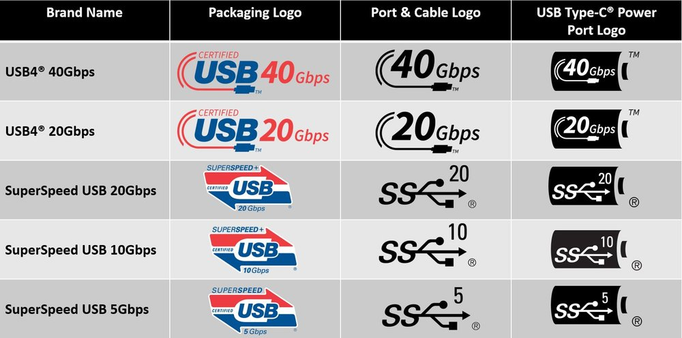
Good quality cables certified by USB-IF may have these official logos. These help distinguish cables visually. Logos are only half the solution though: How is a user supposed to know which logo to look for to support DisplayPort?
All USB-C cables, even those without logos, identify themselves to the computer precisely (using USB PD), and my team reads that info now, and we eliminate a silent failure when the user uses a USB 2.0-only cable with a DP Dock or Monitor.
 Benson Leung