Anybox App

@anybox
306 Followers
1 Following
62 Posts

The Missing Bookmark Manager for your Mac and iPhone.

New countdown app: @pinning

Websitehttps://anybox.app

Anybox for macOS 2.13 is live on the Mac App Store.

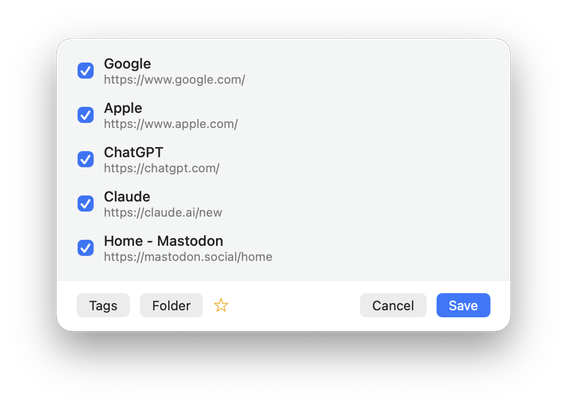
You can now save all tabs from the frontmost browser by going to the menu bar icon and select “Save All Tabs from” item. Child tags are also sorted when automatic sorting is enabled.

You can update it now: https://apps.apple.com/us/app/anybox-bookmark-read-later/id1593408455
Hi everyone!

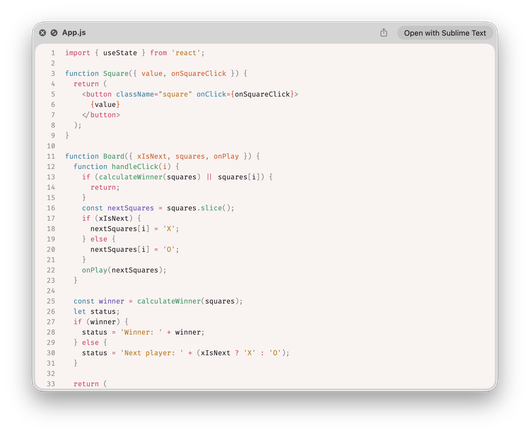
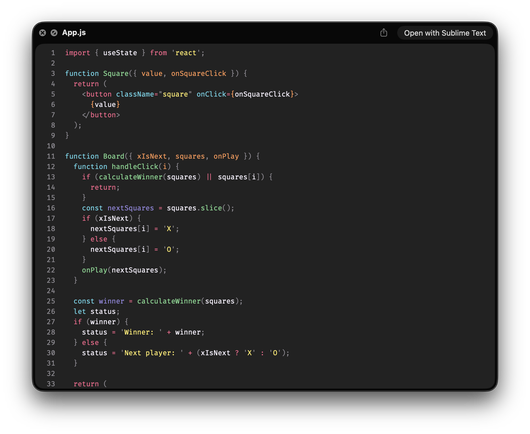
We make a new app called Source Code Preview for quick looking source code files on macOS. It supports over 50 languages (js, py, go, rs, json, etc.) with 10+ color themes.

Go get it if you’re in need of this: https://apps.apple.com/app/source-code-preview/id6759270528

Hi everyone!

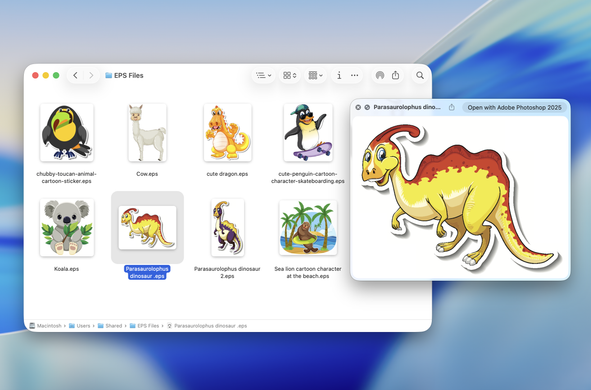
If you’re a designer and still need to deal with EPS files on macOS, we make an app called EPS Preview just for you.

EPS Preview adds Quick Look and thumbnails for EPS files in Finder.

For more info, visit https://anybox.ltd/eps-preview.

People asked if it’s possible to open files with Folder Preview.

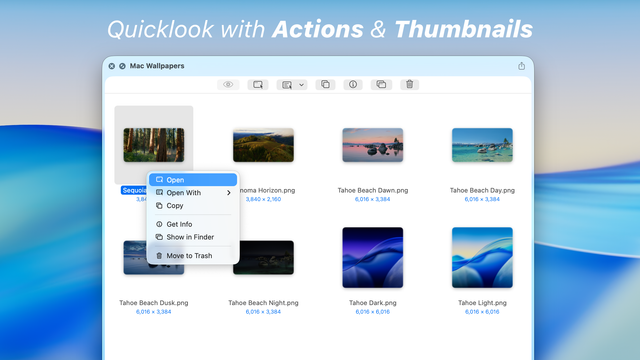
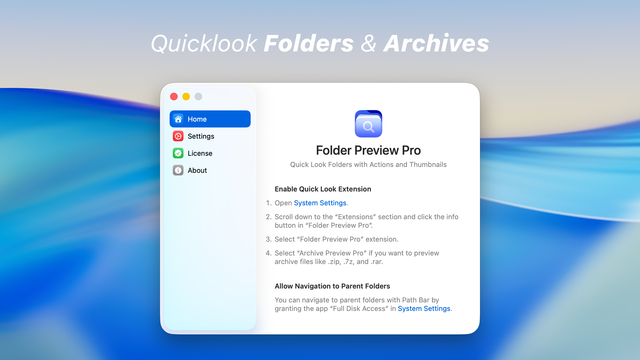
Now it’s finally possible with our new app Folder Preview Pro.

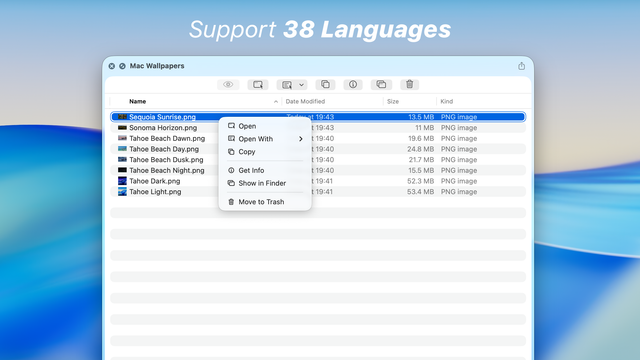
By throwing away the sandbox restriction, the app is capable of opening files and showing thumbnails. You can even navigate folders.

Folder Preview Pro is available on our website with one-time purchase of USD $9.99.

If you’ve paid for Folder Preview and would like to upgrade, use code “UPGRADE” to get a $2 discount.

For more info, check out https://anybox.ltd/folder-preview-pro

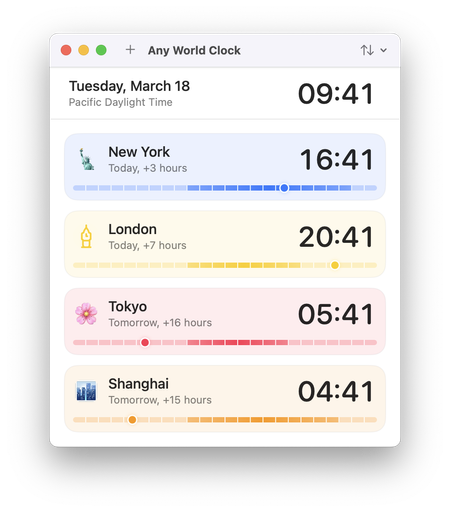
Hi everyone! We’ve released a new app for checking out different time zones on Mac.

If you’re in the market for this, check out Any World Clock in Mac App Store.

https://apps.apple.com/us/app/any-world-clock/id6742869474?mt=12

‎Any World Clock

‎Any World Clock lets you check you any time zone in the world with simple and easy-to-use interface. You can also assign a different name and an icon for the time zone. ## Features - Add world clocks around the world. - Nicknames for added world clocks. Set the names to your family members, friend…

Mac App Store

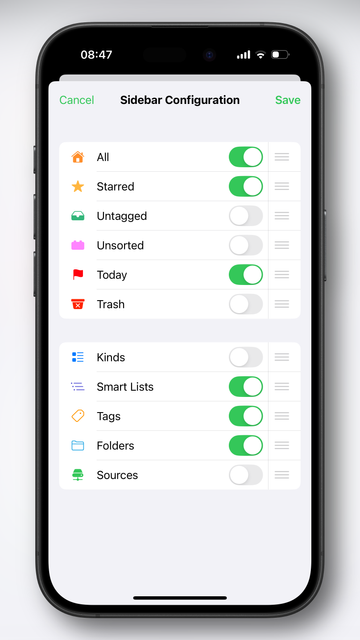
A new version of Anybox is live on App Store with options to reorder or hide pinned lists.

To do that, just press and hold any list in the sidebar and select “Sidebar Configuration”.

A new iOS version of Anybox is live with fixes for shortcut actions.

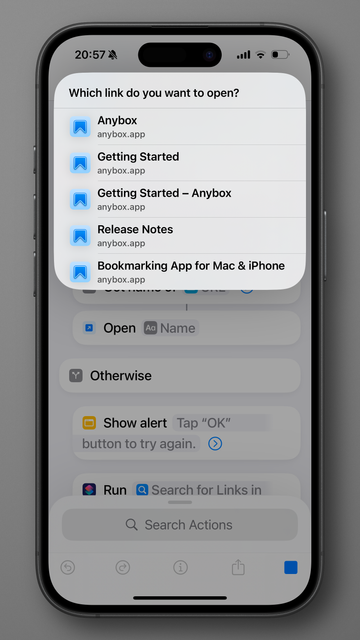
We also made a shortcut for searching for links in Anybox. You can download and give a try at here: https://www.icloud.com/shortcuts/ba06c0e213e747ceb5bb51350f8743be

Shortcuts

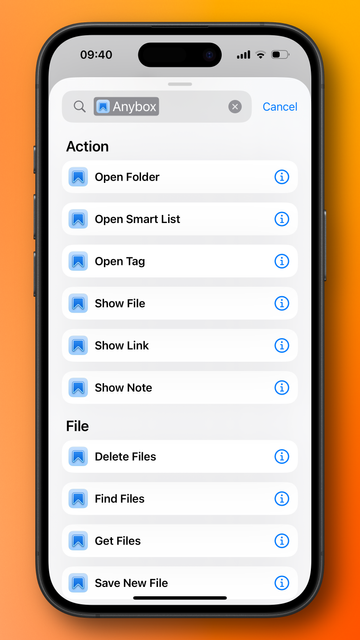
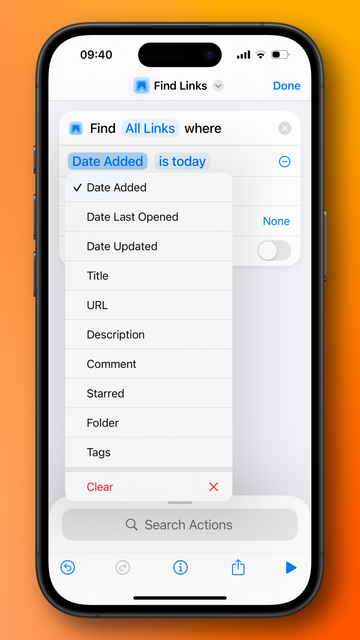
A new version of Anybox for iOS is live on the App Store with new shortcuts and App Shortcuts.

If you’re using Anybox shortcuts, you will need to update them with the new ones.

Happy new year everyone!

We’ve updated our app Browser Deputy to support Orion browser from
@kagihq.

Browser deputy supplies a command palette for every Mac app. But it’s also tailored for browsers: you can search for bookmarks and history within the app.

Download Browser Deputy: https://anybox.ltd/browser-deputy

If you don’t know what Orion Browser is, you can give it a try at https://kagi.com/orion/

Browser Deputy | Anybox Ltd

We make apps on Apple platforms.

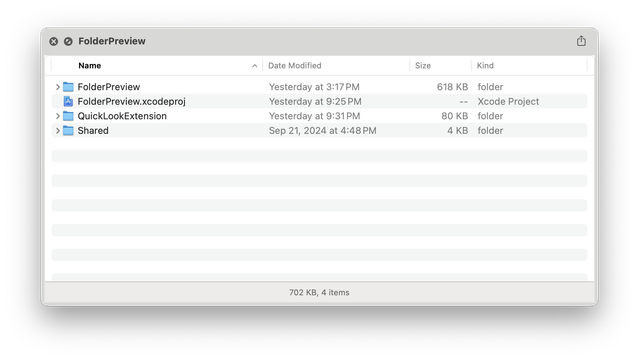
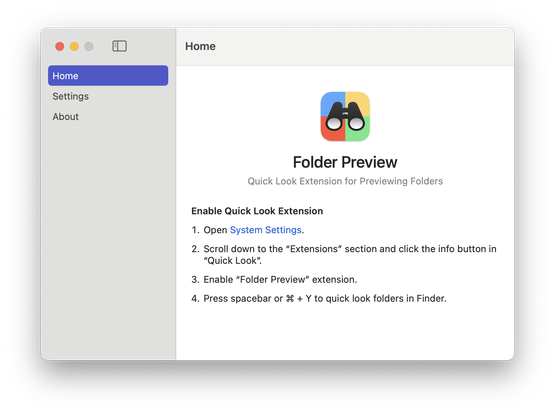
Hi there! We’ve launched a new macOS utility app called Folder Preview, a Quick Look extension for previewing folders.

It’s a simple app that adds unobtrusive functionality to macOS.

It’s free for a limited of time. Grab it now: https://apps.apple.com/us/app/folder-preview/id6698876601?mt=12

‎Folder Preview

‎Folder Preview provides a Quick Look extension to preview contents in Finder. Before started, you will have to enable Quick Look extension in System Settings. Then you can press spacebar or ⌘ + Y to quick look folders in Finder. You can also right-click the column header to show or hide columns.

Mac App Store