Randy Simons

@RandySimons
35 Followers
28 Following
250 Posts
My open source projectshttps://codeberg.org/randysimons
Here's the complete track of Planet X9 - fight for future, recorded from a Roland SC-88 Pro.

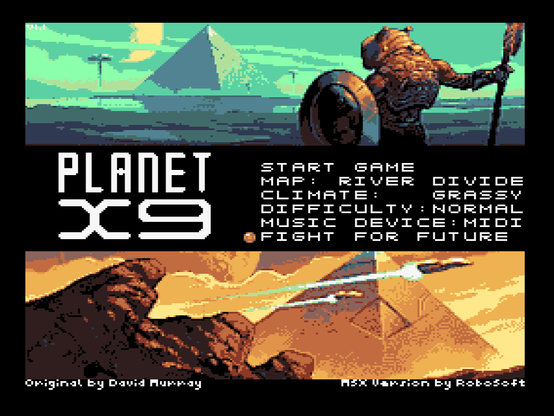
Huh, an Easter egg in Planet X9? I saw that it has a MIDI output option for the music, and having obtained a Roland SC-88 Pro recently, I of course had to try that.

But what was shown on its display when playing the track "fight for future" surprised me! That is Roland Sound Canvas specific, afaik, and probably only the SC-55/SC-88 (and variants)

(Fun fact: the camera, my mobile phone, was resting on a real MoonSound while recording :))
https://www.msxdev.org/2025/10/03/msxdev25-10-planet-x9/

#msx #msxdev25

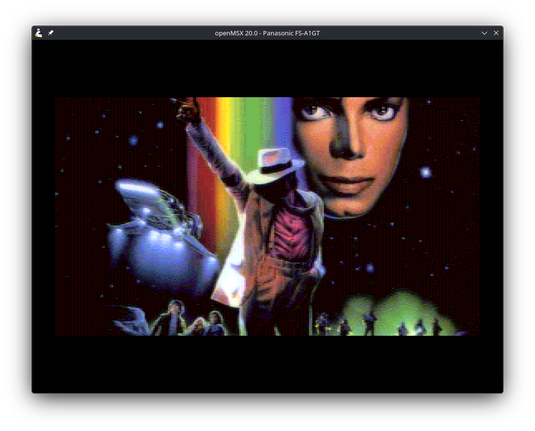
I saw the Moonwalker poster and game video over at @retropolis
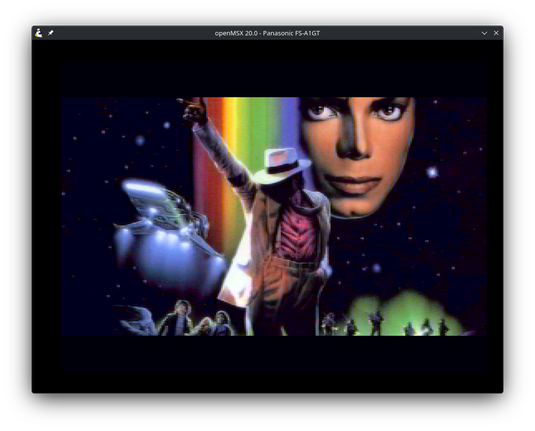
Both this movie and the MSX2+ were released in 1988. This makes for a perfect period-correct demonstration of the #MSX2 and MSX2+ graphical capabilities, while also showing the quality of my new image-to-msx-converter :)

Left MSX2+ SCREEN 12, right MSX2 SCREEN 8. Both interlaced 256x424 pixels.

https://codeberg.org/randysimons/image-to-msx-converter

#msx

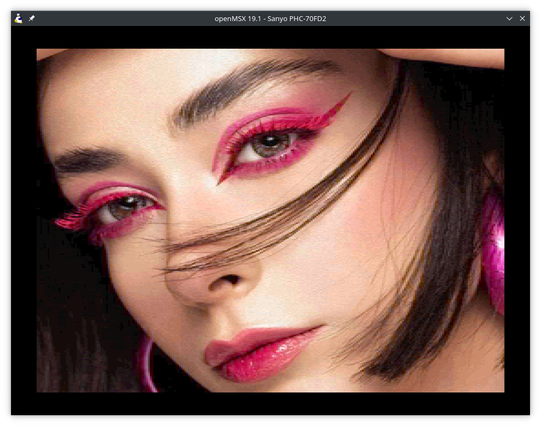
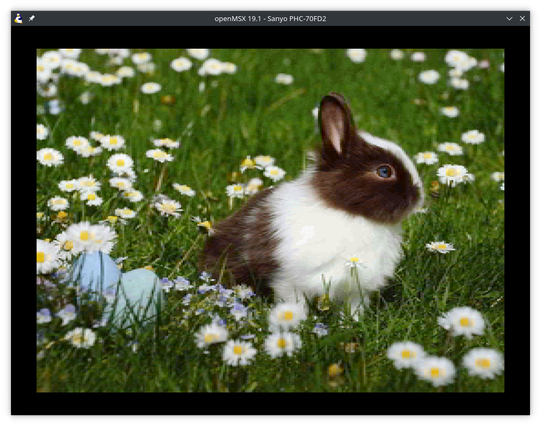
image-to-msx-converter v1.0.0 released!

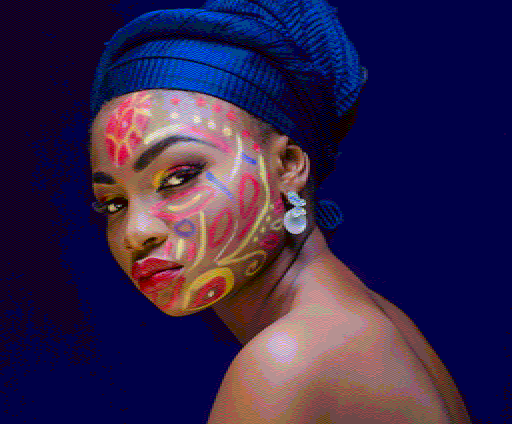
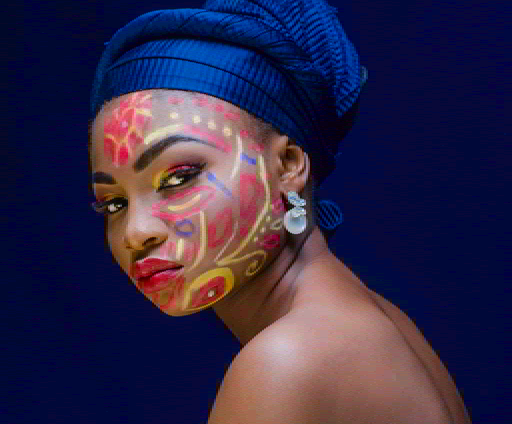
Converts images to MSX2 SCREEN 8 (RGB), and MSX2+ SCREEN 10 (YAE) and SCREEN 12 (YJK).

Never-seen-before superb quality (if I say so myself) thanks to a brute-force approach, and a new luminance-aware conversion technique.

Open Source cross platform: Linux, macOS and Windows.

More info & download: https://codeberg.org/randysimons/image-to-msx-converter

More examples: https://codeberg.org/randysimons/image-to-msx-converter/src/branch/main/EXAMPLES.md

Attached: SCREEN 8 and SCREEN 12 examples.

#msx #v9958

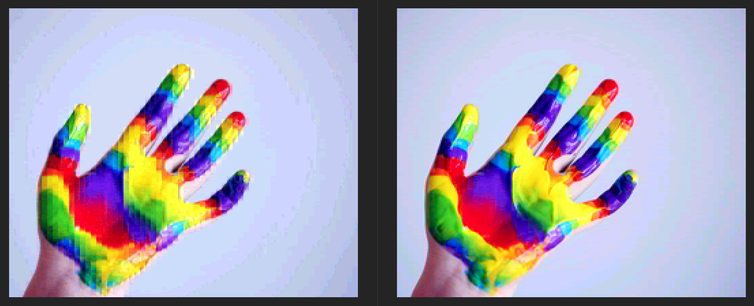
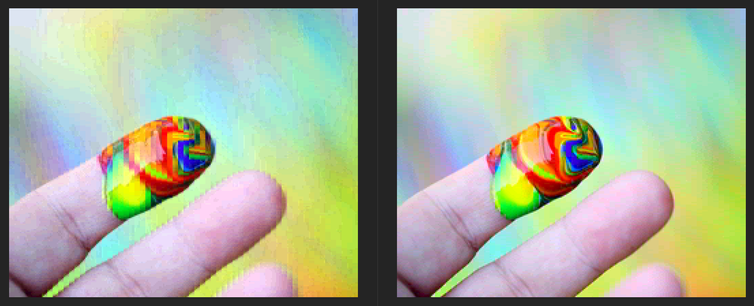
MSX2+ SCREEN 12 image conversion is hard. But I took yet another stab at it. Here are some previews.

Left a traditional approach. Right my new luminance-aware brute force method. These are the same resolution, and exactly the same number of bytes!

Actually, the tool supports interlace as well, and YAE (SCREEN 10) and RGB (SCREEN 8)!

Soon to be released as open source.

(Originals from https://www.pexels.com/@mccutcheon/)

#MSX #MSX2 #v9958

@forgejo I wanted to comment on an issue on a repository on code.forgejo.org. But trying to sign in with my @Codeberg account presented me with this "will be able to access and write to everything" authorization popup. That seems a bit... overly broad?

I wanted to replay Control Ultimate Edition, an offline game, which I purchased(!) and played last year via #steam.

But now I *must* accept a new EULA before I can continue! What kind of Darth Vader BS is this?!

I did not accept it, and asked Steam support about this. And if I can get a refund if I choose not to accept it. We'll see.

But the consequence is that right now I can't play the game I BOUGHT.

This kind of shit made me cancel the streaming services I was paying for.

New TracerBlender v1.1.2 now works on #Blender 4.5 LTS.

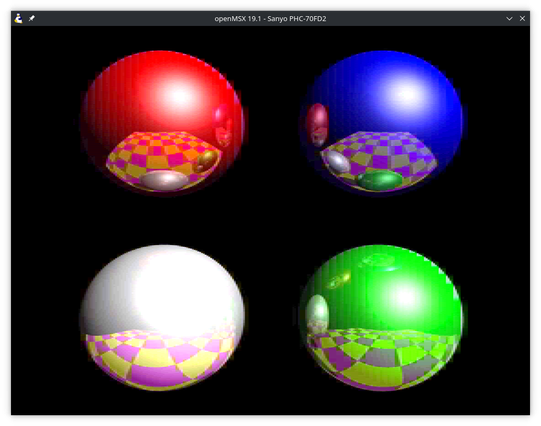
Crisp, ray traced 256x424 SCREEN 8 output, straight from #MSX BASIC, but modeled using the newest Blender.

Details and download: https://codeberg.org/randysimons/TracerBlender

#msx2 #b3d

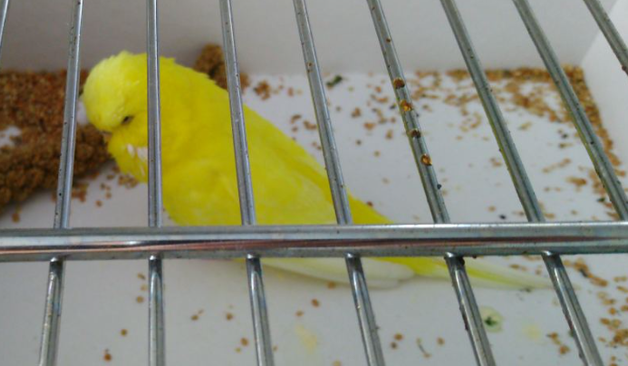
Gisteren in #enschede deze knalgele #parkiet van letterlijk van straat gered. De dienerambulance komt straks langs, maar natuurlijk nog beter als hij/zij weer bij de wanhopige eigenaar terug komt!

#boost je mee?

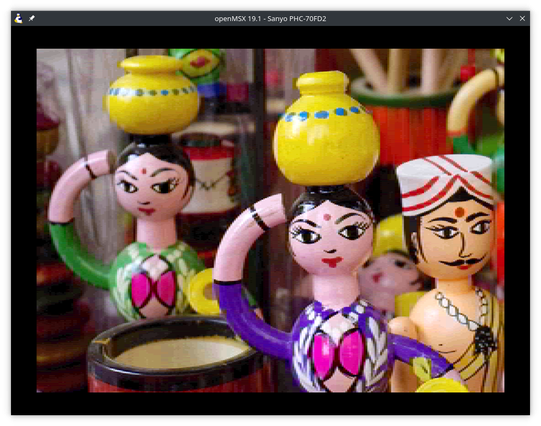
Can you believe these screenshots are taken from an MSX2+? That its Yamaha V9958 videochip was capable of *this* in 1988? But yes, I've improved the MSX2+ AI Image Converter even further! Better AI model! Better scaling! Installable for offline use!

Convert your own pictures to SCREEN 12 format using https://randysimons.codeberg.page/msx-screen12-ai-image-converter/

More info and source: https://codeberg.org/randysimons/msx-screen12-ai-image-converter

(Also, the four balls are rendered with TracerBlender in GWBASIC! https://codeberg.org/randysimons/TracerBlender)

#msx #v9958 #retrocomputing