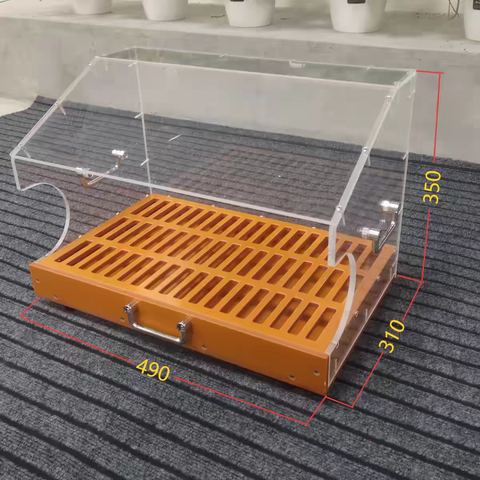
The app I bought rice also sell robot 😂
https://m.joybuy.nl/landingPage/dp/10380920?siteCode=NL-Site
https://m.joybuy.nl/landingPage/dp/10380920?siteCode=NL-Site


@cccpresser
3.Alignment is critical.
Both the stencil and PCB must be firmly fixed so they cannot shift under squeegee pressure.
4. Don’t worry about wasting paste.
Apply a generous bead outside the apertures.
Hold the squeegee at ~45°, print slowly and evenly in one single stroke.
Near the end, hold the stencil down to prevent lifting or vibration.
5.Carefully lift the stencil and remove the PCB with tweezers.
6. Load the next PCB and repeat steps 4–5.