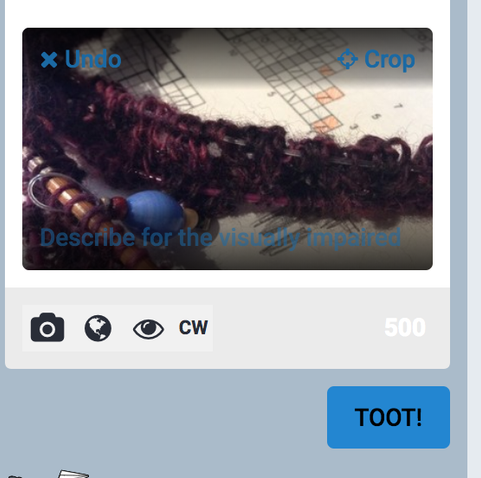
hey, seeing folks, I'm mostly not boosting toots with pictures in them that have no description.. and sadly I see a lot where there isn't one.

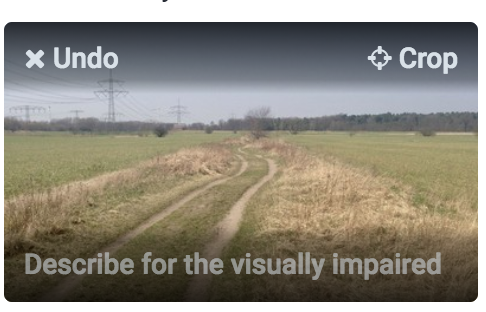
it's easy, just hover your cursor over the picture or tap it and you will see a line with a text:
"describe for the visually impaired". click/tap on this line and enter a short description (or long if you prefer, because it doesn't count towards the text of the toot).

tadaaaa you're done!
#addyourdescriptions
#letsbemoreinclusive
#accessibility

@distelfliege I'm all for this. Something to bring up with the people working on Masto, it took me a bit to figure out what you were talking about because I use the light theme.
If someone has the masto light theme on, that text saying "describe for the visually impaired" is, ironically, nearly invisible due to the color scheme of blue on gray/black.
If seeing people are confused about how to do it, probably the first or second trouble shooting question should be what theme are they using.
@cheeseandglory you're so right! I'm using the light theme too, on todon, where I have another account. there, I just never noticed how hard to read that was, because I was used to this feature already. I just clicked where I always do and added the description as always..
@distelfliege @cheeseandglory Sigh. Can developers not just make it into a plain text button thing? Text on a background picture is hard to read in a number of situations.