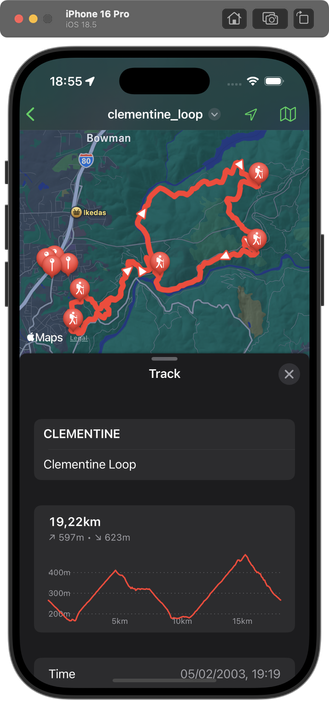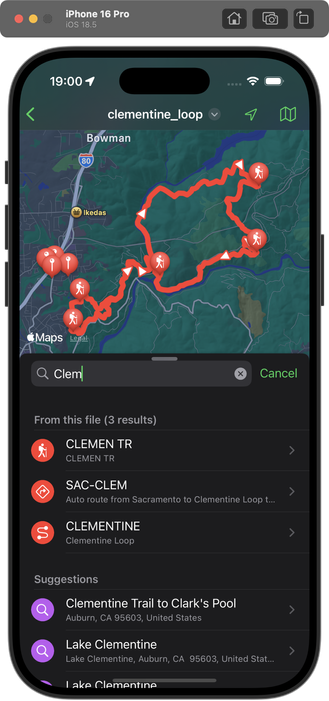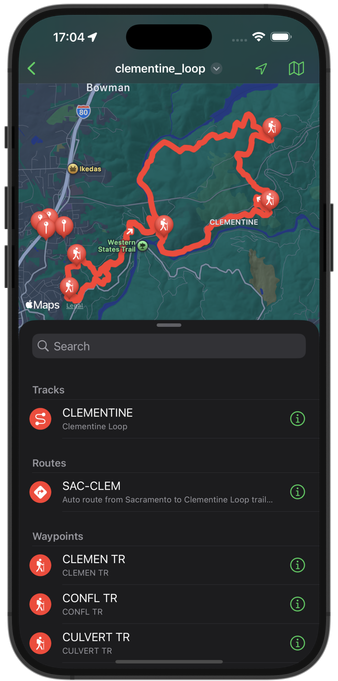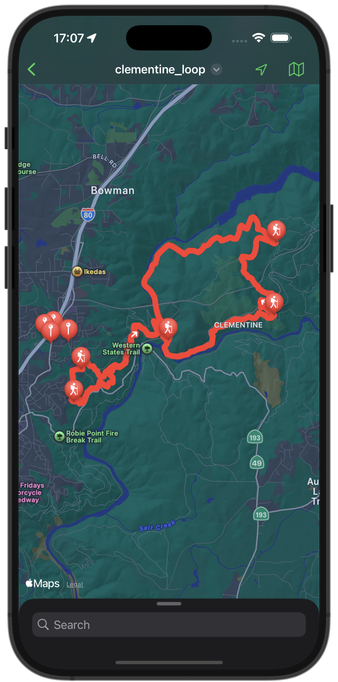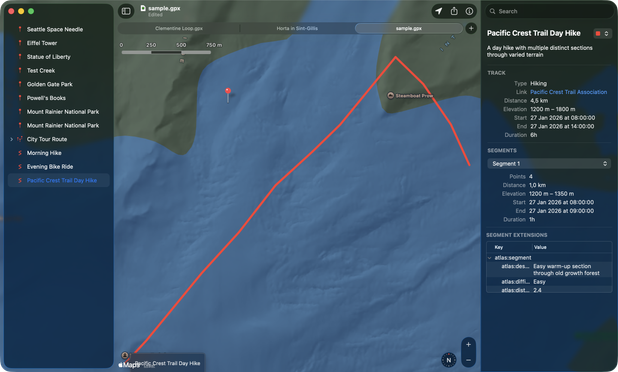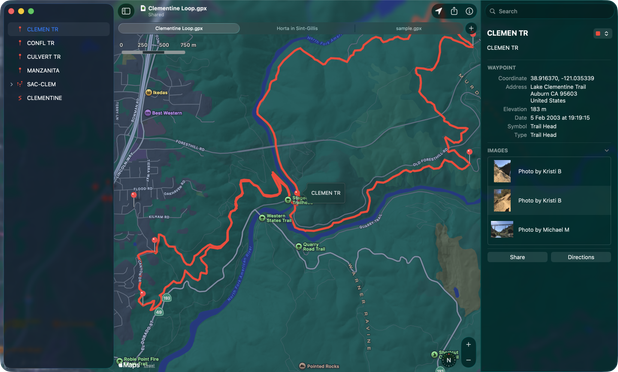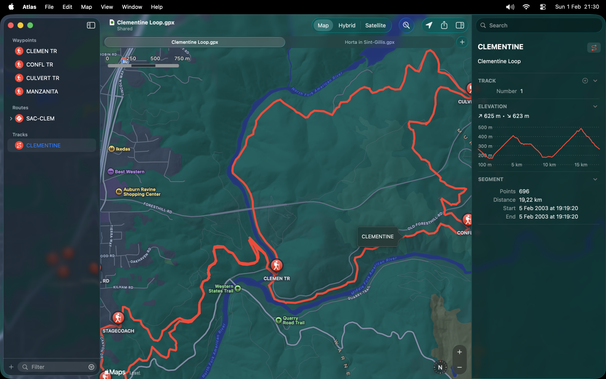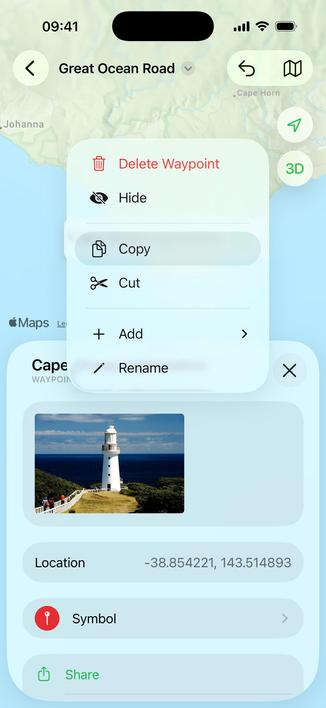
I’m trying Claude Code on an old ObjC project (Atlas a GPX reader for iOS).

Holy smokes, I'm not sure why, perhaps better documentation back in the day, but it performs even better than on Swift code. Also I forgot how fast ObjC builds in Xcode.

Bringing the app back to life after a 4 year hiatus (ignoring a few updates fixing user-reported crashes).
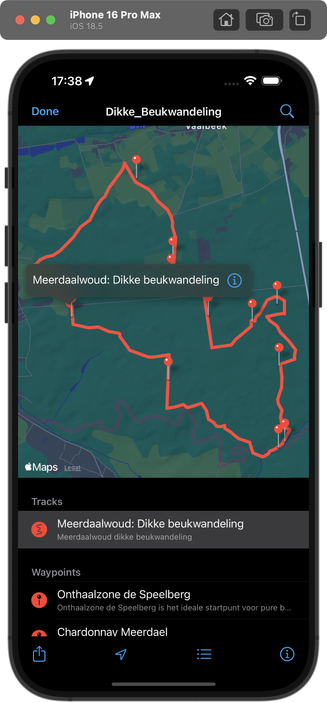
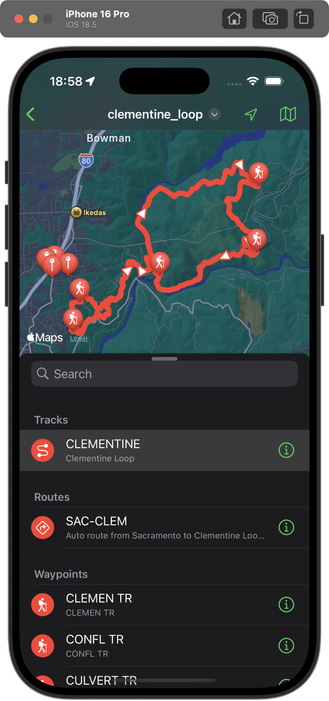
Been working on and off on Atlas, together with Claude Code for the last couple of weeks.

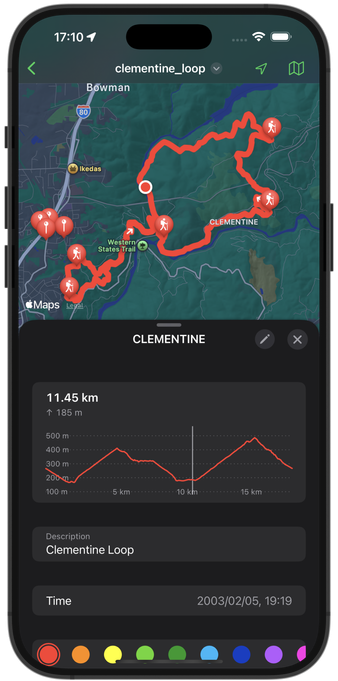
✅ Implemented an Apple Maps-like UI with stackable sheets
✅ Added details for Tracks and Routes, showing much more metadata and an elevation graph
✅ Search now shows GPX elements, on top of places on the map
✅ Adopted the latest UIDocument protocols (e.g. nav bar item)

It still needs some tweaking here and there before I can ship, but this would have taken months without AI. Super happy with the result.

All changes are in Objc, except for the elevation graph which uses Swift Charts. The elevation graph is probably the area with needs the most tweaking still. So many edge cases to account for.

Last week I launched GPX Atlas 3.0: https://gpxatlas.com

Very happy with how it turned out. It's pretty much a UI upgrade from version 2 with a few new features, like the elevation graph. And it lays the groundwork for so much more.

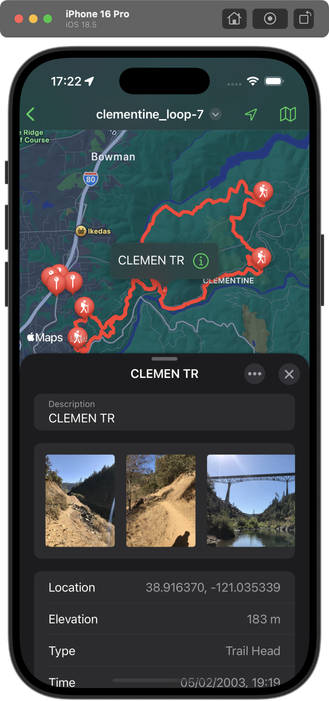
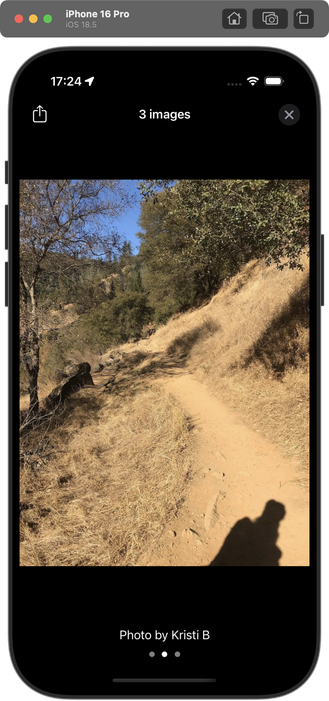
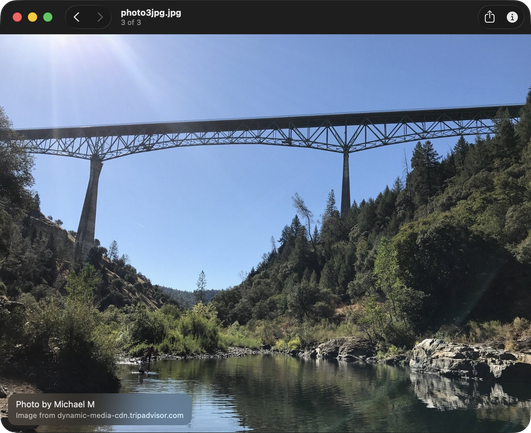
That being said, version 3.1 is already in the works with support for the #1 requested feature: images.

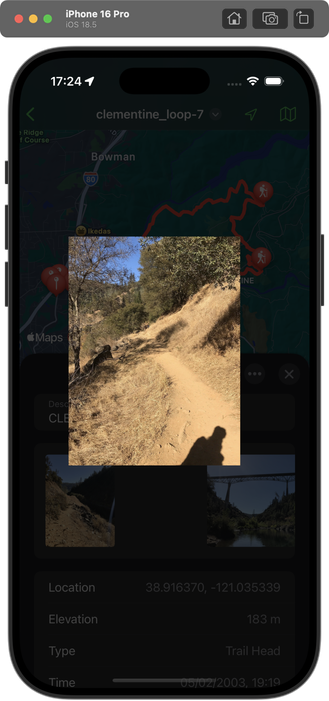
The image viewer behaves almost exactly as the one in Photos.app (gestures, animations,…), which without Claude Code would have taken ages to implement. Now all it took was an evening.

I still use Atlas for Mac to plan all my trips, and the iOS counterpart when traveling.

Finally took the time last week to bring some feature parity to the Mac app. Not there yet, but a new version with support for images and extensions is on its way to Apple.

Next up: editing metadata.

Status update: Atlas for Mac now has GPX metadata editing and shows a graph for Tracks with Elevation data. Very happy with the progress!

A new update closing in on the feature parity gap between the iOS and Mac versions is now available.

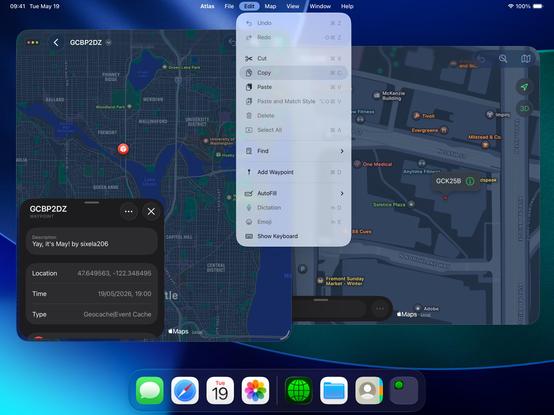
Atlas for iOS now supports undo/redo and copy/paste. The latter works with the Mac version through Universal Clipboard. Fun fact: pasting in a text editor instead will get you a valid GPX file.

Atlas now also fully supports windowing on iPadOS and has the app menu covered.

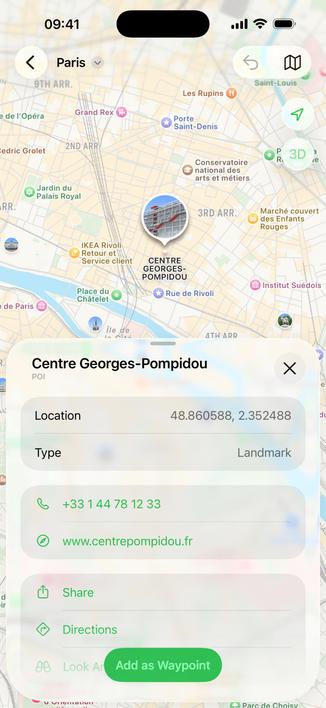
Lastly, POIs and other elements on the map provided by Apple, are now tappable and can be added as a Waypoint right away.