 David Revoy
Breathing Underwater
Sources and bonus timelapse: https://www.peppercarrot.com/en/miniFantasyTheater/053.html
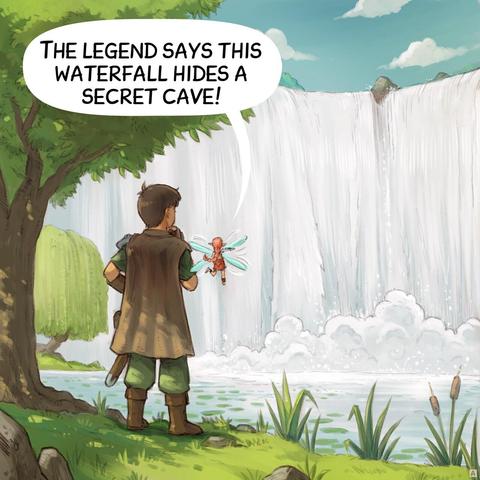
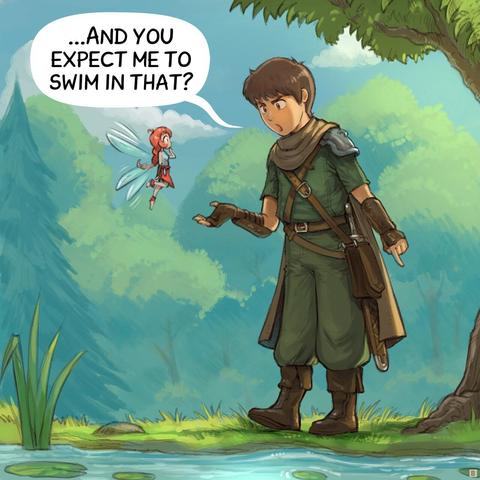
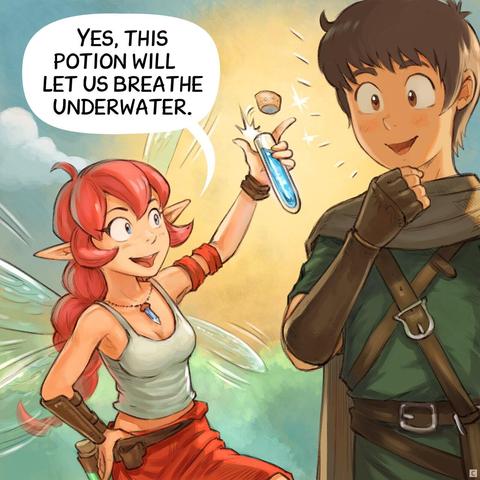
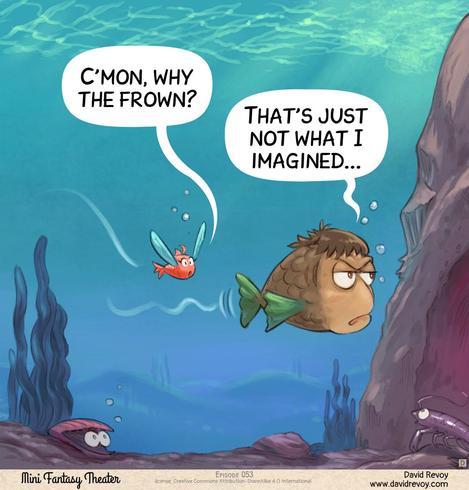
Breathing Underwater
Sources and bonus timelapse: https://www.peppercarrot.com/en/miniFantasyTheater/053.html
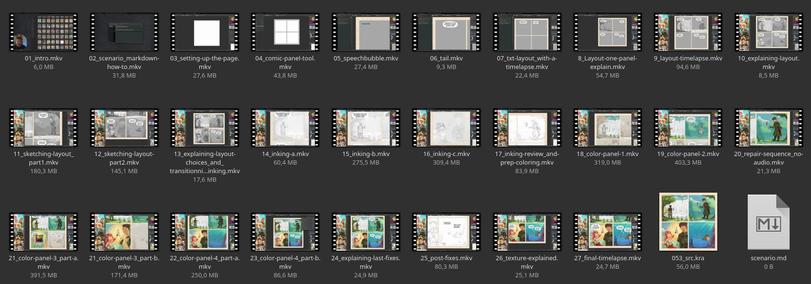
 I have the full text done, but now I need to add all the screenshots and insert photos.
@davidrevoy Did you do the commenting while you drew, or as a second pass?
I use OBS with multi-cameras, multi-screens and a macro pad to switch between them, and a HUION tablet. But for remote electrical engineering design work. I use xfce/xubuntu with X11.
I don't see any value in moving to Wayland for my setup. Once I see the killer feature, maybe (doubtful). Or once it becomes painful to stay in X11.
@poleguy I do both: a bit while drawing (esp. when I show how to activate something in the GUI) ; or to explain the next step. Then, I go silent or listen to my music for the next 4h, knowing I'll timelapse this part) or I took note on a markdown document to write post-audio recording voice over of what to explain during a timelapse.
I'll publish an article this week about my setup, and a list of "Notable Improvements". But if your setup works, I hope you'll be able to keep it for a long time.
@davidrevoy This is amazing. Can’t wait to see it and know your experience with Wayland. I tired Fedora 44 this week and although it went well I couldn’t do color calibration on my displays (probably my fault)
Also with Nvidia cards there is some lag when painting. Not sure if it’s due to Lrita being on XWayland or what.
@davidrevoy Amazing! File sizes of the are (mostly) much smaller than I thought they would be, what size / FPS do you use for recording?
I should probably start doing that again as well, time lapses are so much fun!
 der.hans
 Ivan Sagalaev
 lazyerv
 Jan Helebrant
 poleguy looking for lost tools
 Juank Prada Art
 jfml - Jonas Laugs