CyanPDF is getting close to a proper release. I made a prototype last year, but never finished it, today I did.

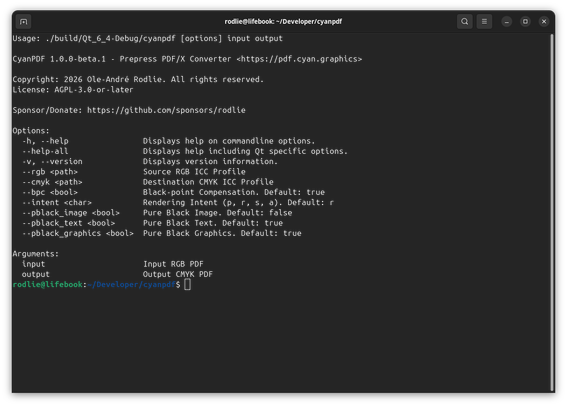
It's CLI-only for now as I did a complete rewrite. It converts any RGB PDF to CMYK PDF/X-1a with "pure black" for text and graphics.

Will do a release sometime this week.

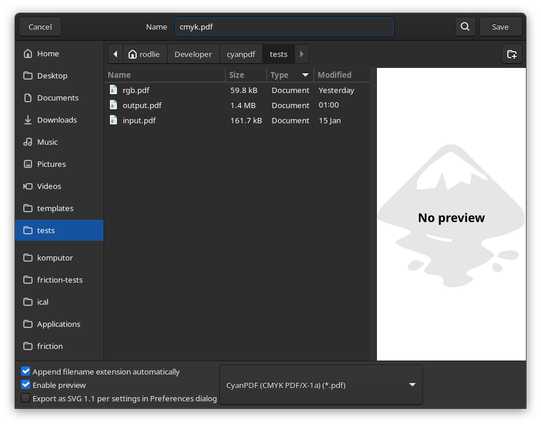
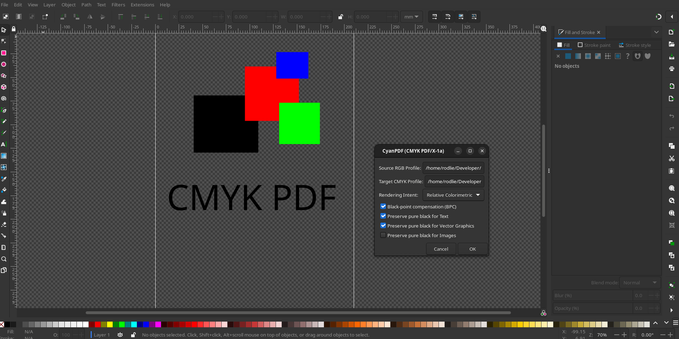
As a bonus I had some fun with Inkscape... CyanPDF now integrates into Inkscape and you can export directly to CMYK PDF/X-1a from Inkscape! 😎 (it's POC, needs more work)
#cmyk #prepress #linux #inkscape #pdfx

@rodlie

This looks really good.

It would be nice to have some help with capyPDF Inkscape output. I've got it almost the entire way there, but as with everything there is smoothing in that last mile of functionality.

CyanPDF is python based?

What does pure black mean? 0/0/0/1?

@doctormo The app is Qt/C++ using ghostscript and argyllcms.

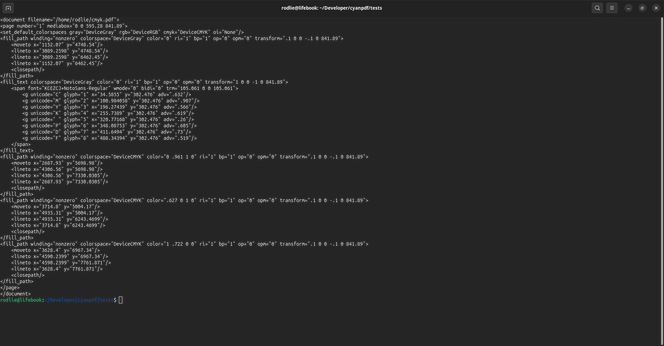
Yes, "Pure Black" is K 100% (colorspace="DeviceGray" color="0"). If you "just" convert RGB to CMYK you get "Rich Black" (colorspace="DeviceCMYK" color=".722 .675 .671 .882"), you don't want that for text/vector for print (waste ink, many print shop will not allow "Rich Black" for text/vector unless specified).