 Mike Piontek
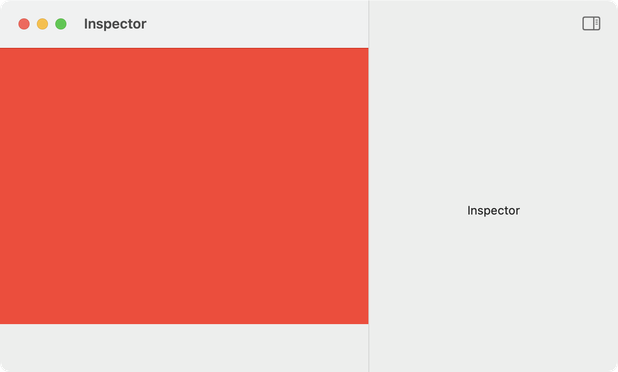
SwiftUI Mac devs: I'm having an issue with window sizing when using an inspector. The minimum window size is larger than expected, so there's a gap at the bottom equal to the height of the title bar. The only solution I can find is to manually subtract 52 pixels, which is better than nothing but not great. Any better ideas? I'm working on macOS 15 but this happens on macOS 26 also. Here's the code, and more detail about the problem: https://gist.github.com/robotspacer/c9d845f67368f7b42de3b74d6cc009c6 #MacDev #SwiftUI
 Jonathan