 Ricky Mondello
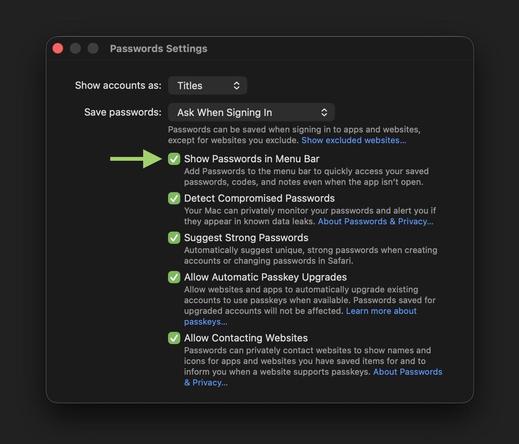
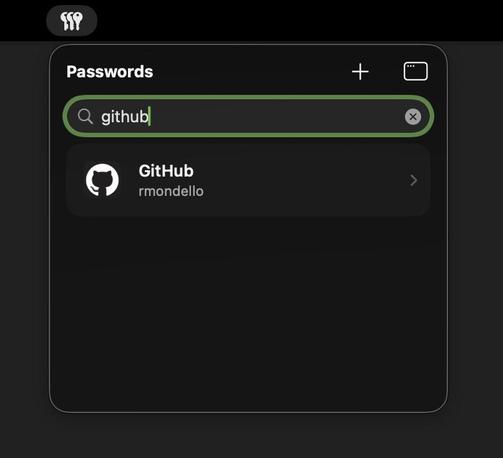
New to macOS 26.4, the menu extra for the Passwords app shares its unlock state with the full app. So if you use Touch ID or your Mac password to unlock the menu extra and then go to add a new password or open an item in the full app, you won’t have to authenticate again to unlock the app.
Quitting the app or closing its last window is taken as a signal that you’re done for now, so the menu extra will lock as well. And you can lock the Passwords app or its menu extra any time with ⌘L.
 Saul Sutherland
 Oliver Busch