So to use Thread and matter over thread devices, you need a thread border router.

The options were commercial smart home hubs like Apple HomePod or if you wanted to go independent, a Thread RCP (Radio Co-Processor: esp32-h2, SkyConnect, Sonoff E, many more) running RCP firmware.

Those need an Openthread Border Router on the network with a serial connection (over usb or ethernet) to the RCP. This is usually run as App (formerly called add-on) in HAOS. 🧵
#homeassistant #thread #matter

I started with USB forwarding a efr32 stick to the OTBR app running in HAOS VM.

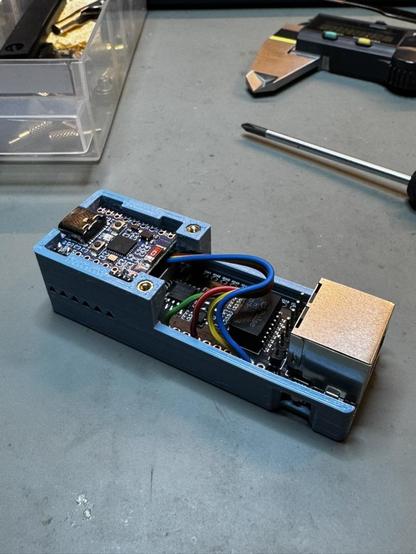
As OTBR is also available for esp32 boards, I built my own standalone Thread border router back in January. This was a completely standalone IPv6 and NAT64 thread border router running on two esp32 chips (RCP+OTBR host).

This is much more robust than connecting a RCP over ethernet to OTBR. As long as the border router is powered, it will keep the thread network alive.

#homeassistant #thread #matter

The DIY border router was a nice experience to get working, but too much work to maintain: Custom compiling two esp32 firmwares.

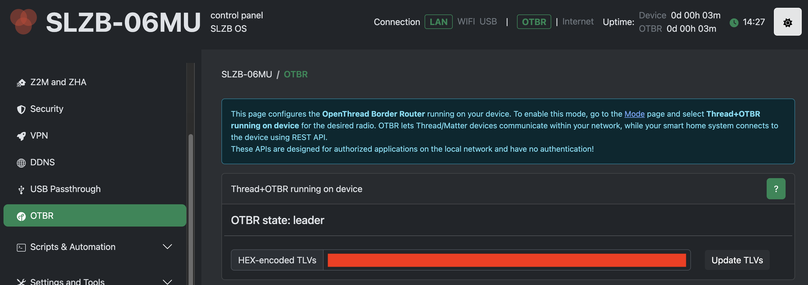
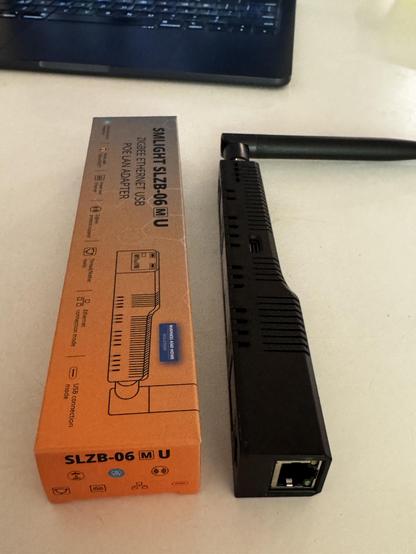
I just received a smlight SLZB-06MU because smlight did exactly that in their newer firmwares: You can enable OTBR mode and make the device work as a standalone ethernet to Thread border router.

Sadly the old smlight product versions without 'U' for 'updated' can't run the OTBR mode, they can only do RCP over ethernet.

#homeassistant #thread #matter

So how does this work to move a thread network to another border router with home assistant?

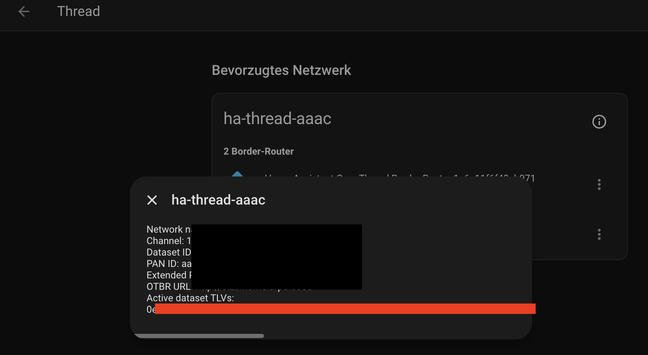
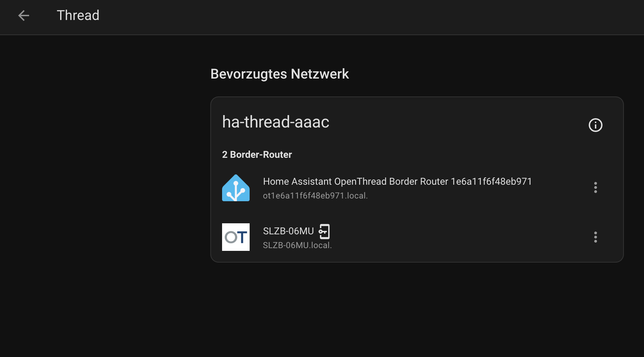
Find Thread settings in home assistant, press ℹ and copy the TLV. Go to SLZB web UI after enabling OTBR mode, paste TLV and press update. Soon after you can see that the new border router has joined the network. You can now run them redundantly or just stop/remove the old border router.

To manage OTBR's settings, add it's API to HA, there's an integration for that.

#homeassistant #thread #matter

In contrast to Zigbee, Thread networks are not tightly bound to a coordinator with a complicated procedure to move from one coordinator to another and they are fine with multiple routers in the same network.

It's just copying the TLV which contains all network keys, ipv6 prefixes and settings like channel into the new router. if you run otbr software with a usb RCP, you can just swap the usb stick and restart, the network continues to work.

#homeassistant #thread #matter