 john fink ok!! :goat:
Things I principally value(d) Ollama for -- multiple models and a model timeout -- are apparently easily done in llama-swap -- thing that remains for me is whether or not my AMD GPU (it sucks, but I would like it to work) will go with it. Ollama just throws in the towel and includes an entire AMD ROCm in their own distrib, which works, but I've had Problems with system-wide stock AMD GPU support. We'll see.
somewhat hilarious as AMD is *supposed* to be in the linux kernel! Which is sort of is, I guess. Also got my eye on that apparently reasonably priced Intel GPU (32GB VRAM for ~$1000) that's coming out at some point; llama.cpp amply supports Intel's GPU but afaik Ollama does not. Anyway.
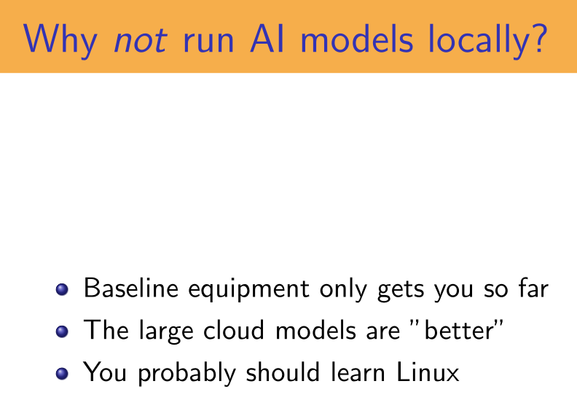
Now granted, "You should probably learn Linux" is an answer I am extremely tempted to give in a wide range of situations
 David Fi&er
@adr Where's the wpa_supplicant.conf file, John?
@djfiander usually in /etc/wpa_supplicant for systems that use it, but netplan for other systems. I think.
@adr not on my mx linux box at home. I have no idea where the network management stuff hides it all, but it's a real fucking pain.
@djfiander check /etc/netplan/ . In Ubuntu that's where the wifi stuff lives.
@adr There is a wpa_supplicant directory; it has some shell scripts in it.