 hell \ Rebekah Hellberg
#emacs users - how messy is your env/conf? do you know what all of your custom code/conf do? do you have shortcuts/functionality that hasnt been used for years? oh and what os+de are you using? Do you ever mix up commands like yank/paste shortcuts when in other envs?
 William Blackerby
@hell I definitely mix up commands in other envs, including yank/paste, and especially using `C-s' instead of Ctrl+F when searching a web page in a browser.
 Andrew Wigglesworth
@blackerby @hell I've suffered with this for years (obviously not the only one), but I'm now running Firefox 149.0 (the one Mozilla build for Debian)
It has about:keyboard where you can change to Ctrl+s for page search.
For a while I was sometimes still hitting Ctl+f accidentally, but I've recovered now :-D
 Mehrad


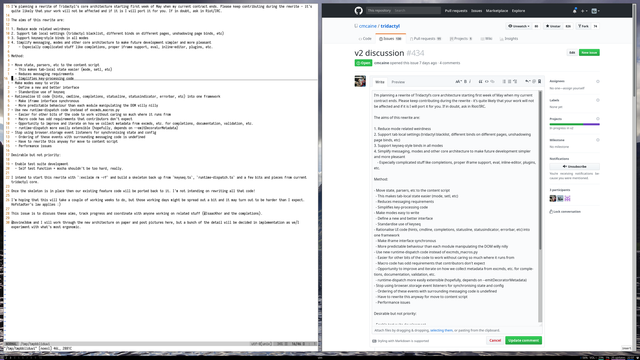
Some years back I tried Tridactyl firefox extension[1]. By default it uses vim bindings, but there are config files to make it have Emacs bindings[2].
It worked relatively well.
Also, perhaps have a look at the Nyxt browser [3] which is written in Common Lisp and has built-in Emacs keybinding support.
1. https://addons.mozilla.org/en-US/firefox/addon/tridactyl-vim/
2. https://github.com/jumper047/tridactyl_emacs_config
Tridactyl – Get this Extension for 🦊 Firefox (en-US)
Download Tridactyl for Firefox. Vim, but in your browser. Replace Firefox's control mechanism with one modelled on Vim. This addon is very usable, but is in an early stage of development. We intend to implement the majority of Vimperator's features.