Question for the #Firefox (and forks) users on #Android

Is there a way to export the saved bookmarks?

I don't want to sign up and sync with a Mozilla account 😅

@graves501 The short answer is no, there is no native way to export bookmarks directly from Firefox on Android. You have to sync to a desktop install and export from that.

Anecdotally, I have heard tell that there is/used to be an extension that could work around this, but I've never seen it myself.

@jcnotwit

Thanks for the in-depth reply - that was my conclusion as well. I've seen this random GitHub repo that would sync via adb to a computer, but that looks like a lot of work for just an export 😅

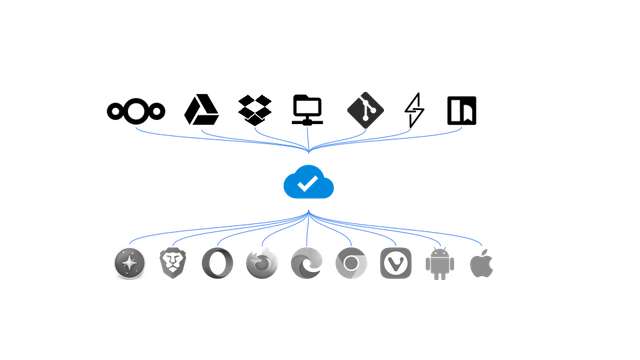
Cross-browser bookmarks syncing - Floccus bookmarks sync

Floccus offers seamless cross-browser bookmarks syncing, making it easy to manage your bookmarks across multiple devices with your privacy in mind. Discover how to enhance your browsing experience.

@plaimbock Oh, this sounds interesting! I've already taken care of my problem by just manually saving my bookmarks 😅 but I'll keep this project in mind for the future! Thanks for your input!