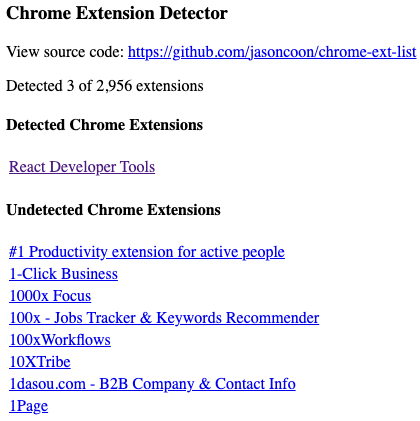
I just read up on "BrowserGate", where LinkedIn is secretly (and illegally) searching users' computers for installed Chrome extensions. So of course I had to create a simple example web page to demonstrate what they're doing.
It uses only client-side javascript and doesn't send your data anywhere: https://jasoncoon.github.io/chrome-ext-list
More info: https://browsergate.eu
@jasoncoon Doesn't seem to detect anything on my ungoogled chromium.
@deshipu oh interesting, I didn't test with Chromium, just with Chrome. I assume you do have extensions installed? It doesn't search for all extensions. I manually added a few for testing, like React Dev Tools.
@jasoncoon I do have extensions installed, but they are installed by downloading the archive and installing it form the disk, perhaps that makes the difference. Then again, I searched that list for the extensions I have (uBlock, Privacy Badger, Instapaper, etc.) and they are not there, so maybe they are just not interested in the kinds of extensions that I use.
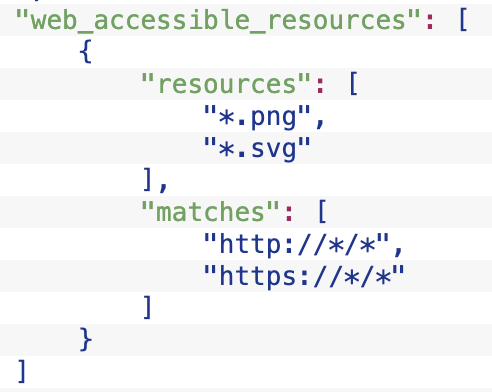
@deshipu I tried manually adding the three extensions you mentioned, but (thankfully) none of them can be detected in the same way as the others. uBlock doesn't have any `web_accessible_resources` listed in its manifest. Privacy Badger and Instapaper don't list any specific files in theirs, just wildcards like `*.png` etc. This seems like a security best practice, for this very reason.
There may still be a way to find a file that can be used to detect them, still digging.
Chrome Extension Detector