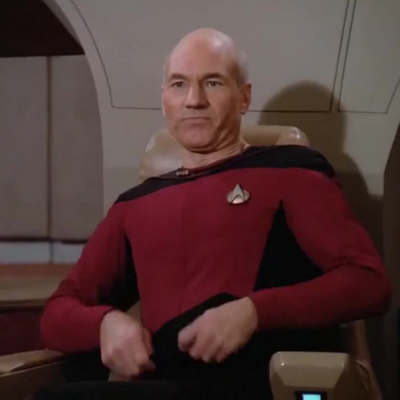
 The Picard Maneuver
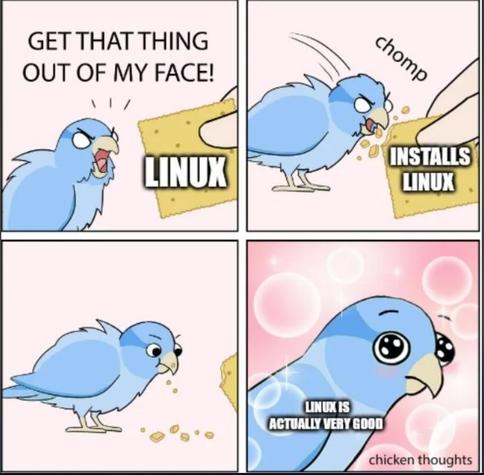
Go ahead, take a bite.
Maybe twenty years ago.
Quickest and easiest way to find out is to boot to a Live USB stick and see how it goes. Doesn’t touch your hard drive at all.
It really depends on your devices and what you want to do with them.
What I’ve noticed so far is that the generic drivers on Linux seem to cover more functionality (eg, my mouse didn’t show battery status on windows without the proprietary drivers but it shows up in Linux), but if it’s not covered by that, then odds are support will be more limited or none on Linux unless it’s commonly owned.
Though depending on what kind of data your devices are dealing with, it might not be that bad to get it working. Like audio data is just a time series of amplitudes (though codecs can complicate that if you’re dealing with some digital format), input devices are usually some combination of button press events and axis updates (and controller vibrate is pretty much just a lower bitrate audio signal). Video can be more complicated, but there’s likely software that can understand whatever stream of data it gives off. But this all depends on patience and skill, and if you were the type to gravitate to something like that, you probably would have already switched.
When the PC I’m installing a Linux distro on has the GPU driver built into the kernel I agree it’s such a breeze and I love CachyOS, otherwise it can get painful.
Sorry I’m recently traumatised by my oldest computer that has a GTX1060 in it and I want to rabt lol. It’s retired to workout room duty, so I wanted a stable distro on the Stremio “you pass the butter” PC that I can neglect for long stretches of time.
I tried LMDE first because I was hoping to avoid the Canonical fork that is Mint prime. Installing non-free drivers on reboot just dumped me to TTYL. So then I decided after failing for 30 minutes to fix that to cut my losses as I figured it’d take less time to just install a different distro than troubleshoot Debian’s issue. Wrong. Very wrong. Fedora the installer application would crash every time in live USB mode I opened it and I tried different DE’s to see if that was the culprit. Nope. I tried OpenSUSE but it crashed loading live USB mode and shat out a kernel panic about my MSI B250 motherboard for the corei5 7600 it has installed, so that wasn’t even Nvidia’s fault. Only distro to do that. MX Linux installed then crashed to a broken unresponsive ttyl mode if you tried to run a program…like their non-free Nvidia driver installer. Sigh. I figure most of this is to do with nouveau.
Anyways, only Linux Mint worked. Fuck!
 Emi
Emi devfuuu
 BurgerBaron