Problem of the day revealed: M3Data's plist parser was stumbling on 1s and 0s being interpreted as bools instead of their actual number type. Quick fix deployed, and now Coppice opens documents again 🥳
Another reveal: NSToolbar's .flexibleSpace doesn't provide progressive blur by default, but .space does 🤦♂️
All in a good day's work.
If you want to see how Coppice was built, pilky's dev livestreams are still up on YouTube, with hundreds of hours of AppKit and related discussion. As we approach a year since his passing, and as I prepare a significant update to Coppice, it's kinda nice to revisit them
https://www.youtube.com/@mcubedsoftware/videos

Coppice
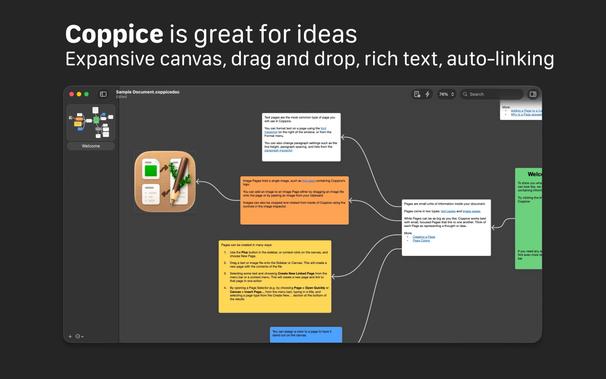
Coppice is an app for the Mac that lets you collect your thoughts and ideas, link them together, and visually lay them out on an infinite canvas.
Coppice is developed live on Twitch, with VODs put up on this channel afterwards.
Putting a significant amount of work in while I wait for App Review; not gonna be shy about changes to Coppice — there was a lot I wanted to add to it even before it was passed to me, like quality of life additions, interaction and terminology changes, and more. I'm seeing how much I can get away with without digging a hole for myself; this week I'm the AppKit whisperer
Bringup of Coppice 2026.0 so far: 317 changed files, 2041 additions, 8575 deletions
I had often asked for color pages in Coppice, but it was always on the back burner behind a lot of other pressing todo list items. So I figured I may as well dig in now and see if I could do it myself
~several hours later~
Related: IB autolayout can go IN THE BIN 🚮
👨✈️ What I'm currently working on in Coppice is now available on TestFlight if you're running macOS 26 or newer. I would love for some external feedback, as it's a big app with a lot of corners to test and I don't have a pre-existing bugs list
https://testflight.apple.com/join/Z2j1UB3Y
Finding new places to insert NSGlassEffectView
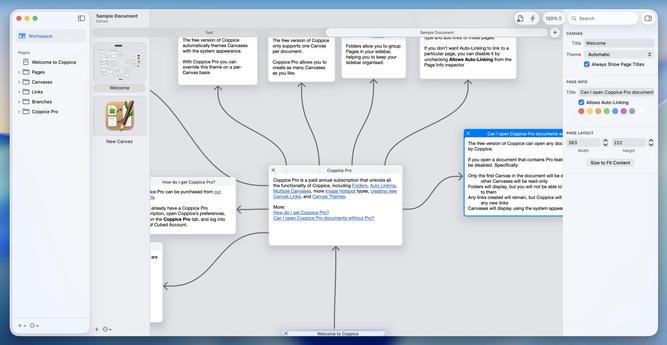
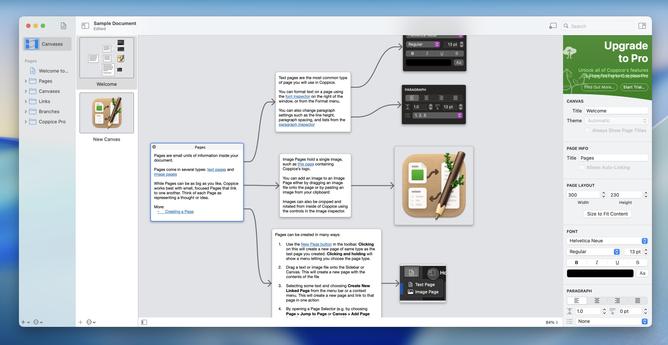
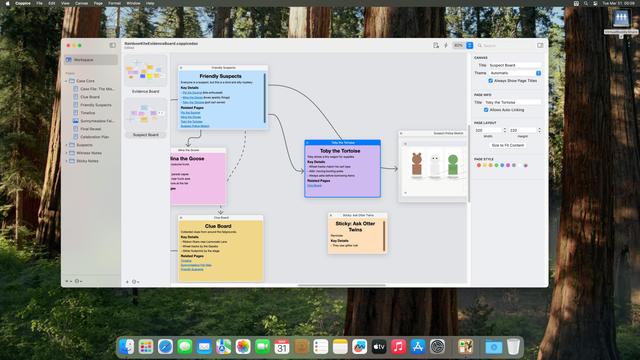
Here's a before and after of the last (final) release of Coppice, and what I've been working on since
There's really nothing in the way of unfinished leftover features in the Coppice codebase. Pilky was a meticulous planner, and would do several rounds of concept mockups and unit tests before touching anything at the UI level. I'm the opposite, I need to get stuck in and try things, so my Xcode projects are all filled with little treats for later — alternate UIs, experiments, etc
Coppice is in a pretty good state now, with just one critical issue I'm aware of before I would be happy to start preparing to submit it to the App Store. It will be free to download for sure, though I still have to figure out how to justify ongoing development and keep the app healthy. I think we all know by now that Mac apps can't survive in this day and age on one-time purchases 😐
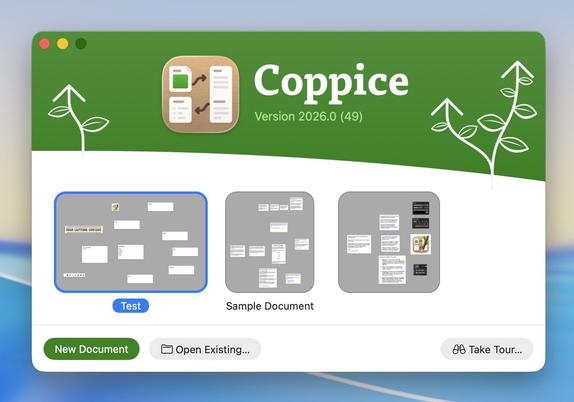
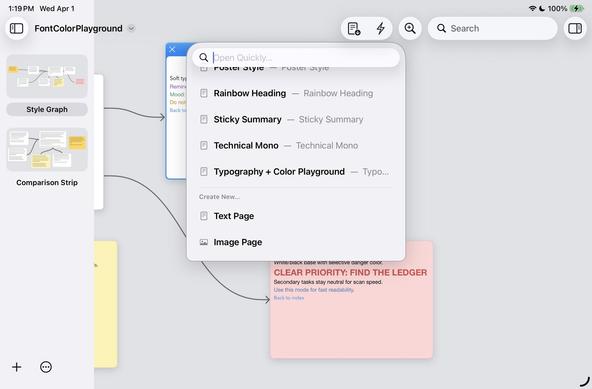
Lots of miscellany in my build to build changes now with Coppice. Bigger, more-rounded buttons on the welcome screen. 'Jump to Page' is now 'Open Quickly', composed some new, better SF Symbols to use for some verbs in the app, page titlebars have been realigned and centered, and the page editor background now blends into the window. Also reworked the QuickLook renderer, which wasn't drawing arrows on the canvas
Was reading the
@johnvoorhees review of Coppice and it prompted me to build in a little Apple Intelligence feature to automatically name your pages based on their content. Fast and helpful even on an M1
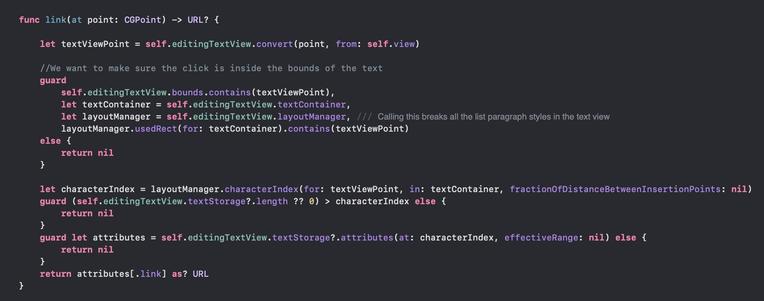
I think I found my critical issue in Coppice, and it's due to NSTextView downgrading from TextKit 2 to TextKit 1 if you access .layoutManager on macOS 26 😅 It isn't triggered by apps built with an older SDK.
It seems like setting (the private) NSTextViewAllowsDowngradeToLayoutManager=NO completely fixes the issue?
This might be a problem I need Apple input on…
Props to Codex for pointing me to the problem location (in this 70Kloc codebase), but actually debugging the issue required digging through AppKit and UIFoundation in Hopper. Codex looped me round in circles with multiple superficial fixes, that worked, but left the underlying problem, so I threw it all out.
AI can do many things, but it can't replace a developer with deep platform knowledge
I've pushed this build of Coppice with the list style bugfix to TestFlight; there are still other bugs with paragraph styles but that's a job for tomorrow. This version of Coppice is drawing very close to release
Powering through the last remaining issues in Coppice. I think the last thing I have to do now before a release is rewrite all the documentation 🥴 It has felt like a herculean effort getting this up to speed, but we're there now
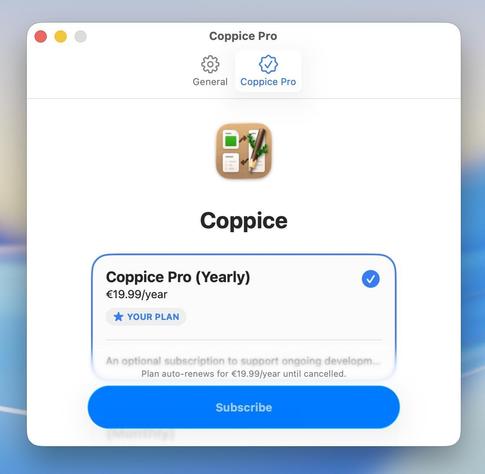
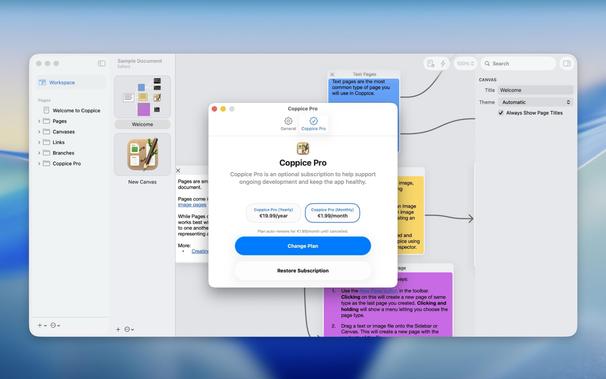
What do you /meaaan/ all you do is insert a StoreKit SubscriptionStoreView and it does all the work for you and you're done?
Still reeling over how easy StoreKit makes this look, but OK. I think this is how I'm going to handle 'monetizing' Coppice. Completely optional, same price as the original Coppice Pro. It's there if you want to make ongoing development possible, and you can completely ignore it if you don't. It's a bit more formal than a tip jar, and honestly I'd like the app to live on forever healthily
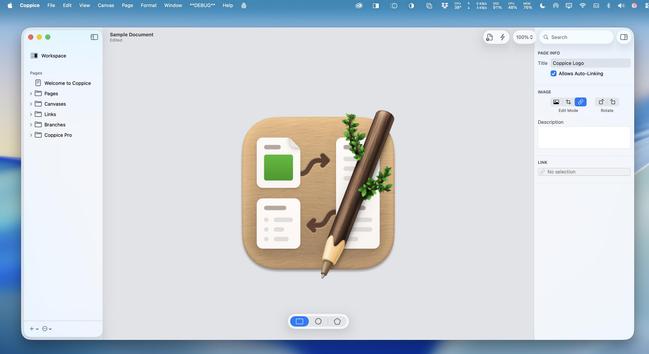
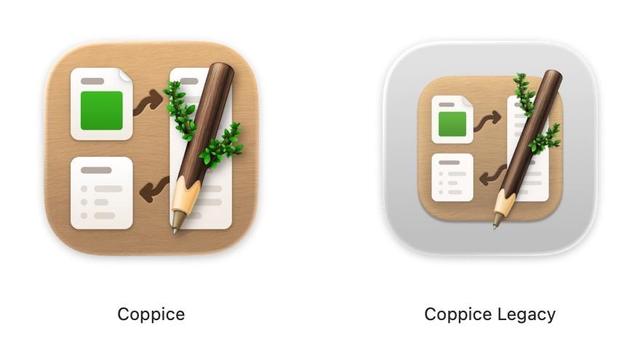
Polishing the last few things in Coppice before I start posting release candidate builds. It has a beautiful new version of the icon from
@matthewskiles, too 😄
Need a closeup of that
@matthewskiles icon, though. Just look at that thing 🤤
Having to rewrite everything in terms of TextKit 2 is causing a cascade of other issues and is really trying my patience. Who decided this was a smart thing to do when targeting macOS 26? 😐 Dealing with a UI redesign is bad enough, but a complex rich-text layout rearchitecture on top is too much
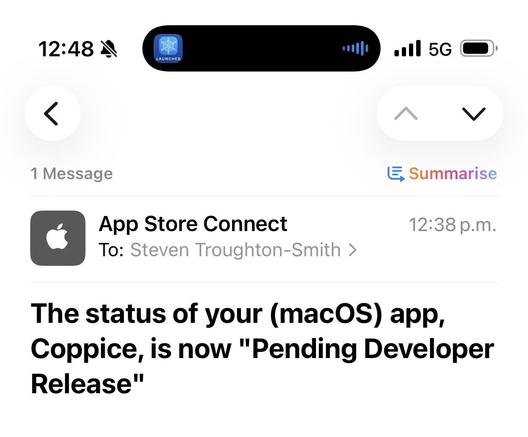
Made it through my final bit of UI in Coppice, so I can start crafting marketing screenshots and testing the waters with App Review 😄
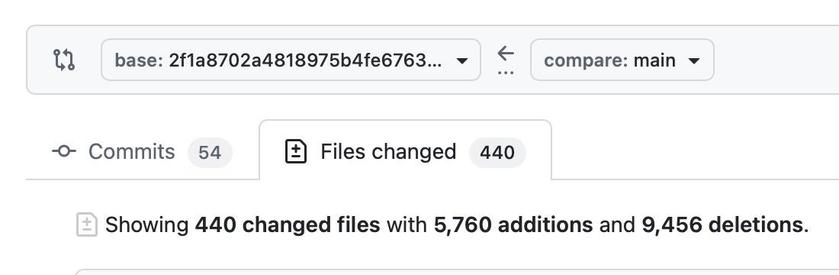
Coppice for macOS 26 stats: 54 commits, 440 changed files, 5,760 additions, 9,456 deletions. It's the biggest AppKit project I've worked on in nearly 15 years
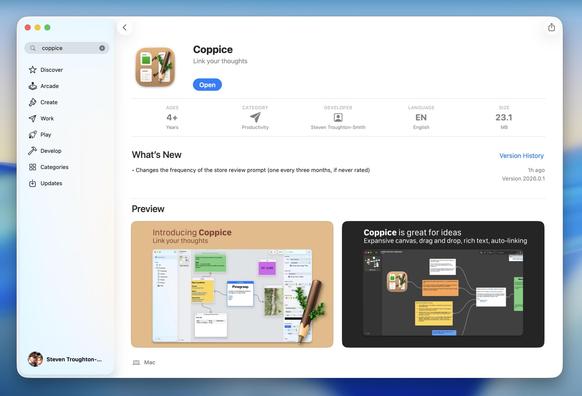
💜 A year ago today we lost one of the kindest, most-generous developers in the Mac community, Martin Pilkington (pilky). He was known for and worked on many projects over the years, but Coppice was his labor of love. I have been working the past couple of months on rebuilding Coppice for macOS 26, Liquid Glass, and the App Store, and I'm thrilled that today is the day I get to release it into the world — with all of its previously-'Pro' features available for free
https://apps.apple.com/app/coppice/id6741889046?mt=12

Coppice App - App Store
Download Coppice by Steven Troughton-Smith on the App Store. See screenshots, ratings and reviews, user tips, and more apps like Coppice.
Taking on somebody else's codebase is not easy; there were so many things on Coppice's roadmap that I would like to get to, and that's why there is an optional 'Coppice Pro' subscription in the app. It provides no extra features or capabilities, but just lets you say that this is an app you care about, and an app you want to keep growing. Feel free to ignore it completely. If you previously owned 'Coppice Pro' on the pre-App-Store version, all of those features are now available to you for free
Thank you very much to
@matthewskiles too, who contributed a new version of Coppice's already-beautiful app icon that fits the macOS 26 icon template. I think pilky would have loved it
pilky had two white whales: one, was bringing Coppice to the App Store.
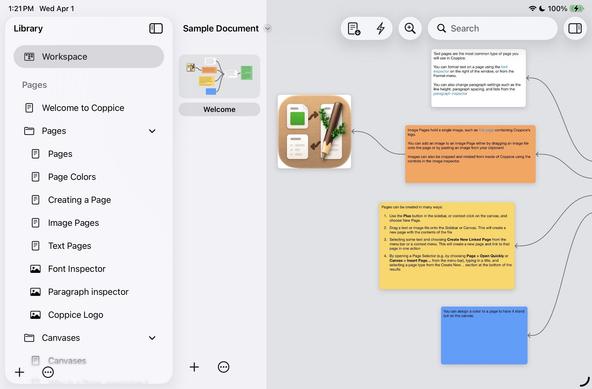
The other, was Coppice for iPad.
Hopefully, that's a story for another time
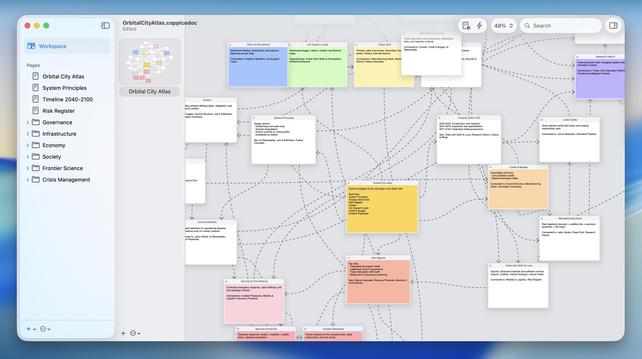
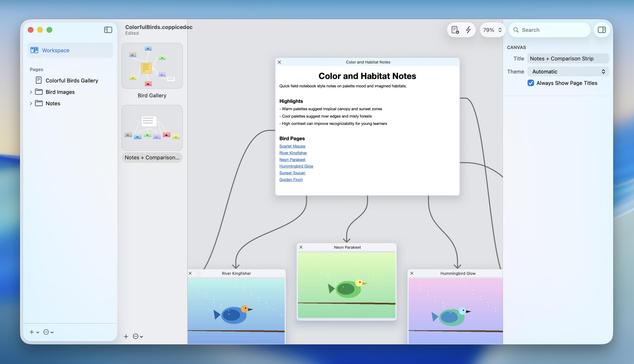
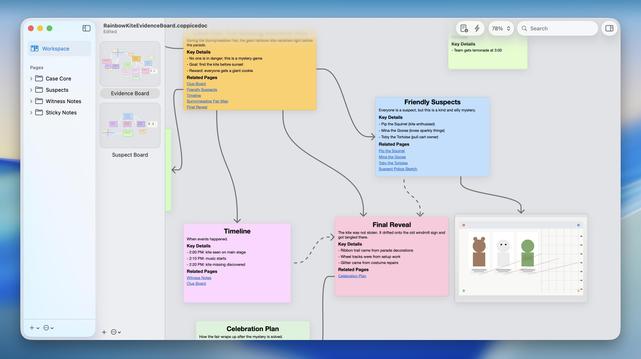
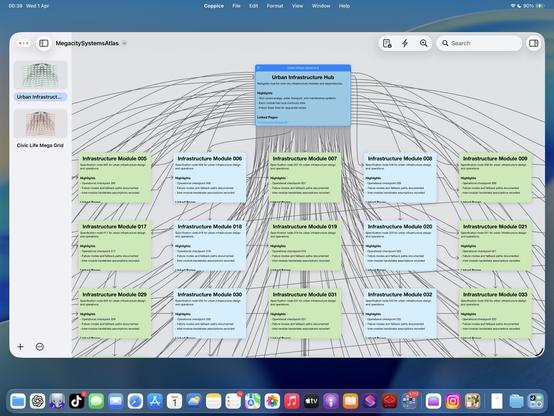
I handed Codex a Coppice document and told it to just figure out the data model, then create a complex document of its own, and it effectively gave me the evidence board meme 😂
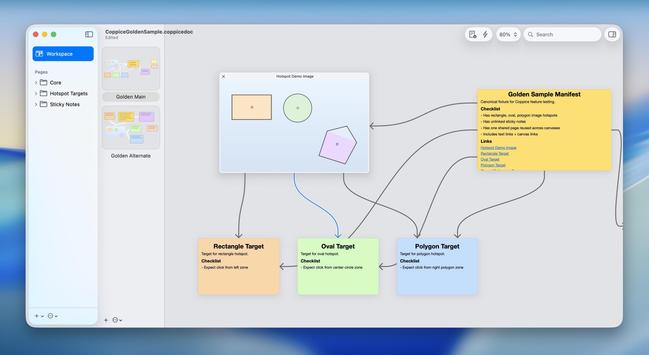
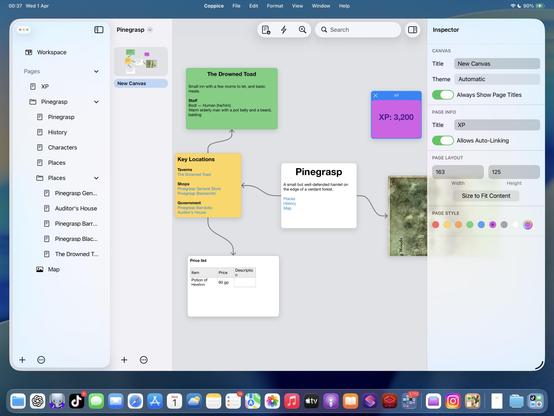
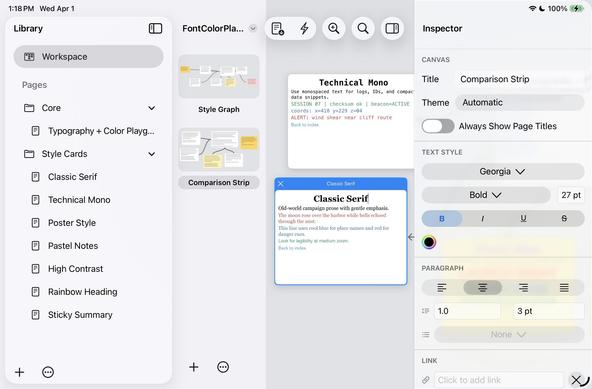
Jokes aside, this gives me an incredibly powerful tool for creating sample Coppice documents to test all kinds of things, and for free
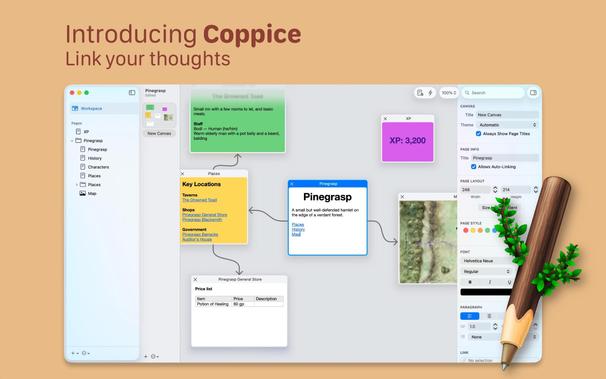
I also revised the Mac App Store screenshots for Coppice, now that I've had a little more time 🙂
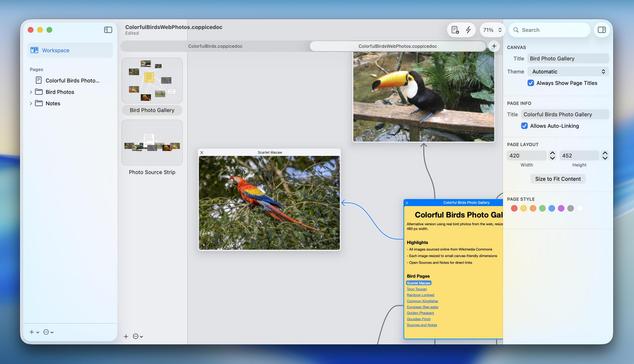
I didn't give Codex any specs, I didn't give it any code, I just gave it a file format it /had never seen before/ and asked it to make some more documents like that. It's astonishing
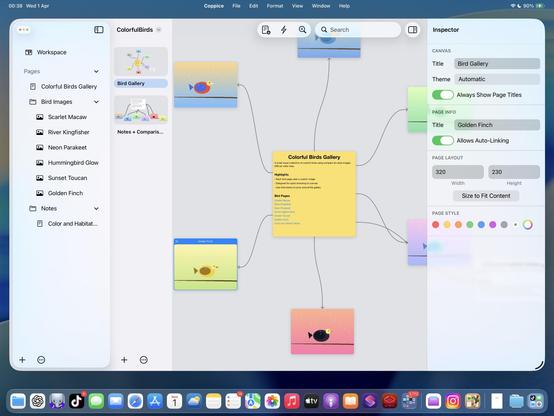
'Codex, insert some pictures of birds for me'
I mean. An attempt was made! 🤣
If Apple Intelligence could actually perform like other cloud-based models, this whole document-generation feature could actually be a real feature I could put in the app.
Alas.
(Also this is a ton better than Keynote's $20/mo Creator Studio slide generator, already. Just saying. I'll happily take your money instead 🥲)
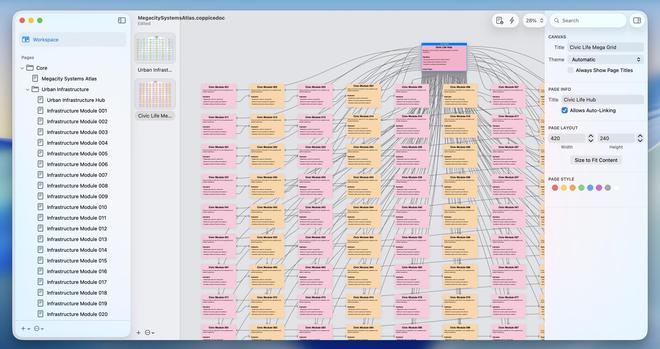
"Make a stress-test document for me"?
No problem.
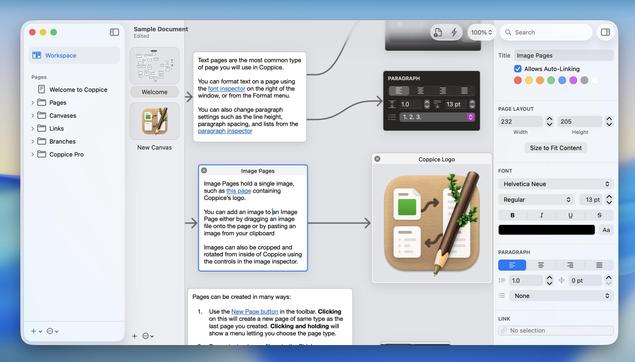
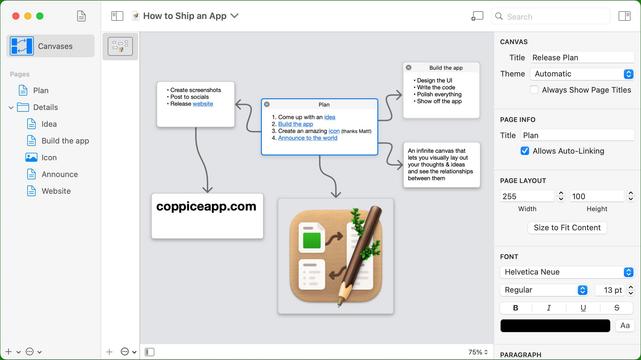
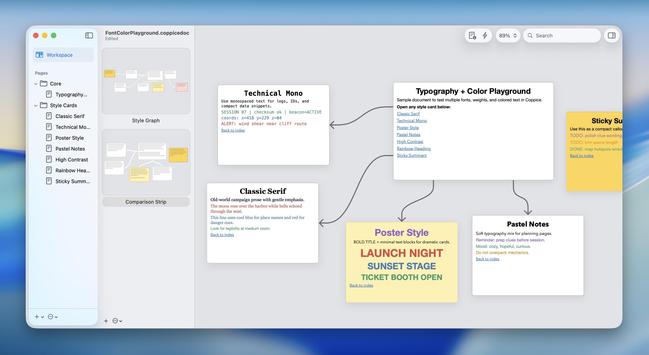
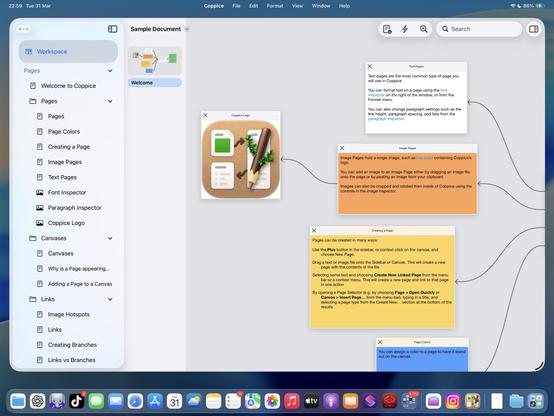
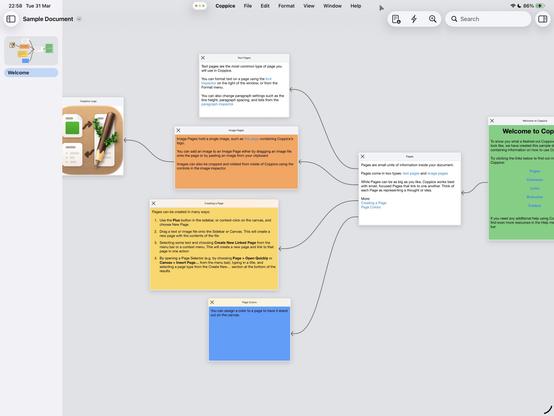
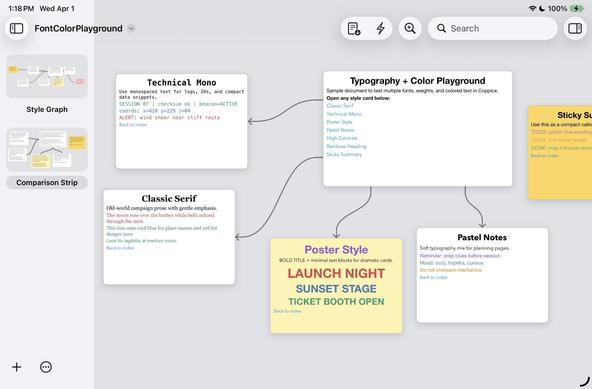
Codex is now so familiar with Coppice documents that I can hand it a *screenshot* of an existing Coppice document and it will build it.
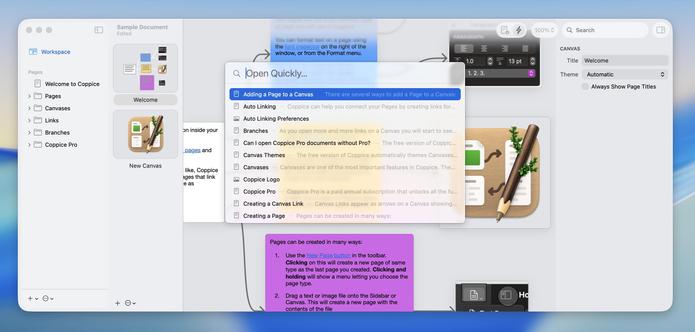
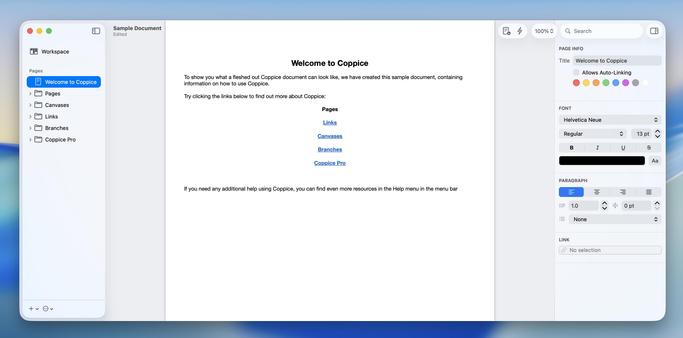
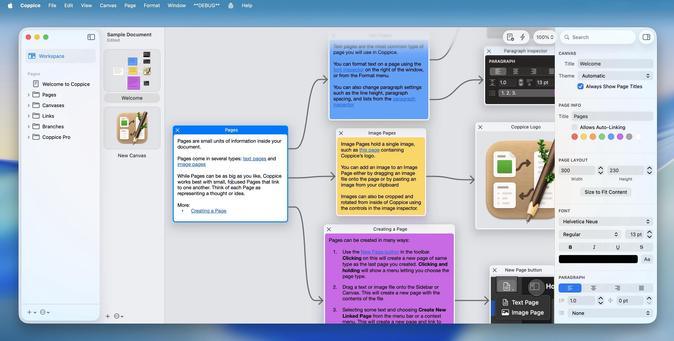
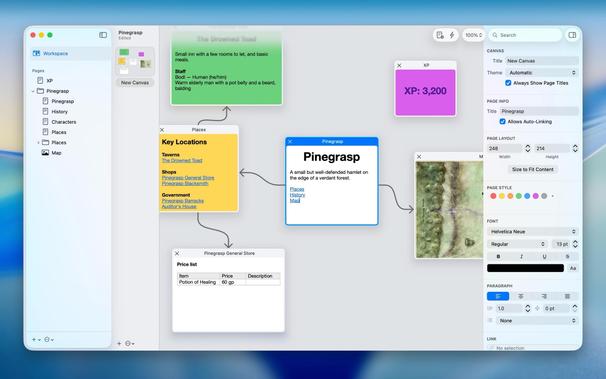
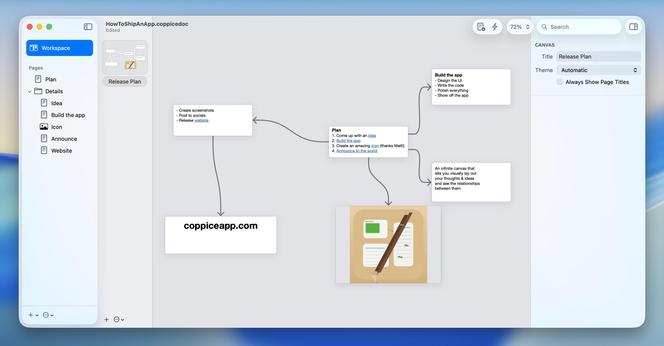
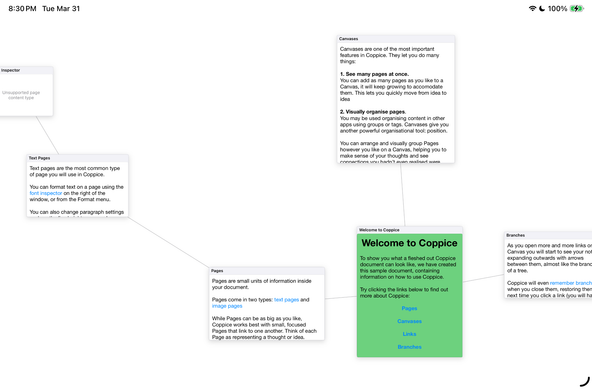
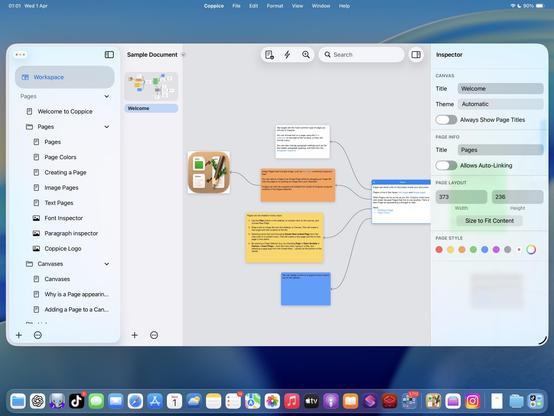
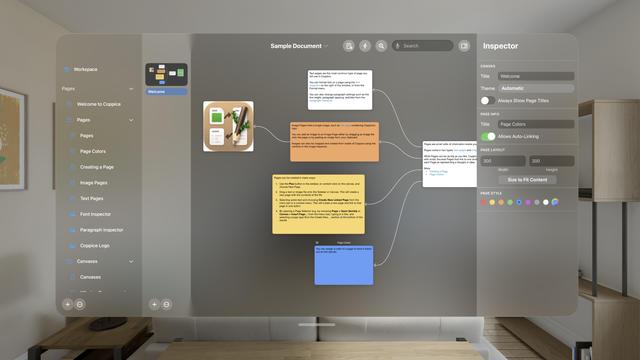
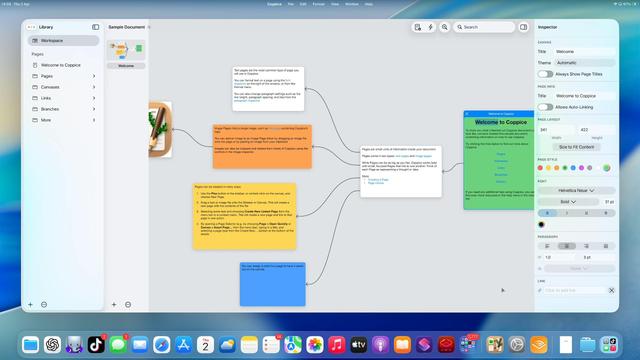
First image here is an image from the old Coppice website. I gave it to Codex and asked it to recreate the document.
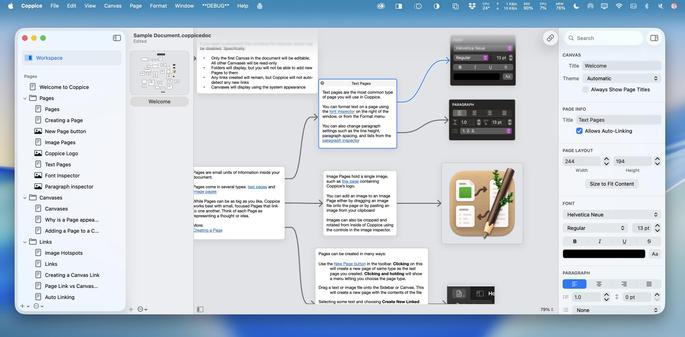
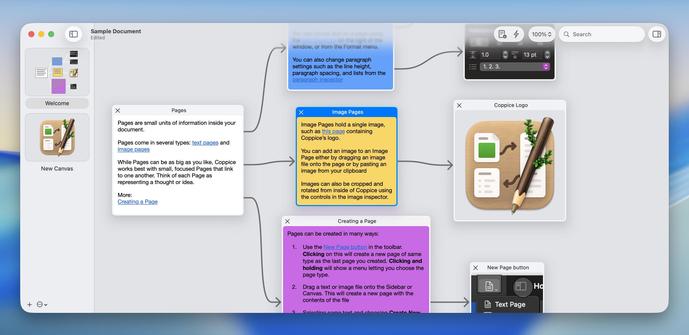
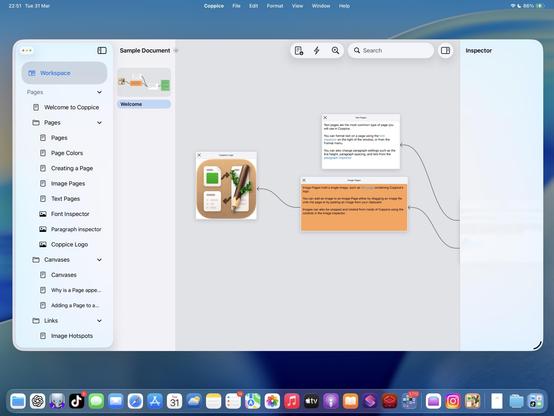
Second image is the recreation. Layout very similar, formatting, links intact, structure in the sidebar. And it did a cheap vector pass at recreating the image too.
As a reminder: it /had never seen this document format until an hour ago/
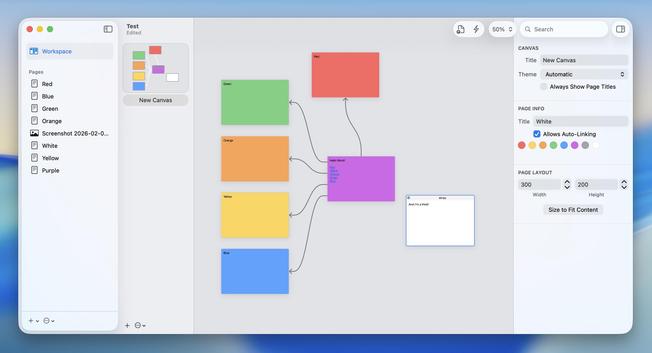
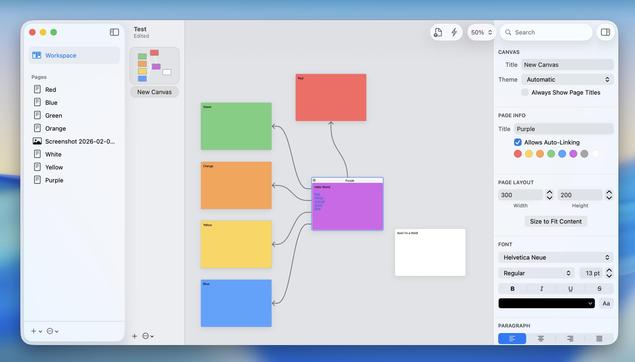
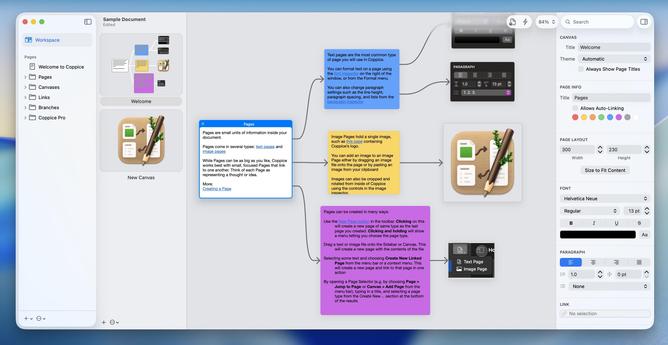
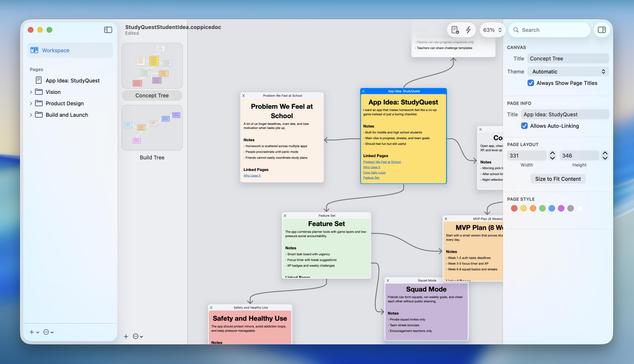
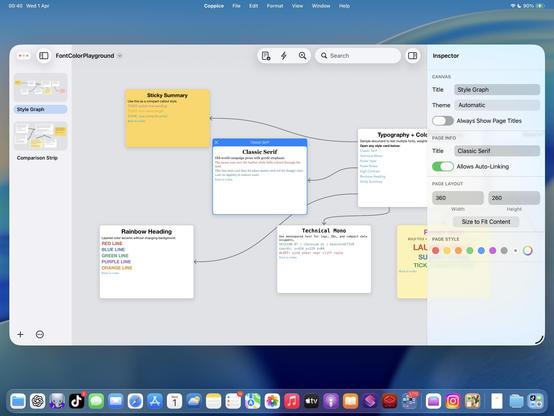
One thing these Coppice docs confirm to me is that I need to enable more page colors in the UI. I didn't limit Codex to the pre-set colors in the app, and I'm glad I didn't. That'll be the first thing I expand in the next feature update
Finally got a chance to update the Coppice website for the current version of the app — it’s rudimentary, but it gets the job done!
I also updated Coppice today with the ability to set a page to any color you like, following on from my experiments last month
https://coppiceapp.com
Coppice - Cultivate Your Thoughts
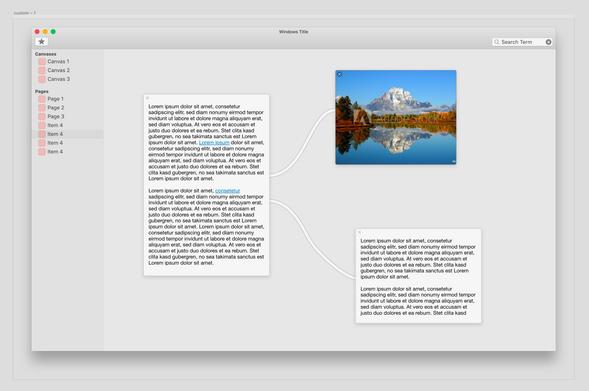
Here's the very first mockup of Coppice, née 'Bubbles', from July 2019. As pilky was building Coppice, I was working on what would become
@broadcastsappThis morning I set about backporting
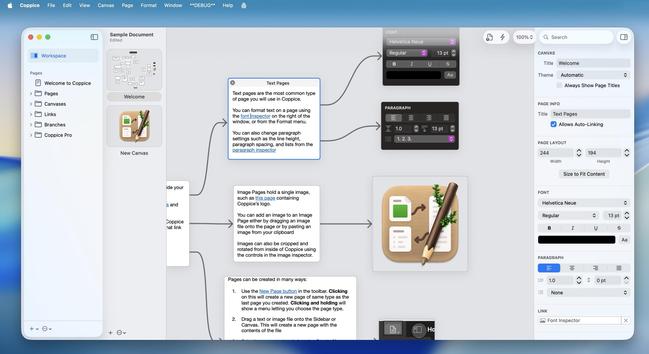
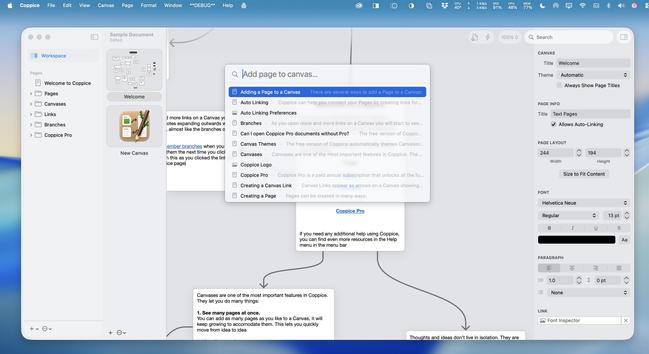
@coppiceapp to Sequoia, which was a bigger job than you'd think considering the app originally supported macOS 12.0 and up, before I ported it to Liquid Glass and started adding features. It's up and running now, and will be part of the next minor update. I did enable it for macOS 14 but started getting weird invalid CPU instruction crashes on Intel; figured Xcode 26 might simply emit incompatible code so it's not worth investigating
 Steve Troughton-Smith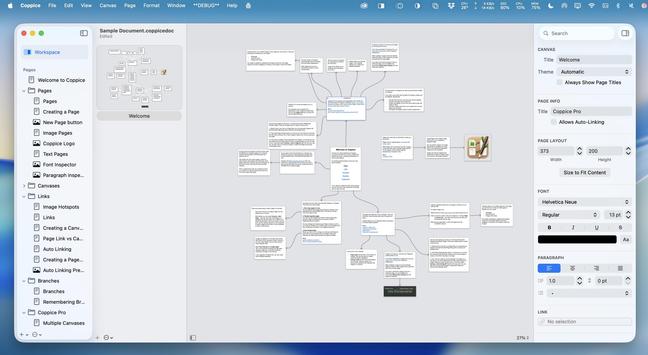

 Imthaz
 erin sparling
 Son of a Sailor
 Jonathan Buys