I am still torn about the terrain distortion. I have zero idea how to fix the Y stretching like that.

That said, love me some good stacked sprites. Admire my drawing skills!
(The trees are scaled, I'm aware, I'd need actual art for it to have a decent look)

(Probably the last GIF of the day, I'm already spamming enough)

#Picotron

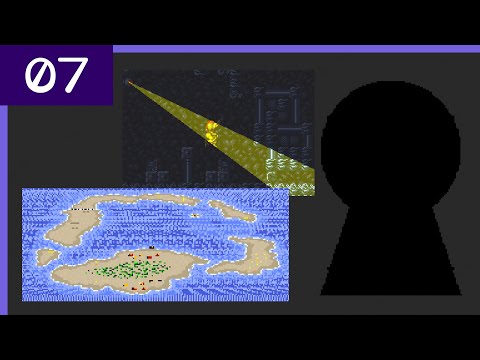
@Ronflaix I don't know what this effect is based on, but seeing how HDMA Mode 7 perspective actually worked might give a hint: https://youtu.be/K7gWmdgXPgk?t=858
DMA & HDMA - Super Nintendo Entertainment System Features Pt. 07

YouTube
@landelare I'm using raycasts to check where the cylinder is and to get the world position of the leftmost and rightmost pixels and then I'm applying the texture with perspective correction, at least theorically. For the mapping and scrolling, I'm shifting the map by computing the surface area taken by the map scaled down to 1x1 unit and scale up from there, including the panning.
@landelare I'm doing similar techniques that games like Axelay or Super Castlevania 4 are doing. Picotron allowing me to draw textured lines with perspective correction, I tried to actually use 3D coordinates as a base and to be able to align objects to the map with the same coordinates.

@landelare It theorically works! The objects move by the same amount on U and UV as the map. An object aligned with the corner of the map won't go away from the corner because it uses the same math more or less everywhere.

The thing is that the map seems to stretch on the upper part of the cylinder with no reason, causing visual desync with the sprites. It still scrolls as fast but I can't figure out what I'm missing to have perfect alignment.