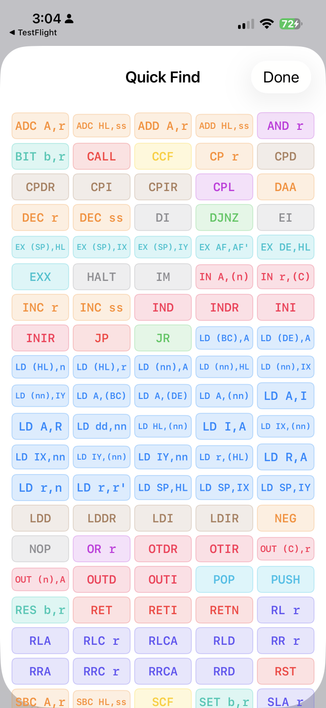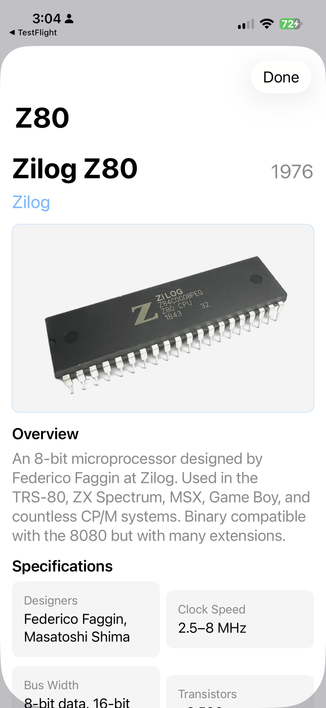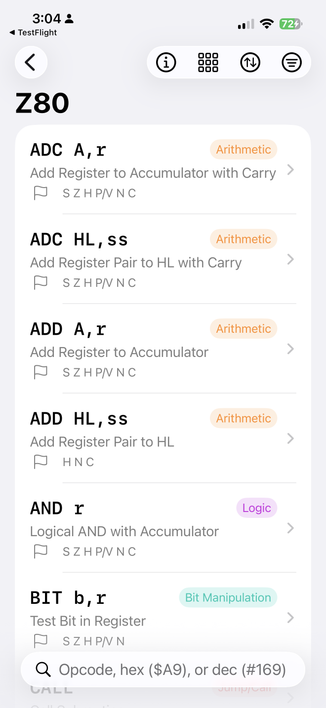
Retro computer enthusiasts: you might find this CPU opcode app useful. Please let me know of errors and omissions!

On TestFlight for iOS now. Requires iOS 18.

https://testflight.apple.com/join/e3nSMedK

Z80, 6502, 6800, 6809, 8080, 1802, 2650 and 8088.
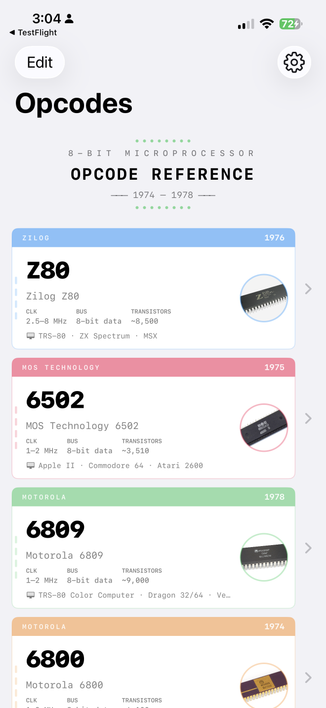
@GrantMeStrength Error: the Z80 was not used in the Nintendo Gameboy. It uses a mostly similar CPU from Sharp that we call the SM83. Opcodes are not quite the same, missing hardware, adds stuff.
@GrantMeStrength You could say the SM83 was inspired by the Z80 and 6502. It has a zero-page like area at the top of memory, accessible with shorter opcodes. No shadow registers or index registers. I/O is very different. Added a nybble swap opcode. But yeah, most Z80 coders would be both comfortable and frustrated by it.
@GrantMeStrength slight error in the screenshots: the cpu in the game boy is not a z80, it's a Sharp SM83, the instruction set is different
@GrantMeStrength Only runs on iOS 26 as it seems
@steckschwein_6502 updated it. Please try again.
@GrantMeStrength It works now! Awesome, thank you!
@GrantMeStrength Android please 😊
@weirdocollector @GrantMeStrength If it's the Z80 that you're interested in, there's a Z80 opcode reference app for Android by @bitsofbas here: https://mstdn.social/@bitsofbas/116142091114704126
šŸ…¼šŸ†‚šŸ†‡ bitsofbas (@[email protected])

My Z80 Opcode Calculator app on Google Play was updated yesterday. Undocumented opcodes are now included. Test away! #z80 #msx #zxspectrum #amstrad https://play.google.com/store/apps/details?id=z80opcodecalculator.bitsofbas.com

Mastodon 🐘
@semiprime @GrantMeStrength @bitsofbas Thanks! I also do some 6502 and less frequently 6809, and it would be really great to have your app also on Android. Thanks again!
@GrantMeStrength would like to run and test it on iOS 18 but seems to require newer iOS, so canā€˜t. šŸ™
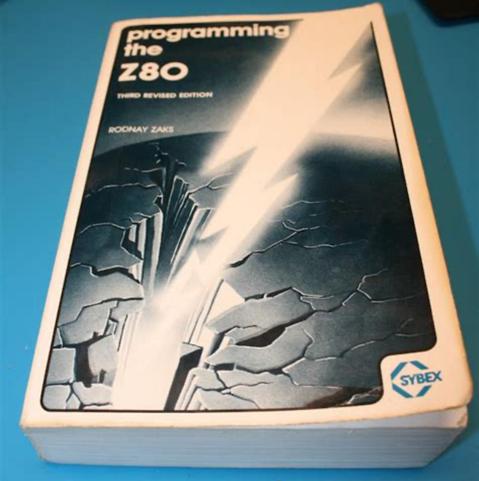
@GrantMeStrength I miss my old paper Z80 programmer's manual. Did my first machine code with that, pencil & paper and a Sinclair Spectrum.
@lopta you don’t have this on a shelf?
@GrantMeStrength I've definitely seen that but I don't own a copy.
@GrantMeStrength That’s great! Like one of these little spiral-bound lookup manuals turned into an app.
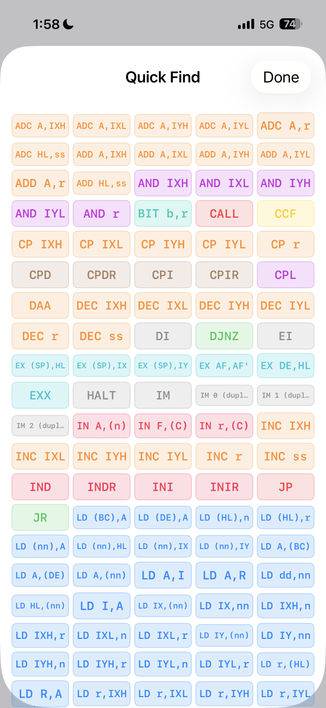
@GrantMeStrength I use https://clrhome.org/table/ for z80 opcodes. And I like the direct access of that— that you can see al the instructions at once. What would be lovely in your app is a similar mode—even if it wasn’t very readable til you press to zoom in.
Z80 Opcode Table

@andrewf I do have this mode..
@GrantMeStrength Yeah, I noticed that, nice! Would be cool if that was a ā€˜mode’, so when you go in to view an instruction, then press ā€˜back’, you get to the same view.
@GrantMeStrength installed and I love it. Hope you eventually add some more (notably 68k) but even if you never do this app is still unbelievably good. The presentation is perfect.
@apple4ever glad you like it! I’m trying to decide on keeping all the 16 bit + CPUs for another app, or make just another ā€œmodeā€ on this one. I’ve already made a separate app for DEC’s PDP mini and mainframes to better suit their odd architectures.
@GrantMeStrength I was thinking about that too that the presentation might have to be different for 16bit +. I mean addressing modes alone is a change. I can an argument for both sides.
@apple4ever check the latest beta as I’ve started adding 16bit CPUs. If you change the opening view to tiles it works pretty well!

@GrantMeStrength whoa tile view is coooooooool. And there is the 68K :)

This is really well done for a beta!

@GrantMeStrength This really is lovely. Was this app to scratch a personal itch? Or an experiment?

@andrewf I’ve been messing with so many CPUs (thanks, 8BitForce!) I needed a tool to help me.

https://www.tindie.com/stores/8bitforce/

8-Bit-Force on Tindie

An electrical engineer who grew up during 1980's and spent much of his childhood hacking commodore computers. Now building 8-bit microproc…

Tindie