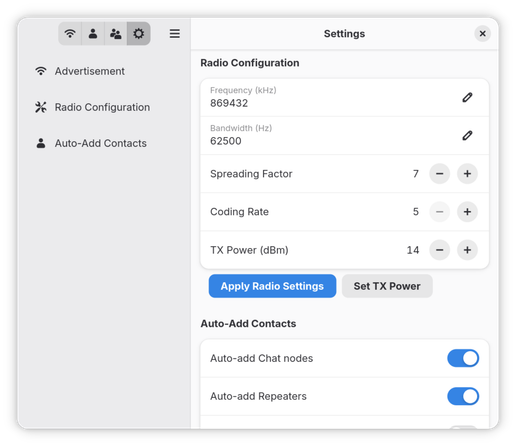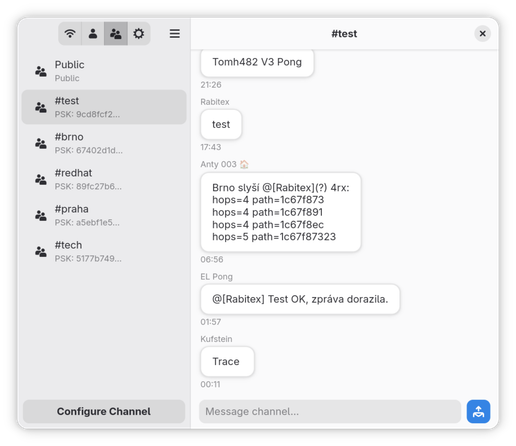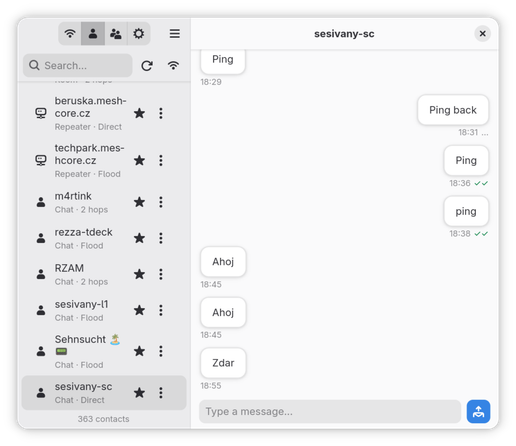
#MeshCore deserves a native #Linux client IMO.
@sesivany about - details - website leads to @meshy 👋

@stereo The project now resides here: https://codeberg.org/sesivany/meshy

Updated code and a new .flatpak bundle. Still a lot of features missing, but it's already quite usable.
meshy

Meshy - a GTK4/libadwaita client for MeshCore. The goal is to provide the best Linux experience.

Codeberg.org
@sesivany which hardware you are using for this? @stereo
@Lioh @stereo I use Heltec v4 and SenseCAP T1000e as companions for testing. Heltec v4 works flawlessly, T1000e is really PITA over BT. I'm coming to a conclusion that the problem is not how I approach the BT pairing/connection, but in the device. It gets into a state in which it doesn't work with Android and the official client either.
@sesivany I have no experience with this technology, yet. I have ordered an Seeed Studio XIAO ESP32 S3 mit Wio-SX1262 Lora Meshtastic Kit to begin with. I will report back how it works with your software @stereo
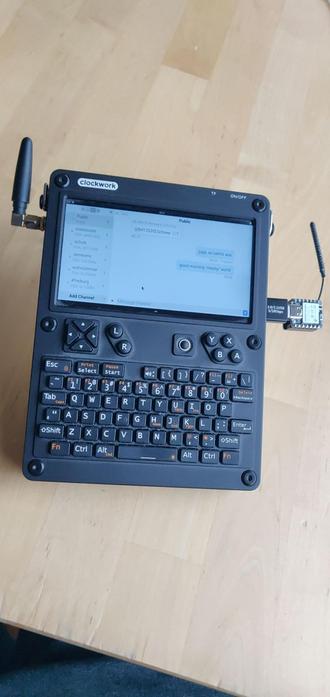
@Lioh @sesivany i was using it also with the heltec v4 and a t1000-e now also usb works. can confirm using phosh on the uconsole ;)
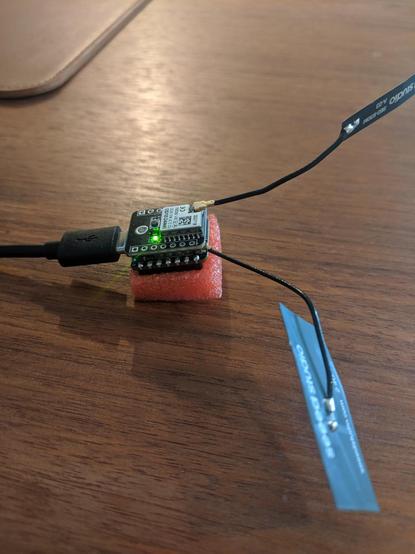
@stereo looks like Military equipment @sesivany
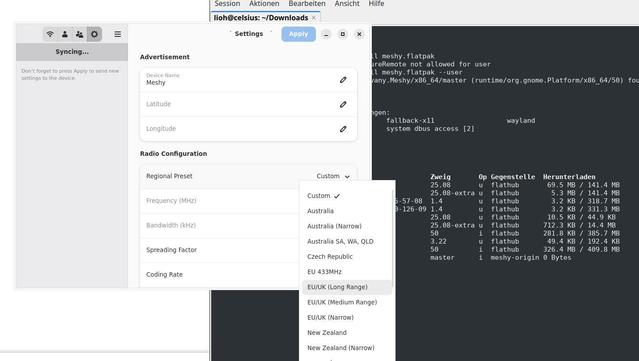
@stereo @sesivany what I have to choose here? I am located in Switzerland?
@stereo @sesivany this is how it looks the little bug.
@stereo @sesivany ah, it has Switzerland, but the Apply Button is always greyed out, no matter what I change.
@Lioh @sesivany the feature to set those things up is veeery fresh. you can also set it up using meshcore-open or the non-free app.
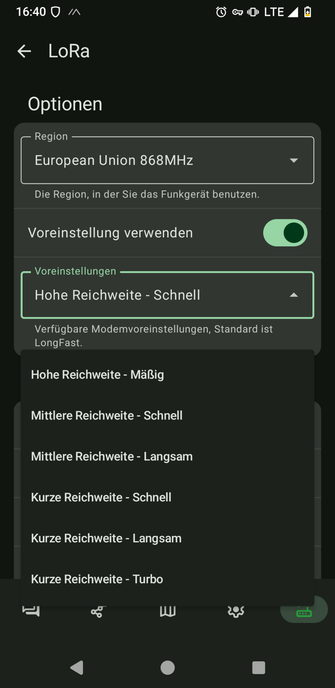
@stereo @sesivany I have now also installed the Android App. There I can select EU 433, EU 868 and then down, long range, short range, all of them have slow, fast or turbo in the offering.
@Lioh @sesivany
the non-free android app has also those "presets" available.
https://www.meshcore.ch/settings/
SETTINGS | MeshCore Switzerland

The recommended radio settings when using MeshCore in Switzerland.

MeshCore Switzerland
@stereo @sesivany ohh, AI graphics 💣 this is the android app Meshtastic from f-droid. No idea how to match those with this website.

@Lioh @sesivany

aaaah, i see. meshtastic != meshcore

completely different firmware, same hardware

@stereo @sesivany I am lost already.
@stereo @sesivany I was told to flash this firmware: https://flasher.meshtastic.org/
@stereo @sesivany by the "Internet"

@Lioh @sesivany

am i allowed to help you to set it up for meshcore?

@stereo @Lioh If it's a new companion, I haven't gotten to it yet. Setting up a new companion isn't covered yet, so yes, at the moment it has to be first set up e.g. in the official client.
@sesivany @stereo please keep in mind that I have no idea what I am doing here 😅

@Lioh @sesivany

1. flash it to meshcore using https://meshcore.co.uk/flasher.html

2. go to https://app.meshcore.nz/ with a chromium based browser (needs web-bluetooth or web-usb)

3. make those settings to "EU narrow"

4. start having fun ;)

Web Flasher — MeshCore

Flash MeshCore firmware to your LoRa device directly from your browser.

@stereo @sesivany but can I use it with Meshy as well then?

@Lioh @sesivany

yes. its the same way i did it until the picture with the uconsole above.

@Lioh @stereo Meshy is MeshCore only. That's why it doesn't work with your companion which has Meshtastic preloaded. Different firmware, different protocol, different network.
@sesivany @stereo okok, i flash it 
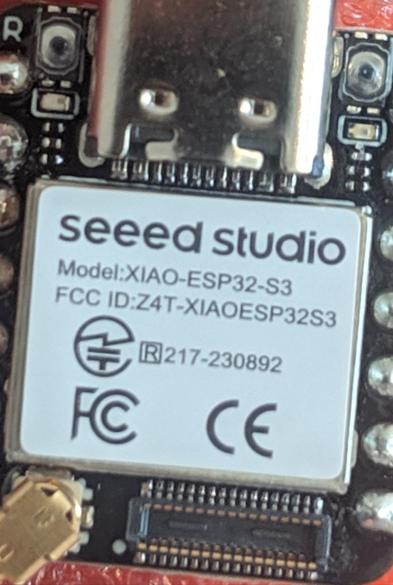
@sesivany @stereo is this a Seed Studio Xiao S3 WIO?

@Lioh @sesivany

wait, there are two... its the other one. the
"Seeed Studio Xiao C3"

@Lioh @sesivany

EU Narrow is the "new standard"

this way, we can read each other.

https://swiss-mesh.ch/meshcore/

MeshCore Tutorial | Swiss Mesh

MeshCore infrastructure and networking for Swiss Mesh. Complete guide to setup, configuration, and recommended settings for MeshCore repeaters and room servers in Switzerland.

Swiss Mesh