 Bluebabbler
 Shichimi − David Revoy on Peertube
Discover Krita 5.3/6.0: 10 new features explained to get you started
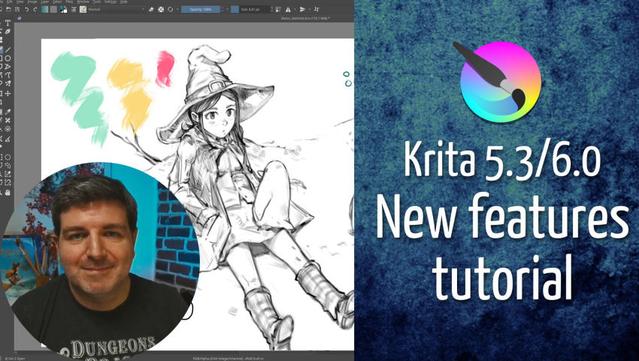
Discover Krita 5.3/6.0: 10 new features explained to get you started
@shichimi Many thanks for this manual. Very impressive update, new text tool is a gamechanger.
A few things that made me stumble when I followed the examples from the video, maybe they help somebody:
In the fill-tool, the option for close-gap is only available in fill-mode "Fill a contigous region".
The close-gap option is also available in the Wand-tool.
In transform mode, to use Ctrl+Alt to rotate the transformation-form, the mouse must be OUTSIDE the tranformation-form for it to work.
@shichimi
Also during this I realized the transformation mode has the feature that if you press Ctrl that you get a kind of very powerful perspective-transformation.
Never knew. That's a problem with Krita, so many great features, but many are hard to find. It would help if the footer-bar would show available option keys (like ctrl, ctrl+al) and what they do while the tool is active.
 HerrThees
 Hyperbolix Prudens 🎹🖌️⌨️
 Pixalisk
 pixelglade
 megumumpkin
 Fabulous Fab's
 Esmeralda
 Analog Dalek
 Pezito
 Marten A. Höhne