 Royal Apps GmbH
Shortcuts need to be configured differently under macOS than under Windows 💡 You need to go to macOS Settings → Keyboard → Keyboard Shortcuts → App Shortcuts and voilà: Add your Royal TS/X Shortcut!
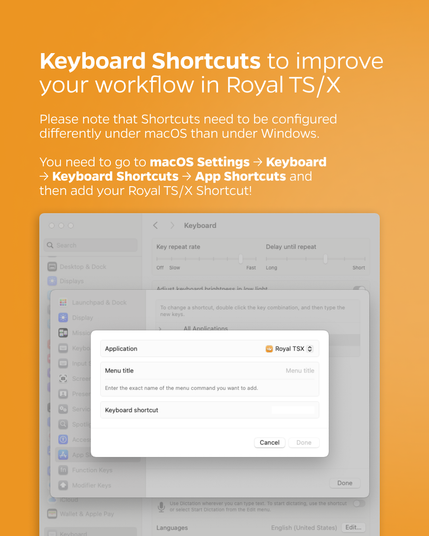
Shortcuts need to be configured differently under macOS than under Windows 💡 You need to go to macOS Settings → Keyboard → Keyboard Shortcuts → App Shortcuts and voilà: Add your Royal TS/X Shortcut!