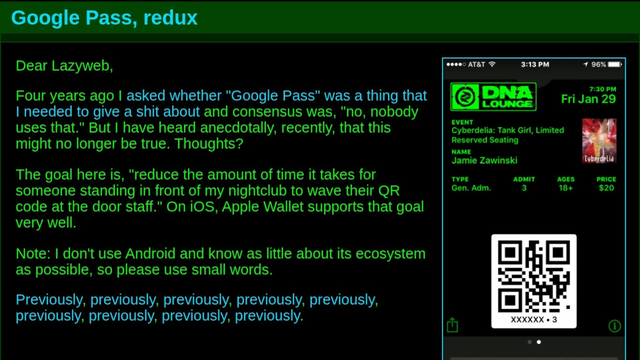
Four years ago I asked whether "Google Pass" was a thing that I needed to give a shit about and consensus was, "no, nobody uses that." But I have heard anecdotally, recently, that this might no longer be true. Thoughts?

The goal here is, "reduce the amount of time it takes for someone standing in front of my nightclub to wave their QR code at the door staff."

Note: I don't use Android and know as little about its ecosystem as possible, so please use small words.
https://jwz.org/b/yk45
If those of you using Android could click on this link and tell me whether it does anything even remotely useful, and if so, some detail about how horrible/stupid the whole experience is, that would be helpful: https://www.jwz.org/images/2026/test.pkpass

And tell me what version you're using, obviously. Possibly this requires some "Play" [sic] stuff to work.

UPDATE: Thanks! You can stop now.

(Unless you have read the dozens of replies and have had a materially different experience than those.)

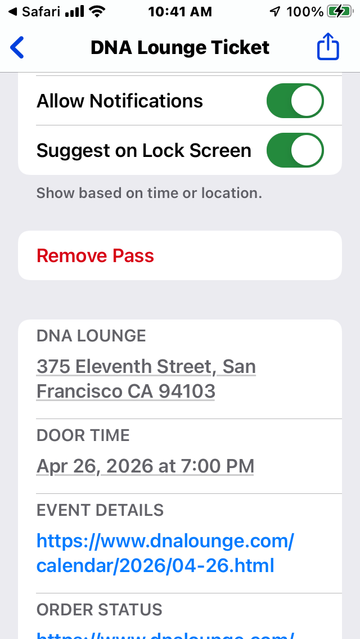
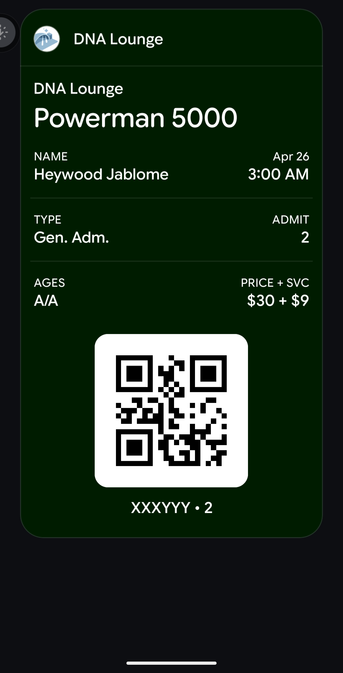
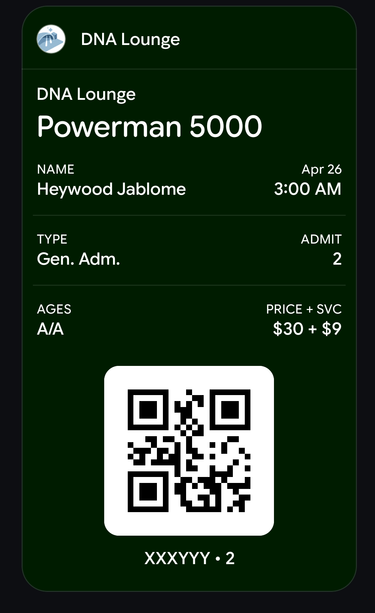
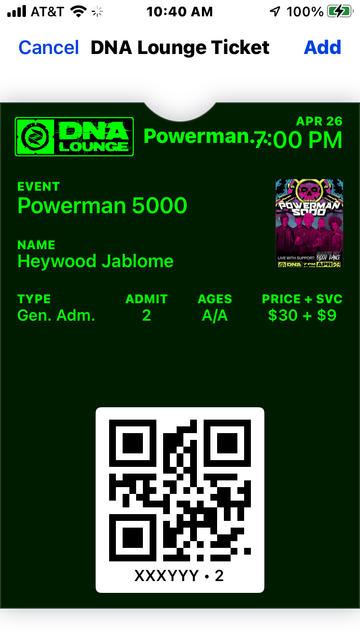
FYI, this is what it looks like on iOS. No intervening clicks needed besides "Add".

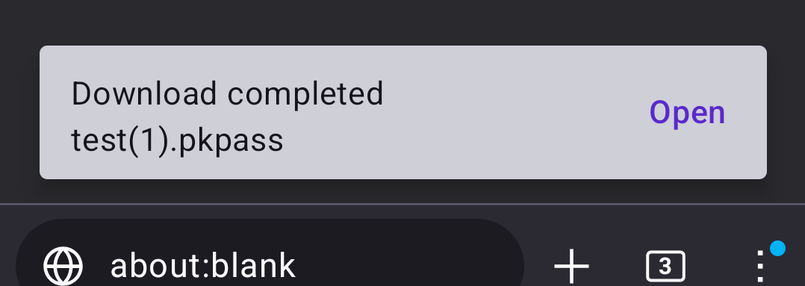
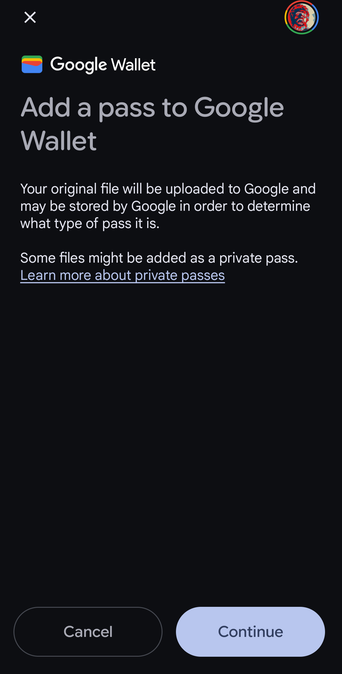
@jwz it showed it as a download then opened this flow, possibly a couple of other add/continue screens in between.

I didn't accept the long t&c page and it still seemed to work, though I may be blind now since it ramps the brightness to full on the ticket screen.

Will add version later if I remember but need to charge and walk the dog. Samsung Galaxy S8 though so prehistoric hardware.

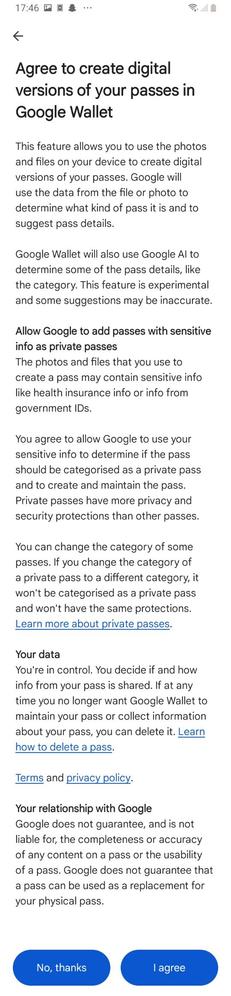
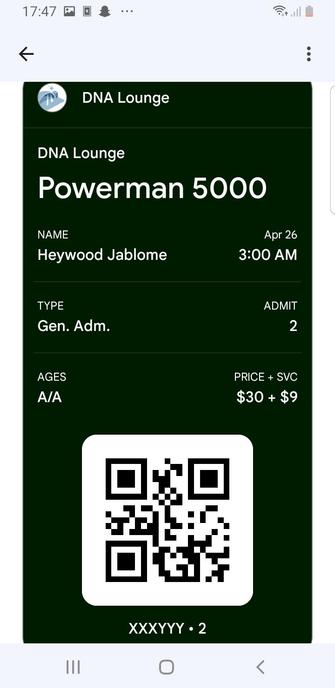
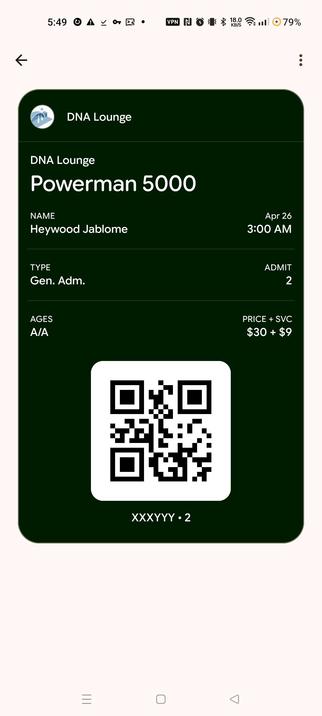
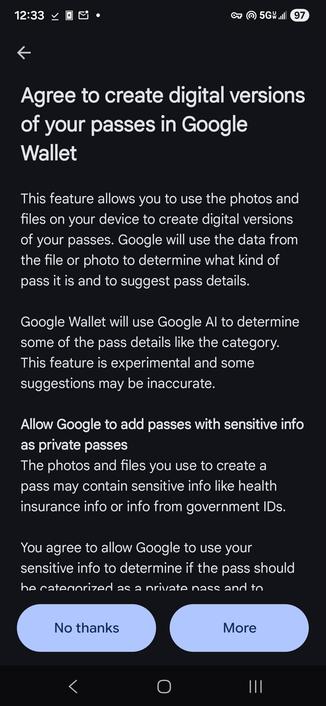
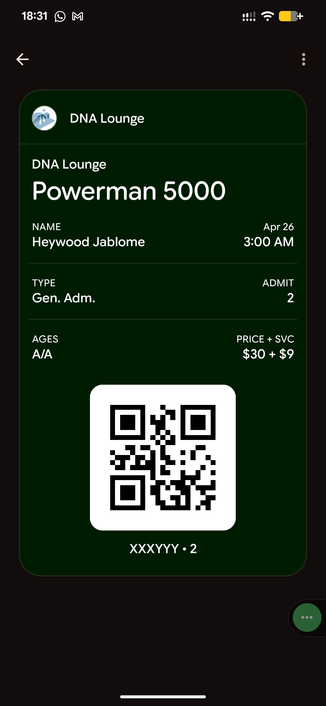
@jwz Downloaded as a standard file. Added to Google Wallet, don't typically use Wallet for passes so had a wallet of TOS including "can our AI look at this?" and after a few clicks through got this:
@jwz Duck Duck Go on a Pixel suggested I download it, but I have my setup pretty well locked down.
@jwz woah. You’re getting powerman 5000?
@jwz is this how I learn that Powerman 5000 still exists?
@jsatk They played here last year and they were great! https://www.dnalounge.com/gallery/2025/04-13/
DNA Lounge: Powerman 5000 + Red Devil Vortex + Makes My Blood Dance

@jwz nothing remotely useful - I get a dialog as for any unrecognized file for download.

Edit: Android13/lineageOS/google play from microg/fennec browser (firefox)

@jwz Downloads a pkpass file. That's it.
@talexb Did you try opening the file? Did that do anything?
@jwz Yeah, it went into Google Wallet. I cancelled out of it.
@jwz @talexb I didn't try opening the random-looking download. Too many years thinking about cybersecurity.
@mu Cool story very helpful
@mu @jwz This.
@talexb @mu You know, when someone asks their followers to test something, and you would prefer not to, simply remaining silent is always an option that is available to you.

@jwz @mu The nerd factor on @jwz's website is quite high, and I was at lunch on a Sunday .. why not.

But you're right, normally, no.

@jwz asks to download the test.pkpass file. (Using a browser with no script enabled, didn't go any farther than the prompt)
@jwz the file is downloaded, nothing more
@DamonHD Did you try opening the file? Did that do anything?
@jwz not visibly. Obvs you may now have all my secrets or something.
@DamonHD You know what you did
@jwz maybe, though the best bits involve indistinct memories. I still have a paid-for Netscape CD somewhere, but don't tell anyone...
@jwz Apparently I now have a pass to an event. It went pretty seamlessly apart from me having to say Yes to things I haven't used before. Galaxy Tab A9, Android 16.
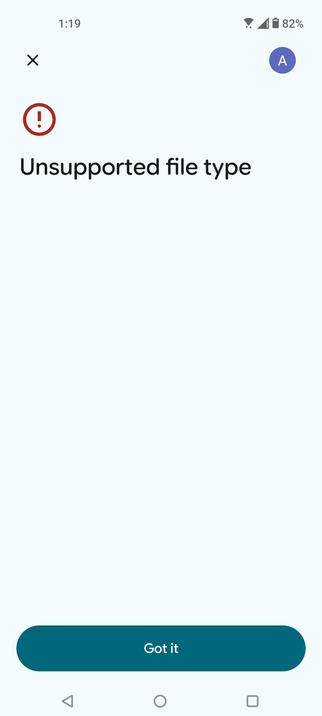
@jwz Unsupported file type error on Android 13 (opened on Google Wallet)
@jwz it:
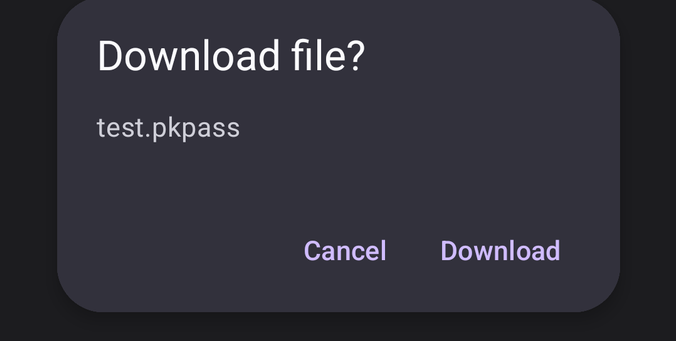
1. asks if I want to download a file
2. downloads a file with a .pkpass extension
3. asks if I want to open the file
4. opens the file in Google Wallet and asks if I was to add
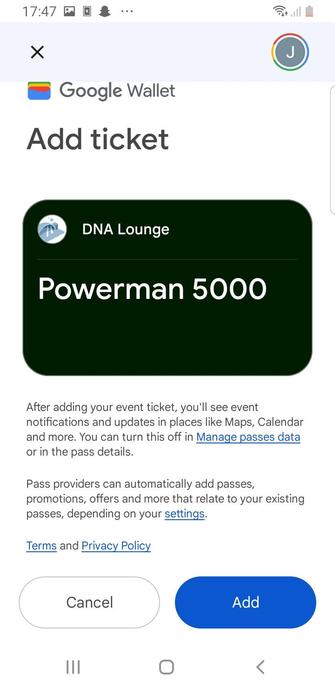
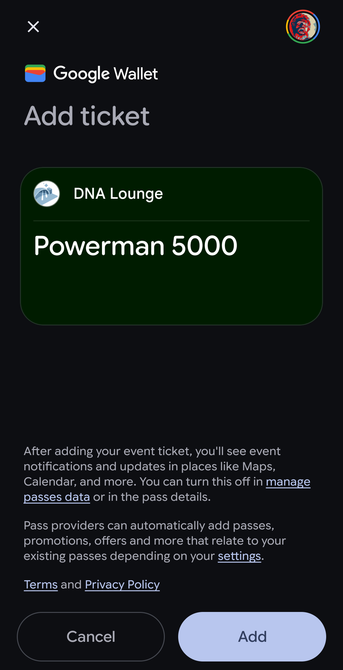
5. asks if I want to add a ticket to Powerman 5000 at DNA lounge
@jwz I can send a picture of the QR code and now think you now own my phone

@wnd @jwz

Ditto download and offer to open on an Android 16 Pixel. In all of Firefox, DDG, Firefox Focus browsers.

I didn't add the ticket to my wallet.

Notably, it was recognized as a ticket without having to put it in an email message attachment to trigger processing (the usual workaround).

Avoiding needing the attachment workaround is what I would consider a usable "add ticket to wallet" process.

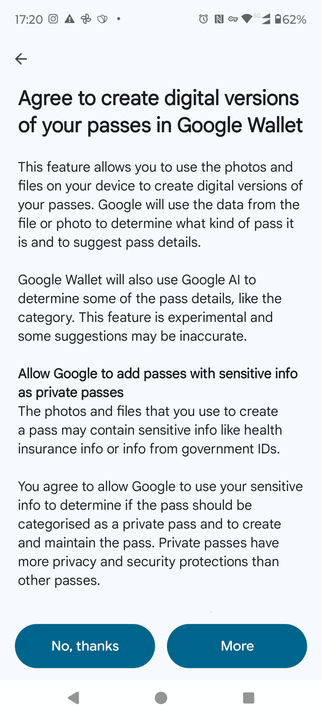
@jwz Downloaded the pkpass file using Samsung Internet, I then tried to open the file and got this
@sully @jwz I got this too lol, I don't think it's related, just some spyware shit. I clicked no thanks and it proceeded to import the pass
@jwz I mean, I could have done the thing but it's a lot of text and warning, some people might not?
@jwz android 11, downloads the file and imports successfully in google wallet
@jwz because this is fedi people might like to know there's a non Google wallet app called FOSS wallet. Also works with this pass
@tibi2 Does that wallet app display *all* dates in GMT or is that where you are?
@jwz I'm in GMT+1. this is a bit weird. a different app called catima shows this at 4:00 and Google wallet shows at 3:00. what the fuck?

@tibi2 Ha!

jq .relevantDate < pass.json => "2026-04-27T02:00Z"

@jwz damn so Google is the only correct one. well good to know I can't rely on any of the foss apps!

EDIT: google fucked it actually, see below

@tibi2 I mean I guess it's NBD if a ticket displays the wrong time, right?
@jwz foss wallet has a closed issue about time zones :) May I use your test file if needed to reopen that issue?
just to come back on this, foss wallet already has a PR for this submitted yesterday! and it turns out catima is correct and google isnt, given the DST change. so it's actually google that fucked up here. typical trillion dollar company
@jwz just downloaded, nothing else. Pixel 6a, latest Android

@jwz

I get the following sequence when accessing via Firefox for Android...

@jwz

So it's a little clunky with too many steps and has some room for human error or people to miss a prompt and have the file left in an oubliette containing all their randomly downloaded files. But it works.

I'm not sure whether or how the process would differ when using a Mastodon client, the Chrome for Android browser, another version of Android OS, etc.

@DaveMWilburn @jwz If you haven't used Wallet in a while, it gives you every option. Second time in is better. Bonus: you can use your Android watch!!
@jwz
(1) Offered me a download option. I accepted it.
(2) Offered me the option to open that download. "This jwz guy is definitely trustworthy," I said, and opened it.
(3) Now, "agree to create digital versions your passes in google wallet" with a two page scrolly agree thing. No part of it says what a pass is or why I should wish to have one. I agree.
(4) "Add a pass to google wallet"? Continue.
(5) "Add ticket" for "Powerman 5000" at DNA Lounge. Why not? I select Add.
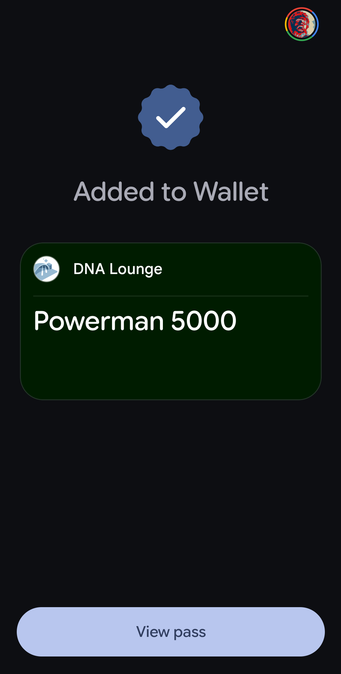
(6) Added to wallet. So... something has happened.
(7) Open wallet; there is indeed an icon there labeled "Powerman 5000." Yay?
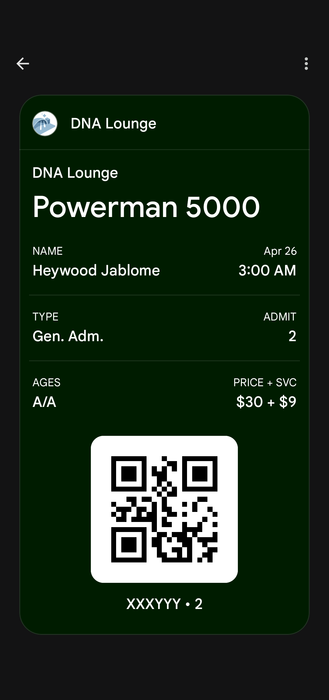
@jwz when I open it in Google wallet it gives me what appear to be event details and a Qr code. Looks very much like a Google wallet hosted movie ticket I used last night so it at least has a similar form to a usable item

@jwz It downloaded the file and showed the Downloads folder(?) where I could tap on it again. Not particularly helpful.
When tapping it, I could select Google Wallet, which wanted me to agree to something (abort abort abort). I also have PassAndroid installed for this specific purpose and that imported the pass with no problems.

Android 16 on Galaxy S22+, Chrome browser. I'm using Google Wallet for credit cards. Have installed PassAndroid for Pkpass files some years back.

@jwz Current LineageOS w/ Firefox. Downloads the file, then FF asks if I want to open it.
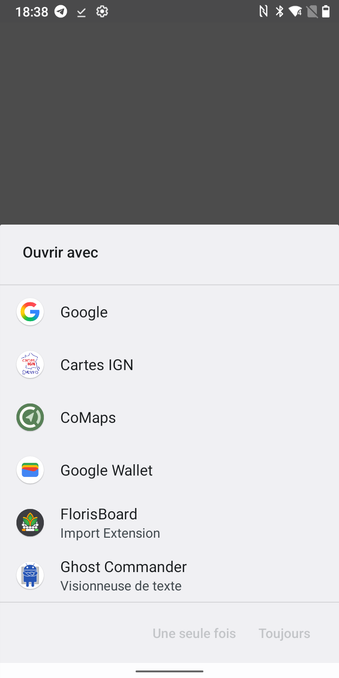
Got a prompt letting me choose between FossWallet, Catima and Google Wallet.
Opened the file in both FossWallet and Catima (never used Google Wallet, tbh) and it imported fine.
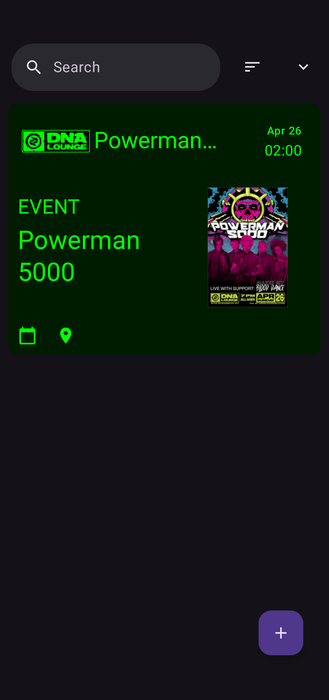
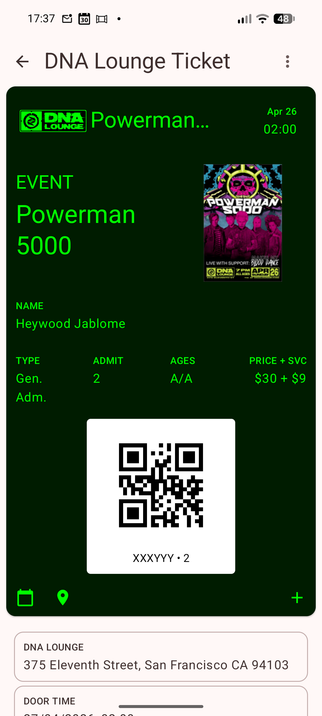
FossWallet displayed green Background, DNA Lounge Logo and Powerman 5000 Poster with the QR Code and a ton more info. Also a "add to calendar" and location link.
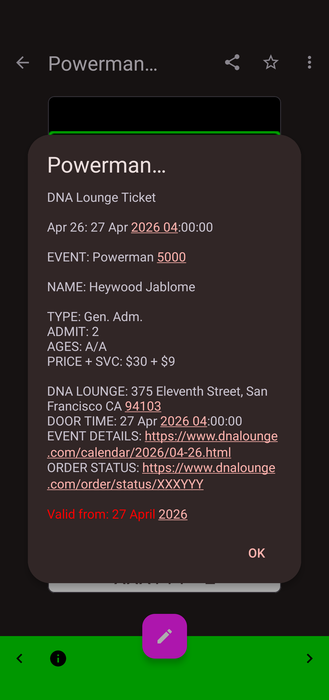
Catima displayed DNA Lounge Logo, QR Code and a bit more info.

@jwz

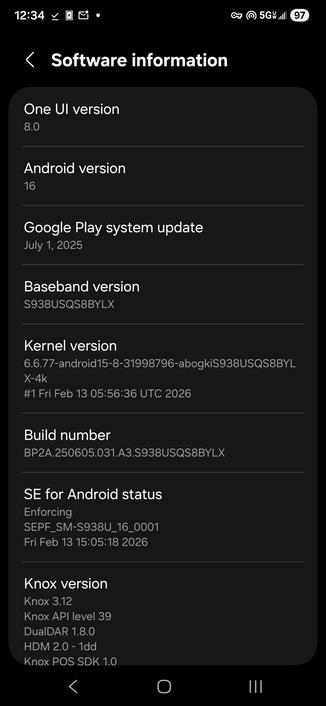
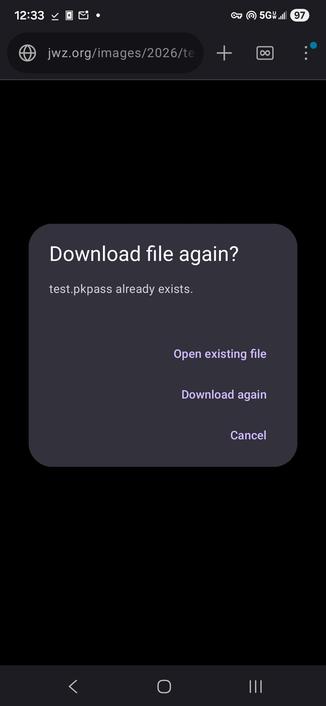
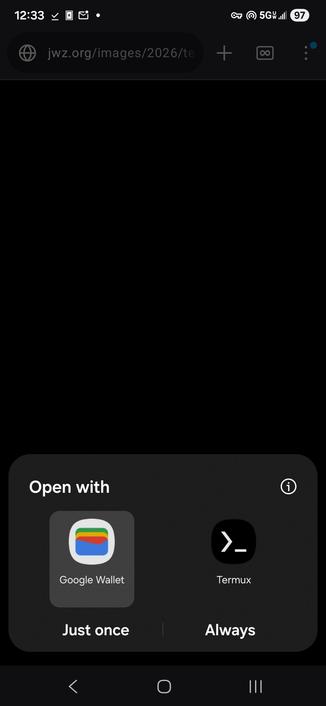
A story in 4 pics. This was as far as I was willing to go without knowing exactly what that file does. (And I only downloaded it because you have earned that trust.)

@jwz

To clarify, I don't think the file does anything harmful, but I don't know if I want whatever it actually does.

@jwz works fine for me i.e. Firefox Mobile downloads and offers to open it. Then it's imported correctly into Google Wallet, no fuss. Android 16 on a Pixel 7 Pro. I do wish it was an actual ticket tbh
@jwz I get the usual download thing. Hitting "open" opens it in the FossWallet app and I get a nice looking ticket - see screenshot. N.b. this is Grapheneos and partly de-googled, I got FossWallet from the f-droid app store. I've used it on the past for an openstreetmap meet and a trip to an art gallery
@jwz GrapheneOS here. Opens a file download for test.pkpass, which is a misnamed (and thus exactly nothing happens with it unless I rename it) zip file containing some png’s and json’s. shrug
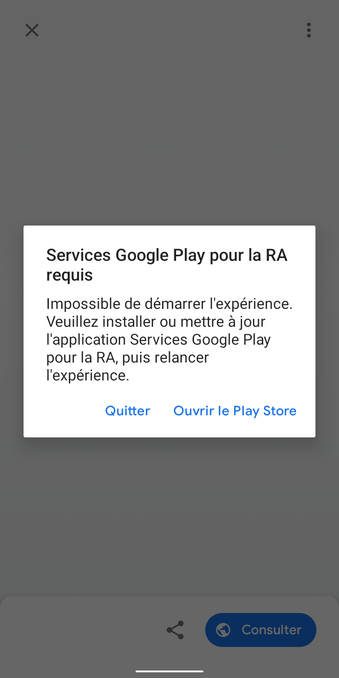
@jwz Using Firefox on Android 12, it asks for downloading the file. After doing so and clicking on the "Open" toast notification, I'm asked to choose between a bunch of apps. I've selected the "Google" app and got a pip-up asking me to install "Google Play Services for AR". I didn't go any further.
@jwz i have android 16 without any google stuff, so firefox asked me if i want to download the file and then once i opened it, it was imported just fine into kitinerary (by @kde). this seems like a useful workflow to me, not sure if there is anything that could be better about it.

@jwz
Since I disabled to directly opening apps from links it went: Firefox - download - open - open in wallet - shows up with information about event, price, and a QR code.

All good.
This is how it always works for me.

This is on Pixel 9a with Android 16 and everything updated.

@jwz sort of does. It sends me to a scary page asking permission to apply AI to my pictures, and I'm conflicted whether to say yes so I can tell you what happens next or say no because I don't want Google to start applying AI to all my files (as if they didn't already, though, permission or not)

@jwz hah. So, after following the replies from others here I can also confirm: Hitting "not thanks" on the "please give AI permission for everything" screen lets the flow continue on to add the pass. Apparently now me and one other can go on April 26 at 3 am to your club and watch Powerman 5000! 🎉

This is all on a Pixel8, Android 16, Google Play System Update Nov 1, 2025, Android Security Update March 5, 2026