Terence Eden
New laptop day! Go on, Fedifriends, which #Linux distro should I put on it?
I usually use Pop / Ubuntu / Debian - but happy to try anything modern and supported.
(Chuwi Minibook X N150 if it makes a difference.)
New laptop day! Go on, Fedifriends, which #Linux distro should I put on it?
I usually use Pop / Ubuntu / Debian - but happy to try anything modern and supported.
(Chuwi Minibook X N150 if it makes a difference.)
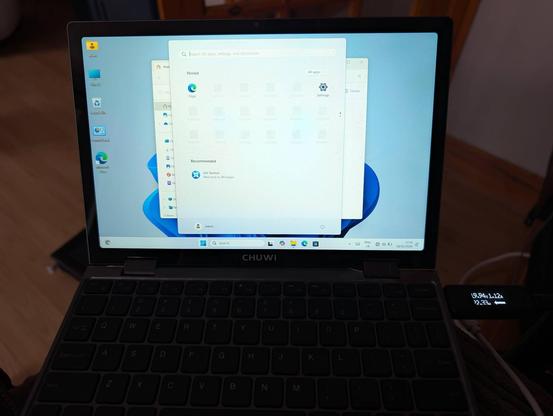
Gonna give Windows 11 a spin first. Mostly because a separate gadget has a firmware update which is packaged as an .exe.
Haven't connected it to the Internet get, but so far Windows is just as I remembered it from a couple of years ago. Unexciting.
Linux Mint Debian Edition is go!
Automatic screen rotation works once booted (grub and LUKS in portrait mode). Touchscreen works as does WiFi. Sound works, as do the function keys.
Haven't tested anything else yet.
Affiliate link if you want one - https://s.click.aliexpress.com/e/_c3wSKUbd
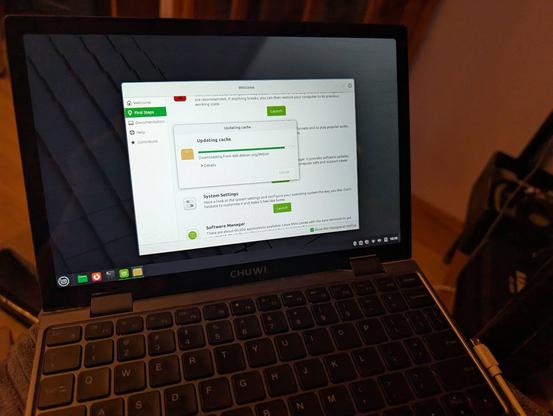
OK Linux Mint is a no-go. Touchscreen doesn't work properly with Wayland.
https://github.com/linuxmint/wayland/issues/190
Time to try a new distro!
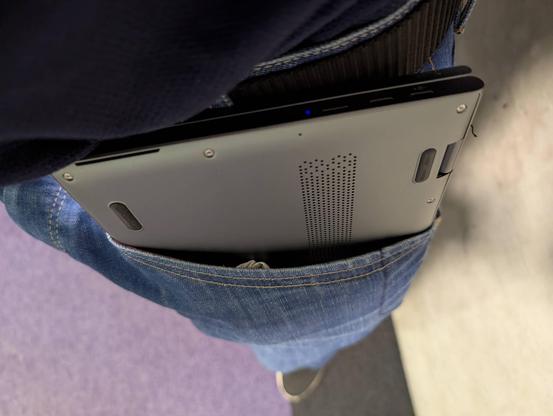
This mini laptop literally fits in my jeans' pocket. Just about 😄
Trackpad is a bit crap, but other than that it is a cute and useful device.
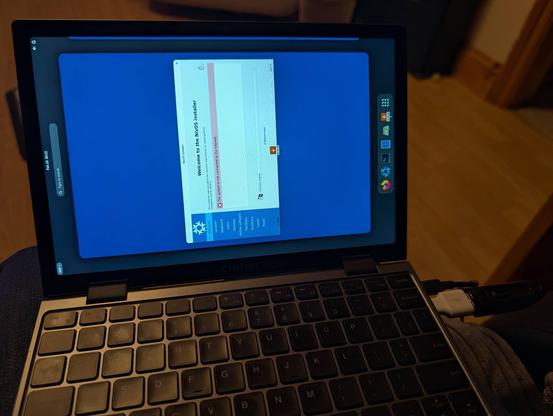
Man, the #NixOS people really love editing their text files, huh?
I've managed to get fractional scaling (by adding to a text file) and screen rotation (by adding weird magic to a text file).
Like, you know GUIs exist, right? You can have checkboxes, toggles, and drop down lists. Then save that to whatever text serialisation you'd like.
This reminds me of playing with Linux in the 1990s (derogatory).
A month ago, I ragequit #NixOS.
Now slowly trying it again but this time taking copious notes.
I can see the theoretical advantages, but disappointing to see so much basic information scattered around a hundred different forums and blogs. Even the official post-install guide assumes a hell of a lot of knowledge.
Let's see if I can get it working this time.
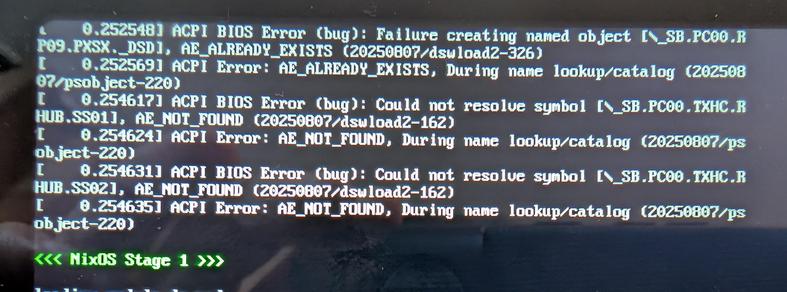
@Edent those aren’t NixOS errors, they’re Linux errors. You just wouldn’t normally see them on a distro that uses Plymouth or similar as they’d be hidden away.
I don’t have any clues for you, just helping direct your search away from NixOS to the kernel.
@Edent it should be
boot.plymouth.enable = true;
you find it with the option search: https://search.nixos.org/options?channel=25.11&query=Plymouth&show=boot.plymouth.enable
but it does not successfully hide all messages
https://github.com/NixOS/nixpkgs/issues/32556
i reported that in 2017, but it's one of those user experience issues that no one works on
i would also argue that it should be enabled by default on a desktop system
@Edent that is another unsolved issue :(
@Edent those user experience improvements seem to be the least popular areas to work on for the #NixOS contributors. even after documentation
i tried to work towards improvements by reporting issues like these and suggesting better behavior and it got somewhat better since 2017 with the GUI installer and many small improvements, but yes, there are a lot of rough edges in nixos. it does not have the number of contributors other distros have and i think other areas are more interesting for many
 Paul Bowsher
 davidak