 dotCody
Windows refuses to boot. Cannot boot from USB. Rare fresh install screen but no USB input. PNP Driver Watchdog error BSOD
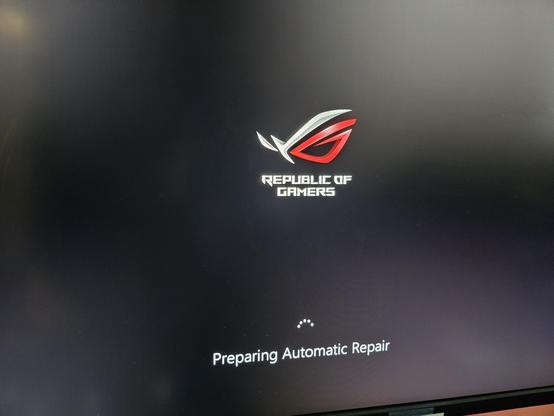
Windows refuses to boot. Cannot boot from USB. Rare fresh install screen but no USB input. PNP Driver Watchdog error BSOD
Well that’s your answer, you usually won’t get a normal Windows boot up with bad RAM. And if by some miracle Windows manages to make it to the desktop with bad RAM it’s just going to crash out sooner or later.
You’re not going to be able to do any Windows re-installs with bad RAM either.
The good news is that’s very unlikely all your RAM is bad. You have 4 sticks - this will take a bit of time but what you can do is take out all RAM sticks. Then install one stick, do a memtest run, if it looks okay take the stick out and repeat with each of the other 3 RAM sticks. That should give you an idea on which RAM stick(s) are bad, the bad ones just keep them aside and don’t re-install them.
After testing each RAM stick individually you can re-install all the good RAM sticks, do a final memtest run & verify it all works together (it should be fine at this point but sometimes you have to do multiple memtest runs to suss out bad RAM).
Once you remove all bad RAM your system should be able to boot into a Windows USB install and make it through the entire install normally. Or alternatively you can test if your current Windows 10 can fix itself once the RAM issue is resolved but there’s a good chance it’s pretty broken now.
 Otherbarry