 Terence Eden
New laptop day! Go on, Fedifriends, which #Linux distro should I put on it?
I usually use Pop / Ubuntu / Debian - but happy to try anything modern and supported.
(Chuwi Minibook X N150 if it makes a difference.)
New laptop day! Go on, Fedifriends, which #Linux distro should I put on it?
I usually use Pop / Ubuntu / Debian - but happy to try anything modern and supported.
(Chuwi Minibook X N150 if it makes a difference.)
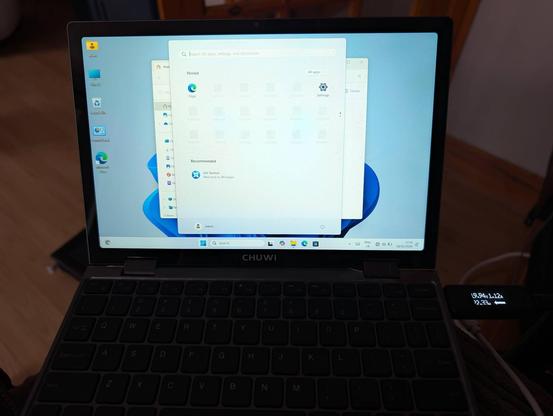
Gonna give Windows 11 a spin first. Mostly because a separate gadget has a firmware update which is packaged as an .exe.
Haven't connected it to the Internet get, but so far Windows is just as I remembered it from a couple of years ago. Unexciting.
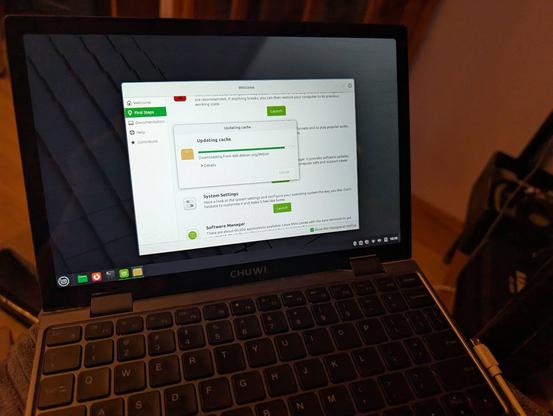
Linux Mint Debian Edition is go!
Automatic screen rotation works once booted (grub and LUKS in portrait mode). Touchscreen works as does WiFi. Sound works, as do the function keys.
Haven't tested anything else yet.
Affiliate link if you want one - https://s.click.aliexpress.com/e/_c3wSKUbd
OK Linux Mint is a no-go. Touchscreen doesn't work properly with Wayland.
https://github.com/linuxmint/wayland/issues/190
Time to try a new distro!
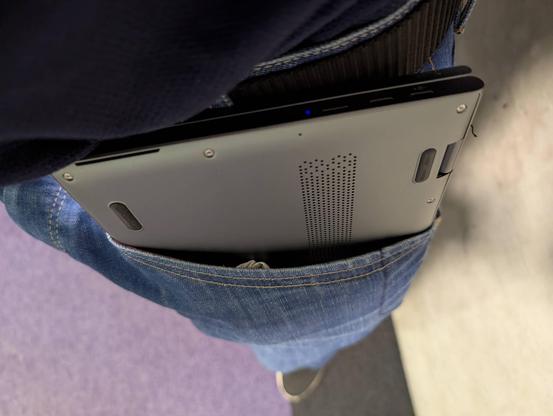
This mini laptop literally fits in my jeans' pocket. Just about 😄
Trackpad is a bit crap, but other than that it is a cute and useful device.
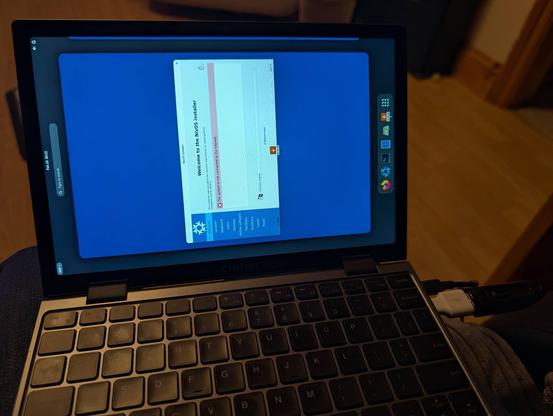
Man, the #NixOS people really love editing their text files, huh?
I've managed to get fractional scaling (by adding to a text file) and screen rotation (by adding weird magic to a text file).
Like, you know GUIs exist, right? You can have checkboxes, toggles, and drop down lists. Then save that to whatever text serialisation you'd like.
This reminds me of playing with Linux in the 1990s (derogatory).
A month ago, I ragequit #NixOS.
Now slowly trying it again but this time taking copious notes.
I can see the theoretical advantages, but disappointing to see so much basic information scattered around a hundred different forums and blogs. Even the official post-install guide assumes a hell of a lot of knowledge.
Let's see if I can get it working this time.
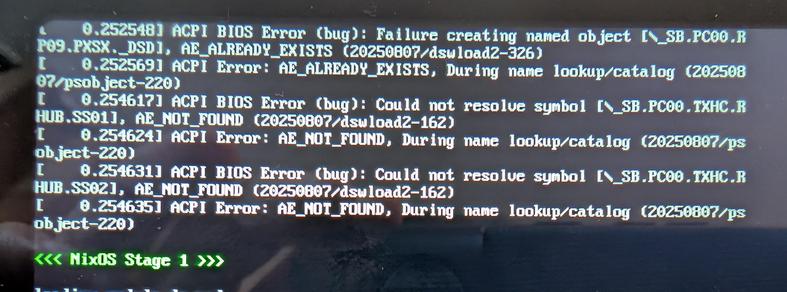
@Edent those happens on any linux kernel based system, they are related to your hardware specifics, they can be harmless or they can harm some features like suspend or power management features (or physical extra buttons)
to fix them, you need to learn how to write ACPI code, debug it then submit a patch to the Linux kernel, alternatives involves running with workarounds like `acpi_osi="!Windows2020"` on the Linux command line
 Raito Bezarius