Did Apple explain why they abandoned the snapping/magnetic/shape-changing iPad mouse pointer announced in 2020, and went to a more traditional arrow last year?

Answering my own question:

https://developer.apple.com/videos/play/wwdc2025/208 starting at 8:45, but there’s no explanation, just the sort of “we’ve always been at war with eastasia” one expects from Apple’s polished statements.

Elevate the design of your iPad app - WWDC25 - Videos - Apple Developer

Make your app look and feel great on iPadOS. Learn best practices for designing a responsive layout for resizable app windows. Get...

Apple Developer
Design for the iPadOS pointer - WWDC20 - Videos - Apple Developer

Bring the power of the pointer to your iPad app: We'll show you how Apple's design team approached designing the iPadOS pointer to...

Apple Developer
You bet I’m writing a blog post.
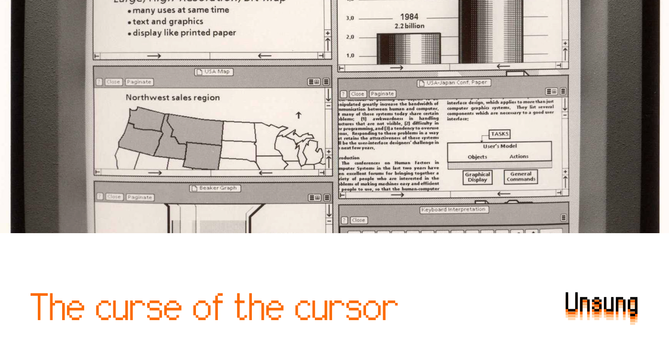
The curse of the cursor – Unsung

A blog about software craft and quality

@mwichary I liked and used Posy’s cursors before Tahoe. Now I use Tahoe’s on my work Windows laptop too. It’s just a nice softer arrow and the icons are great (hand aside). iPadOS 26 really seems to get the tailless arrow right too.
@mwichary this was a fun read, and I didn’t expect you to go into the iPad cursor design. I actually bought the iPad Pro with the Magic Keyboard just so I could use the morphing pointer, and I loved it. It’s obviously more precise now, overall, but for interacting with toolbar UI elements, the level of precision it offered with morphing was perfectly sufficient.
@mwichary also, I think I’ve heard them using the word “somehow” in other videos, too, lately, though it could just be this one. Weird word choice, indeed.
@mwichary
Very nice, thank you!
There’s probably a lot more to be said in the history of other systems. I think some experimented a bit and also all came back to the Kay approach. I always thought by being on an angle, the cursers stays out of the way while still being precisely on point.
1/2

@mwichary

One story I’d like to add. This is more in the category of mouse trails and shake to locate.
I installed the Master Control Program (yes, MCP) on my AmigaOS 3.1 in the mid 90s. This allowed me mouse actions I had not seen anywhere else before. The curser disappeared when I started typing or I could scroll in an unselected window just by moving the mouse curser over it.
2/2