 Jan Schaumann
Blogged it down because not everybody knows this:
- On macOS, ssh(1) has a "UseKeychain" option, which is awesome.
- If your ssh connection gets rejected, it might be because your agent has more than the server's MaxAuthTries keys it's trying; use 'IdentitiesOnly' to avoid that
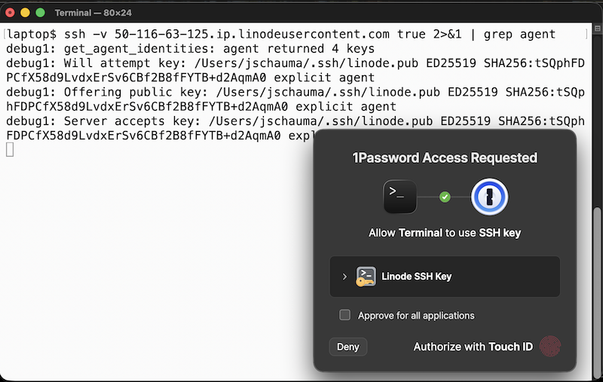
- You can put your ssh private keys into 1Password and use _its_ SSH agent -> biometric unlock of ssh keys
 David Chisnall (*Now with 50% more sarcasm!*)
 svaclav