 DAVID WOODBRIDGE
A powerful partnership. A shared mission. An incredible opportunity.
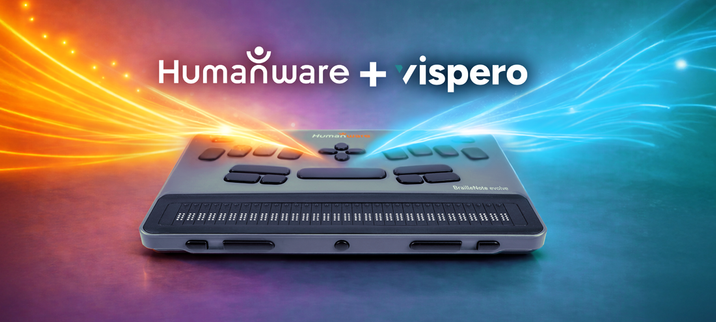
We are proud to announce that BrailleNote evolve is evolving into something even greater.
HumanWare and Vispero have joined forces in a powerful partnership, united by a mission to empower individuals who are blind or visually impaired, opening doors to learning, awareness, and opportunities that help them thrive.
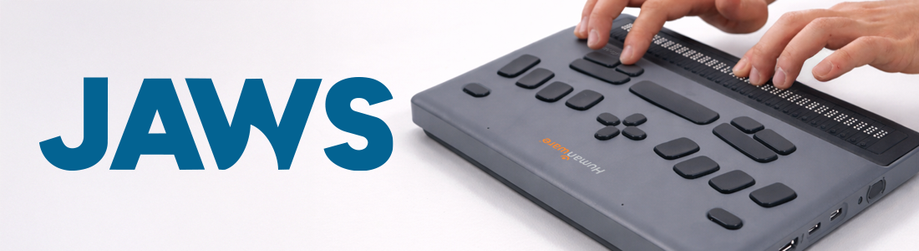
As part of this collaboration, we are delighted to offer a FREE 6-month JAWS subscription with every BrailleNote evolve. HumanWare also confirmed it will manage the global distribution of JAWS for BrailleNote, further expanding access to powerful screen reading technology for BrailleNote users worldwide.
This exceptional offering reflects the strong alignment between our two organisations. Together, we are committed to empowering users with the tools and skills they need to succeed, in education, rehabilitation and the workplace.
BrailleNote evolve is far more than a notetaker. It is the lightest and most portable braille computer of its kind, seamlessly combining Windows with the familiar KeySoft environment and a customised NVDA experience, all within one integrated device that puts braille at your fingertips. Now, with JAWS alongside it, BrailleNote evolve becomes an even more powerful gateway to independence, confidence and professional success.
Designed with everyone in mind, whether you are starting your learning journey with braille, studying in education, building confidence through rehabilitation, or advancing in the workplace, BrailleNote evolve adapts to your needs. Users can comfortably operate a full Windows computer through the accessible and familiar KeySoft interface, gradually developing essential screen reader skills at their own pace before fully moving to the JAWS experience.
“At HumanWare, although we do not develop our own screen reader, we have always encouraged users to build strong screen reading skills” says Andrew Flatres, Senior Product Manager at HumanWare. “For those who are just beginning, the learning curve can feel overwhelming. BrailleNote evolve provides a supportive bridge, enabling users to build these critical skills within a familiar environment and, when they are ready, transition seamlessly to the world’s leading screen reader, JAWS — all on the same device.”
“This partnership demonstrates the power of collaboration. By bringing together our expertise, we can create even greater opportunities for the blind and low vision community. Including six months of JAWS with BrailleNote evolve allows users to build confidence and develop essential screen reader skills, with the option to continue their subscription at a preferential rate through HumanWare.”
— Matt Ater, Senior Vice President, Vispero… (1/2)


 Darrell Hilliker 👨🦯♾️📡
 Joe Steinkamp