 Drafts
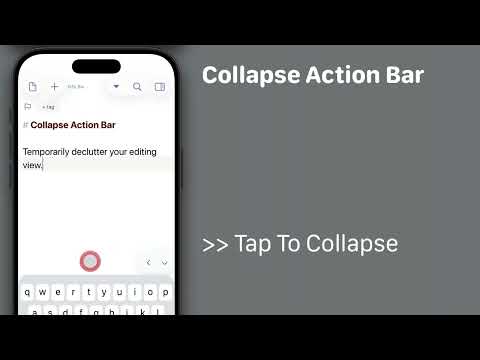
Starting with Drafts 51, it is possible to temporarily collapse the Action Bar (buttons above keyboard) on iOS 26 to reduce distractions while editing.
To do so:
* Long-press the downward arrow button to the right of the Action Bar for options menu.
* Tap the `>>` to collapse the bar to a minimal size.
* When done, use the `<` to re-expand the bar.