dxzdb
dxzdb#swiftUI frustration:
.pickerStyle(.menu) - works great with Dynamic type 👍
.pickerStyle(.segmented) - totally ignores Dynamic type😵
¯\_(ツ)_/¯ #xcode #accessibility #a11y
#swiftUI frustration:
.pickerStyle(.menu) - works great with Dynamic type 👍
.pickerStyle(.segmented) - totally ignores Dynamic type😵
¯\_(ツ)_/¯ #xcode #accessibility #a11y
@dxzdb I believe this is by design. Similar to navigation bar / toolbar items.
If you enable the accessibility sizes and tap+hold on the segment control segments, I think they will show a view in the largeItemViewer just like toolbar items do.
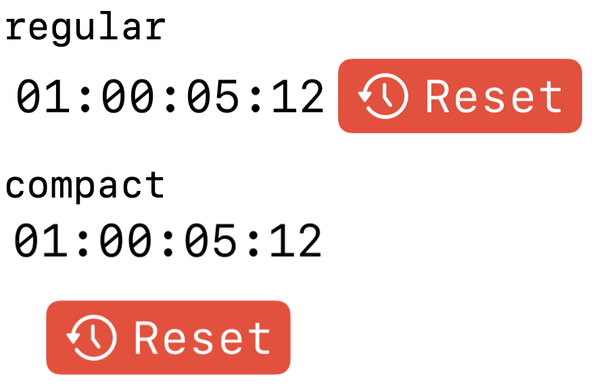
@its_john_davis hmmm I'll have to investigate that … I found that I could make a contingent HStack to VStack switch with unique view contents with this article:
https://useyourloaf.com/blog/swiftui-adaptive-stack-views/
Above 135% is the switch. I thought there was a more granular way to do this somewhere - but I haven't found that yet.
I knew tap and hold makes tab bars into a giant pop-over ... still, I'm not sure how universally known that is with users.
 John Davis