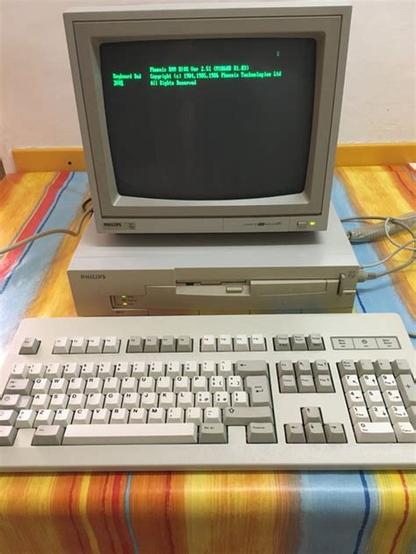
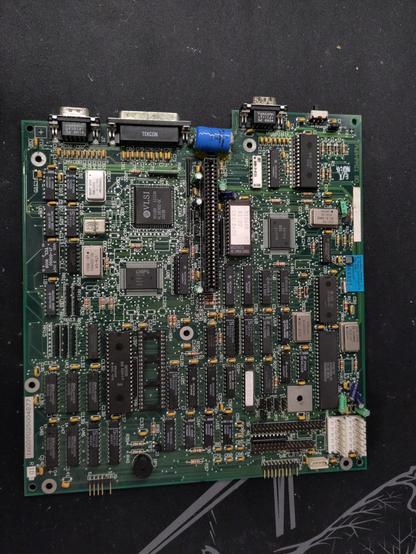
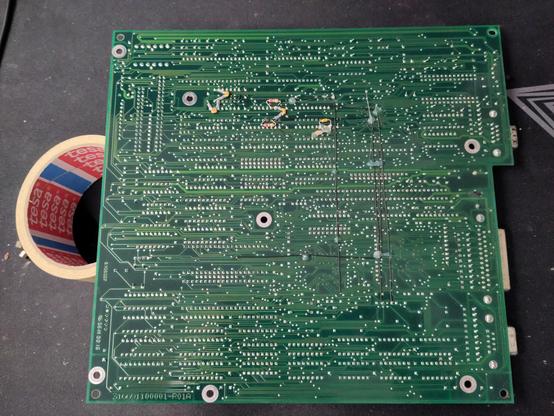
Cleaned all the traces the better I could, it doesn't seem the acid eaten them all the way down... so I tried to follow them and test them for continuity. They seem all to be still connected 🙂
I like to test the #powersupply before connecting the motherboard, but this one doesn't seem to start. It starts for a split second and it stops immediately...
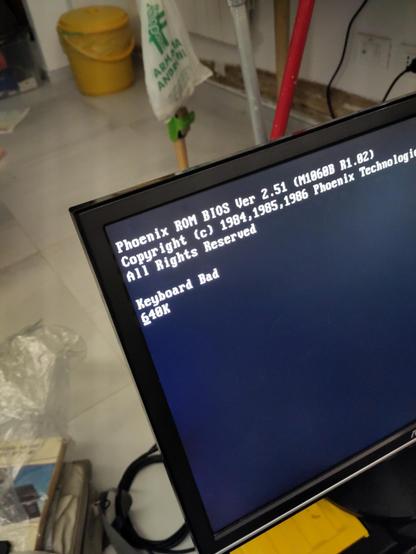
Let's try to start it. Unfortunately I don't have a CGA or MDA screen here, but what I've got is an ISA VGA card that can be set to 8 bit mode! Let's try...
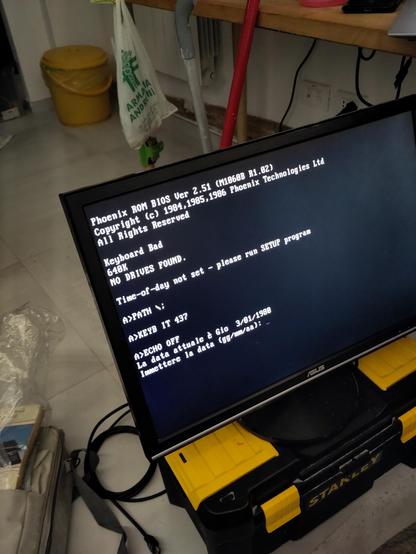
I'm not sure if the floppy drive is 720 or 1.44, but for food measure I popped in a 720k floppy from the #amstrad ppc-640 luggable pc. ...and it reads it correctly! It's booting DOS!!! Let's find a compatible keyboard and play something!
Every time I press a key, either it doesn't do anything or it prints a bunch of unrelated characters. It also beeps a lot of times, like if the keyboard's buffer was full, but it still prints characters 🤷♂️ I never debugged a keyboard problem and, honestly, have no idea how an #AT#keyboard works...
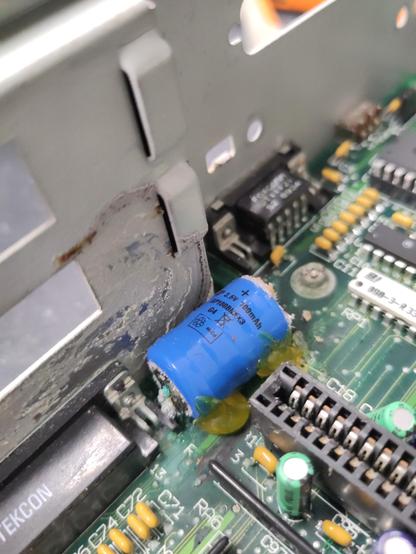
The keyboard connector is very distant from the zone interested by the battery leakage. I don't think it's related. I redone all the soldering on the keyboard connector, just in case, but it doesn't seem to make any difference
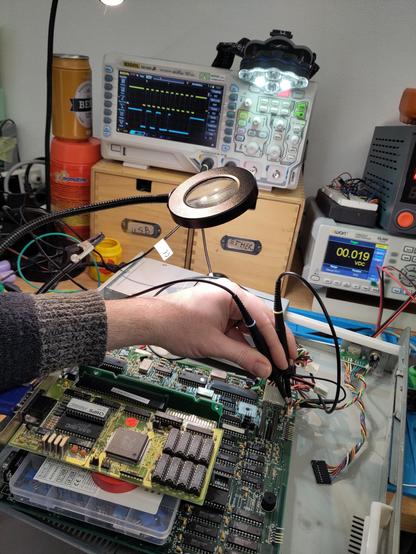
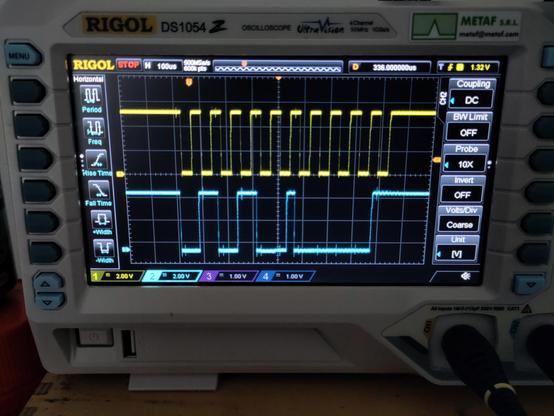
Ok, I'm probing the #keyboard with the #oscilloscope. The yellow trace is the clock pin, the blue is the data pin. When I press a key, a lot of times it doesn't send anything: no clock, no data. But sometimes it triggers and there is a clean clock and data signal (or atleast it's what seems to me 🤷♂️).
 Daniele Verducci 🧉