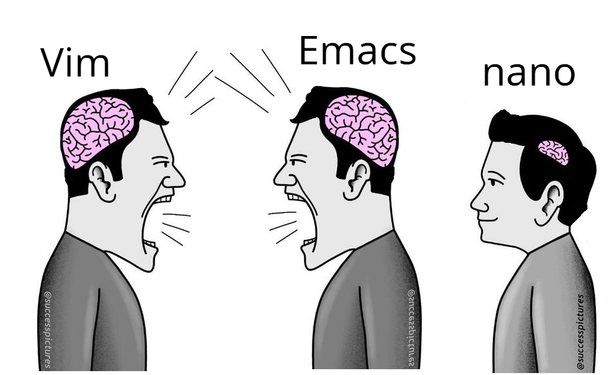
why hard exit editor? Nano say at bottom.
https://lemmy.world/post/43888601

micro enters the chat.

Static, portable binary with no dependencies.

Out of the box:

  • Syntax highlighting
  • Multi-line cursors like Sublime Text
  • Mouse support
  • Splits and tabs
  • Diff gutter
  • Copy and paste with system clipboard
  • Cross-platform
  • Sane key binds (ctrl-s, ctrl-c, ctrl-v, ctrl-z, ctrl-x, etc)
  • Plugin system
  • And much much more

I have nothing to do with the project but this binary is the absolute best. curl or wget to any host and away you go with effectively a Sublime Text / VSCode like in the terminal.

It’s baffling it’s not more well known and not installed by default on major distros.

Micro - Home

If only I could get copy paste working when using micro over ssh. inside a document it works fine but I can’t get it to put stuff on my system clipboard
to use the system clipboard I select with the mouse while holding shift, then do ctrl-shift-c iirc. That’ll use the terminal emulator highlight and the system clipboard.
Yep, and then Ctrl+Shift+V for paste.
But if you’re pasting from Micro to Micro, and it’s from the same session (horizontal/vertical splits, other tabs, elsewhere in the same document), you don’t need to go to the system clipboard and can drop the Shift.