 utopiArte
@studi0
[edited: Due to perhaps misunderstandings or perhaps real differences with the author of an image originaly used for this post, all content that somehow relates to him and is part of his work has been changed, restricted or removed.]
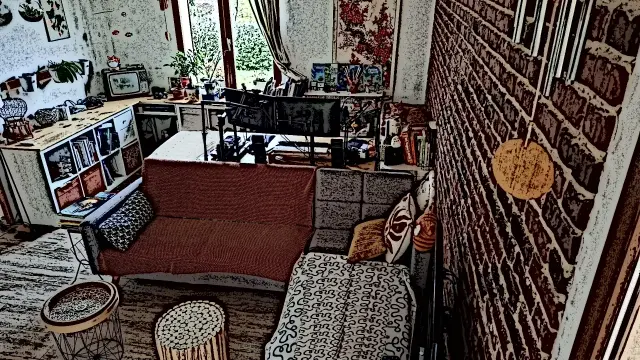
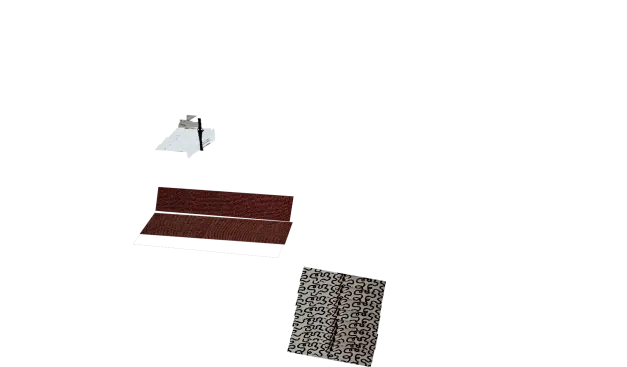
A nice example of a 2 dimensional image with a lot of perspective for a background canvas for the #scriptedTale projects. The author has had no issues if we use it for #GIMP'ing, as long as it is in a respectful manner.
>> @utopiArte
>> May we ask if we can use it for a @gimped session?
> @[email protected]
> if it is respectful, consider this photo as released under a CC By license
[the following link has changed to replace the original one]
RE: tupambae.org/objects/0ac89072-…