 Joe Lebo
@drafts is it possible to open the "new draft" command from control center via a shortcut? I am getting close but it's not quite the same. I could be configuring the shortcut incorrectly too
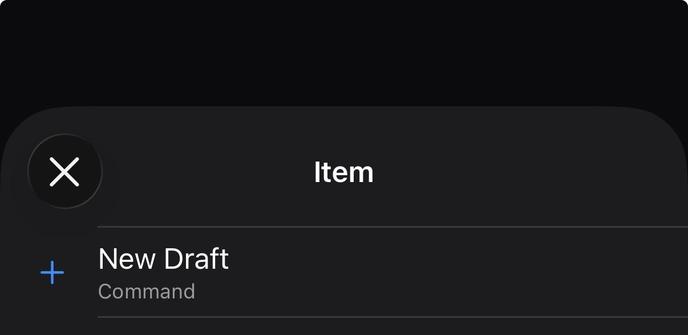
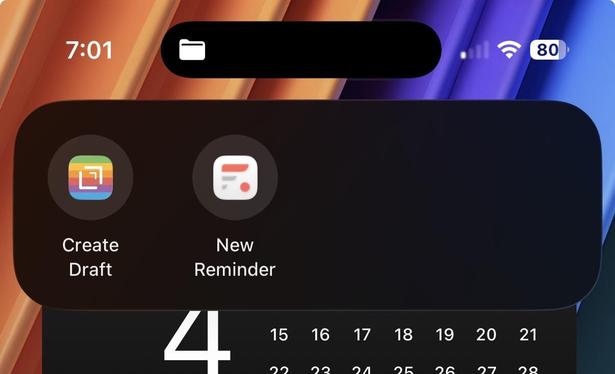
@jjlsetter Not sure what is in your Shortcut. The control does two things, creates a draft and opens it in the app...so your shortcut would need to do that as well. So a "Create Draft" action, followed by an "Open Draft" action that opened the draft created in the previous step.
Or you could use an Open URL action that opens “drafts://create”, which would be the same thing.
 Drafts