 Tom Kraina
 Steve Troughton-Smith
Here's a fun widget dilemma…
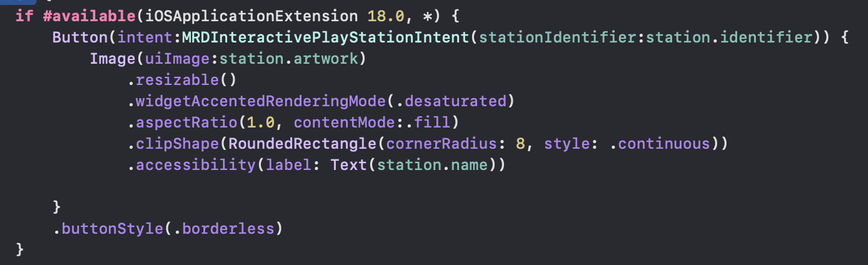
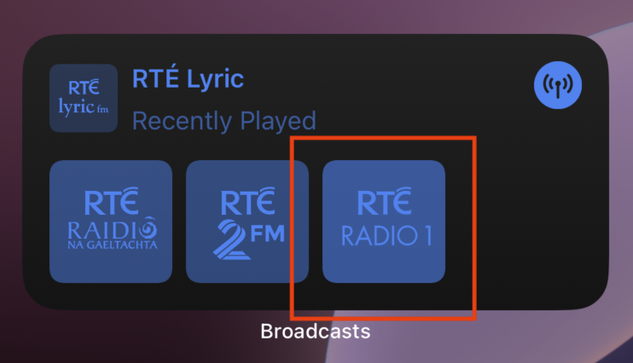
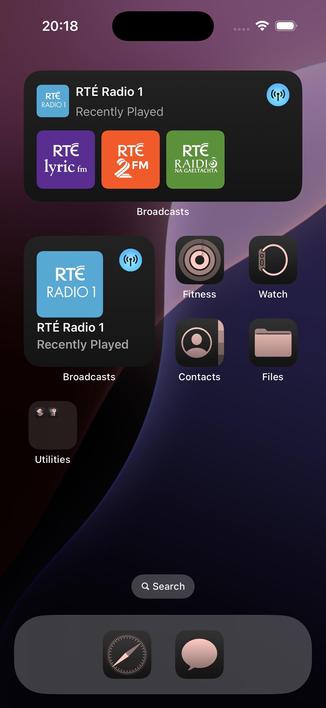
Setting iOS 18's .widgetAccentedRenderingMode(.desaturated) on an Image that is the content of a Button with an interactive intent breaks its clickability? 👀
Just me, or am I doing something wrong?
Here's a fun widget dilemma…
Setting iOS 18's .widgetAccentedRenderingMode(.desaturated) on an Image that is the content of a Button with an interactive intent breaks its clickability? 👀
Just me, or am I doing something wrong?
FB15124298 on WidgetKit
“Image .widgetAccentedRenderingMode(.accentedDesaturated) prevents user interaction in widget when content of a Button(intent:)”
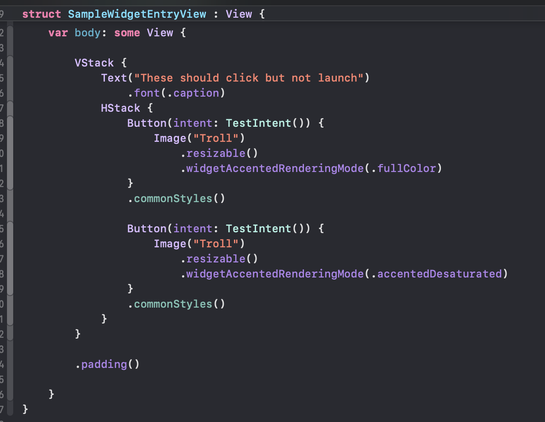
@stroughtonsmith @teaseaque I found a workaround for now - use `Color.clear` for the Button label and put the accented image as a `.background {}`.
I'm running into other issues though, mainly that `.desaturated` breaks position animations (forcing a cross-fade instead of a slide) and `.accentedDesaturated` causes the images to flash to white during an update
@stroughtonsmith perhaps also good candidate for TSI? Since they now require Xcode project to submit anything.
I think the response is much more likely compared to a feedback.
@_Davidsmith @stroughtonsmith To be honest that's often how I proceed with SwiftUI weirdness and bugs 😅
Not great vibes from the framework! 😕
 Tom Kane
 Jayson Rhynas
 Fabian Pimminger
 Filip Němeček
 Simon B
 David Smith
 Ricky Witherspoon
 Konrad Kołakowski
 Andy Ibanez