
Quick note: Mastodon 4.5 is out and brings new features including quote posts (https://blog.joinmastodon.org/2025/11/mastodon-4.5).

The current version of Hometown, the fork flipping.rocks runs, is based off an earlier version of Mastodon. Currently, you can't quote posts here, and your posts cannot be quoted (https://docs.joinmastodon.org/user/quote-posts/#faq-old-posts). I'm not sure if they'll be added in the future.

So, if you're confused about everything looking the same and no new features: that is normal, everything is fine!

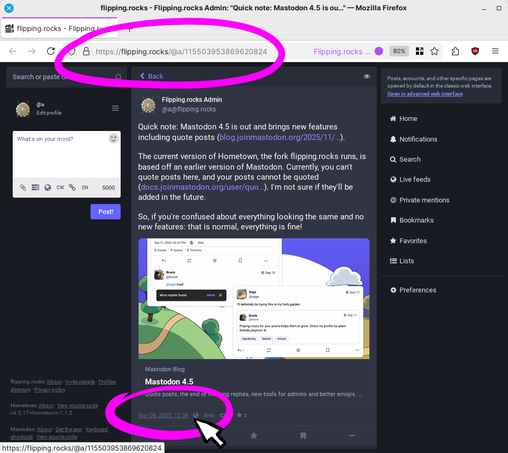
Mastodon 4.5

Quote posts, the end of missing replies, new tools for admins and better emojis. All of these and more, in our latest release.

Mastodon Blog

If you would like to reference another post in your own, there are a few ways:

1. in the web client, copy the link to the post. You can right-click on the time/date in the post ("2h", "January 1", etc.) and copy the link. If you are using a different client/app, try the "share" option.

Then paste the link in your own post. When someone clicks on/taps it, it will open in a web browser or in their client, depending on what they're using.

2. Make a reply to the post, but delete the original poster's handle that is automatically inserted. It will look like a normal post in the feed, but when selected, it will show the original post over it, like a regular reply. You will have to boost your own post in order to make it show up in other people's feeds.