 Mark Seemann
TIL how to FOCUS the Visual Studio Code hover window.
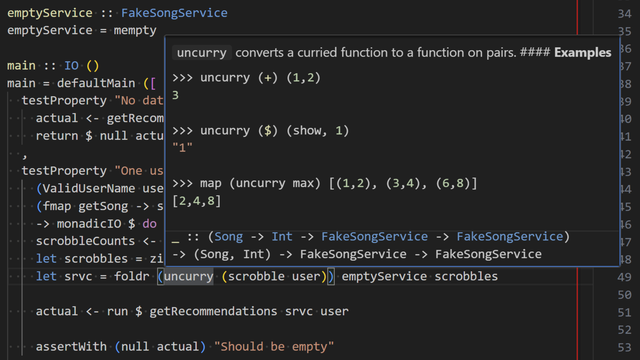
I've long known that Ctrl+k,Ctrl+i shows hover information (e.g. type, documentation), but this hover window sometimes contains so much text that you have to scroll it. How to do that without the mouse? Press Ctrl+k,Ctrl+i again! Now use arrow keys, PgUp, or PgDn to scroll.