 mcc
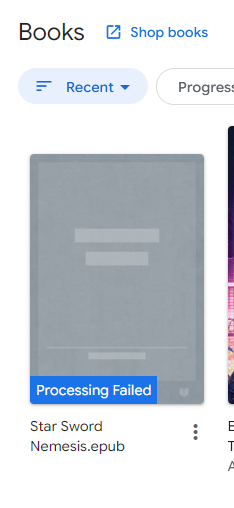
mccI'm at the laundromat. I have a 20mb epub in my Dropbox. I try to open it in the Dropbox app. It goes, I can't open this, but here's a button to upload it to Google Play Books. That's convenient, I think; I tap it. It spends something like twenty minutes downloading the epub to the phone over a cell connection, then another twenty minutes uploading it to Google Play Books. Eventually it finishes. I open Google Play Books. The book is not there. Nor is it in Files. There is no error message.
*Later, trying again from the computer*
Google what the fuck does "Processing" mean. What does it mean to process a book. I just want you to sync it to my phone and open it. I mean it's already on my phone but you won't open it on my phone unless you first sync it from my phone to your server back to my phone so I'm trying to be accommodating.
If I click on the book all it does is open a new tab containing this help page https://support.google.com/googleplay/answer/185545?visit_id=638955591931852971-3016000300&rd=2
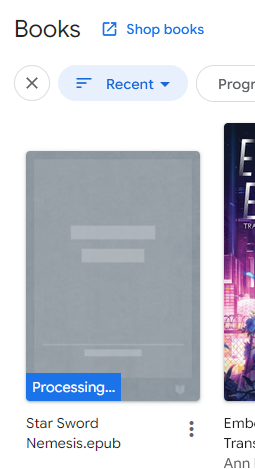
Has anyone ever seen Google Play Books do this, and if it does, is there a way to get an error message? I am in contact with¹ the publisher but there is not enough information to tell the publisher what is wrong.
¹ Married to
Alternately I am now looking for recommendations for a good basic epub reader for Android. All I want is for it to have text search, have a good upper range of font sizes, and not display "noise" such as page numbers or the current time while I am reading. I have never needed anything besides Google Play Books before this.
Current status
- Tried: ReadEra: This does not seem to anticipate how narrow my phone is. Despite fine control over font size and line spacing, There are only two settings for margins, "none at all" and "inconveniently large".
- Tried: koreader: I had to disable multiple phone security features to run the f-droid version of this app. Once I open, I discovered I hated it more than words can describe. I hope it didn't hack my shit
- https://librera.mobi : "Contains ads". What does this mean?
Librera ALSO requires me to give it full access to all files in order to install it, which is pretty aggro for an app that wants me to pay five dollars. Maybe not this one either.
 r0k
r0k