 Steve Troughton-Smith
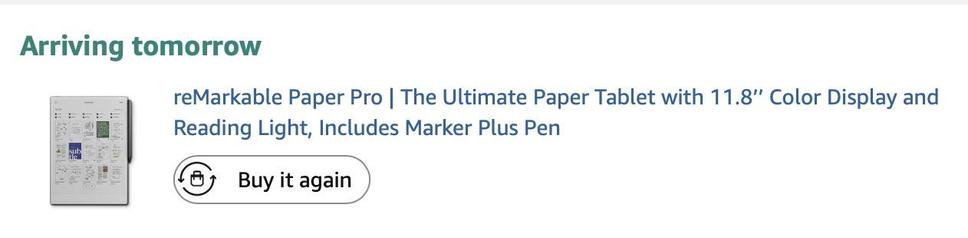
My finger has been hovering over the buy button on the reMarkable Paper Pro page all day 😫
Nothing quite matches the kind of digital paper device I yearn for, but it gets pretty darn close. I wish I could build my own…
My finger has been hovering over the buy button on the reMarkable Paper Pro page all day 😫
Nothing quite matches the kind of digital paper device I yearn for, but it gets pretty darn close. I wish I could build my own…
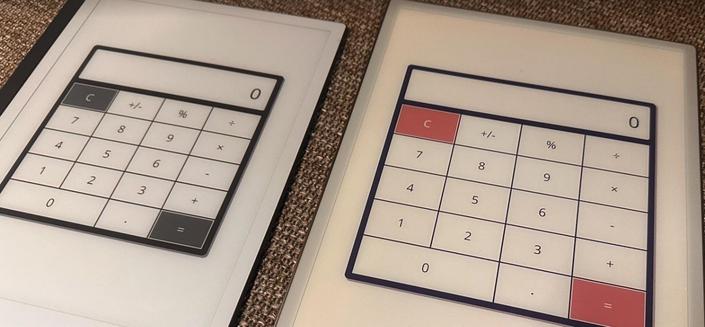
I knew the reMarkable had a developer mode with SSH, but I wasn't aware it had an actual official Qt Quick SDK and cross-compiler toolchain
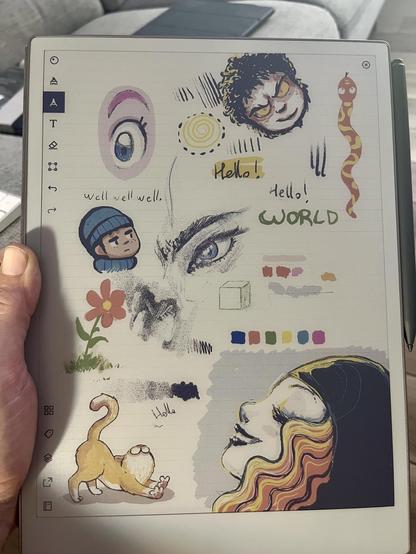
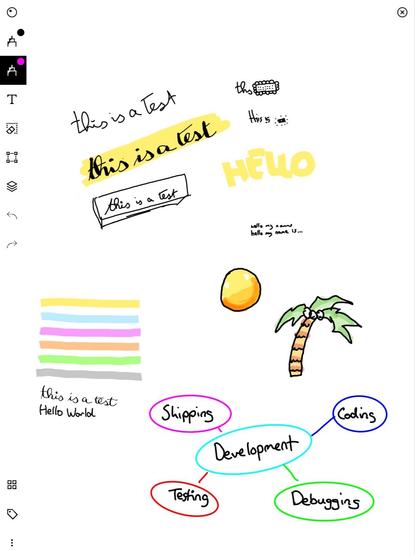
A cute little official guide to sketchnoting on the reMarkable. Sketchnoting is one of those things I really wish I'd learned to do, because every time somebody posts their sketchnotes — usually after conference talks or WWDC sessions — I'm in awe

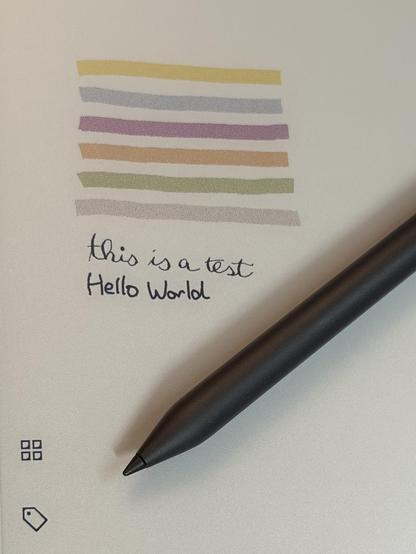
I appreciate the YouTuber economy, but writing 'This is a test' and drawing some colored highlights on a page doesn't really constitute a valuable review of a drawing tablet, eink or otherwise 😂
Give it to people like this Redditor a month ahead of embargo, perhaps, or mind-mapping/sketchnoting pros
/via https://www.reddit.com/r/RemarkableTablet/comments/1fidzm9/my_2_cents_about_the_paper_pro/
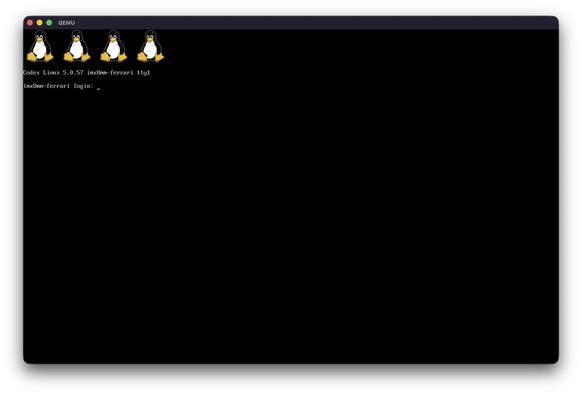
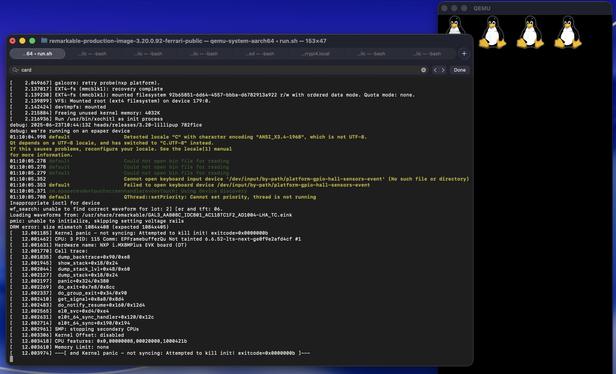
I think I'm giving up here; xochitl has a long try/catch block on init for setting up the hardware, like the epaper controller, and there's only so much I can nop by hand before I'm deep in the weeds and causing higher-level crashes.
It would be nice if reMarkable provided a qemu environment for their OS, because it wasn't hard at all for me, an idiot, to get the basics booting on a generic target with a random kernel I found lying around
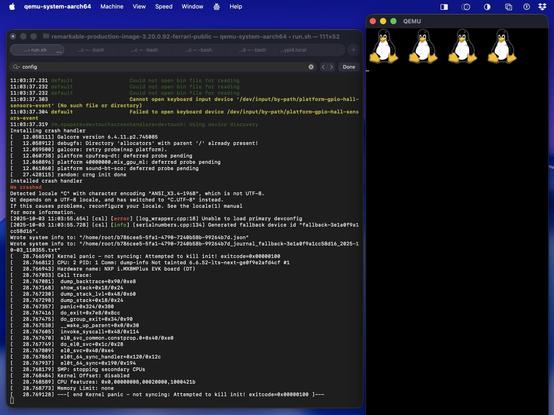
I don't think there's value in trying to document what I did to get this booting, it was a mess.
I grabbed and ungziped the reMarkable ferrari firmware from https://archive.org/download/rm110/RM110/
I stole a kernel Image and device tree (imx8mp-evk.dtb) from https://yocto.dave.eu/desk-mx8m-l-6.0.0-rc0/image/imx8mp-lpddr4-evk/
I masked out a bunch of system services including remarkable's emergency recovery through the boot args in my mess of a qemu script, with a lot of guidance from ChatGPT: https://gist.github.com/steventroughtonsmith/a6c8c6b2c776dc10cc0fa31169ea0db5
And after that byte-patched xochitl
Somebody with a lot more time on their hands could recompile the reMarkable kernel instead of the one I used, and use the actual ferrari-rev-c.dtb device tree from the rootfs. And even better, with patches to qemu to stub in any of the hardware reMarkable OS is looking for.
I ain't that guy 😅
And here's boot console output, just for kicks
https://gist.github.com/steventroughtonsmith/ffb3cffae607fe8d2576800bd523645e
You know you've made it when your products are being used in space

@Mutesplash Well, I think they focus on note taking and writing (i.e. better response time for pens than other pen eink tablets etc).
You’re not wrong, it *does* make it worse for books and documents, I just don’t think that’s their focus either. Remarkable isn’t good for those things.
They’re almost maniaically focused on eink pen writing at the expense of… well.. everything else. But also: has a better pen experience than everybody. It’s IMO *really* good if that’s what you care about (as I do).

 Mutesplash
 Torb
Torb